Record and Capture Settings
64 ClareVision Plus Network Video Recorder User Manual
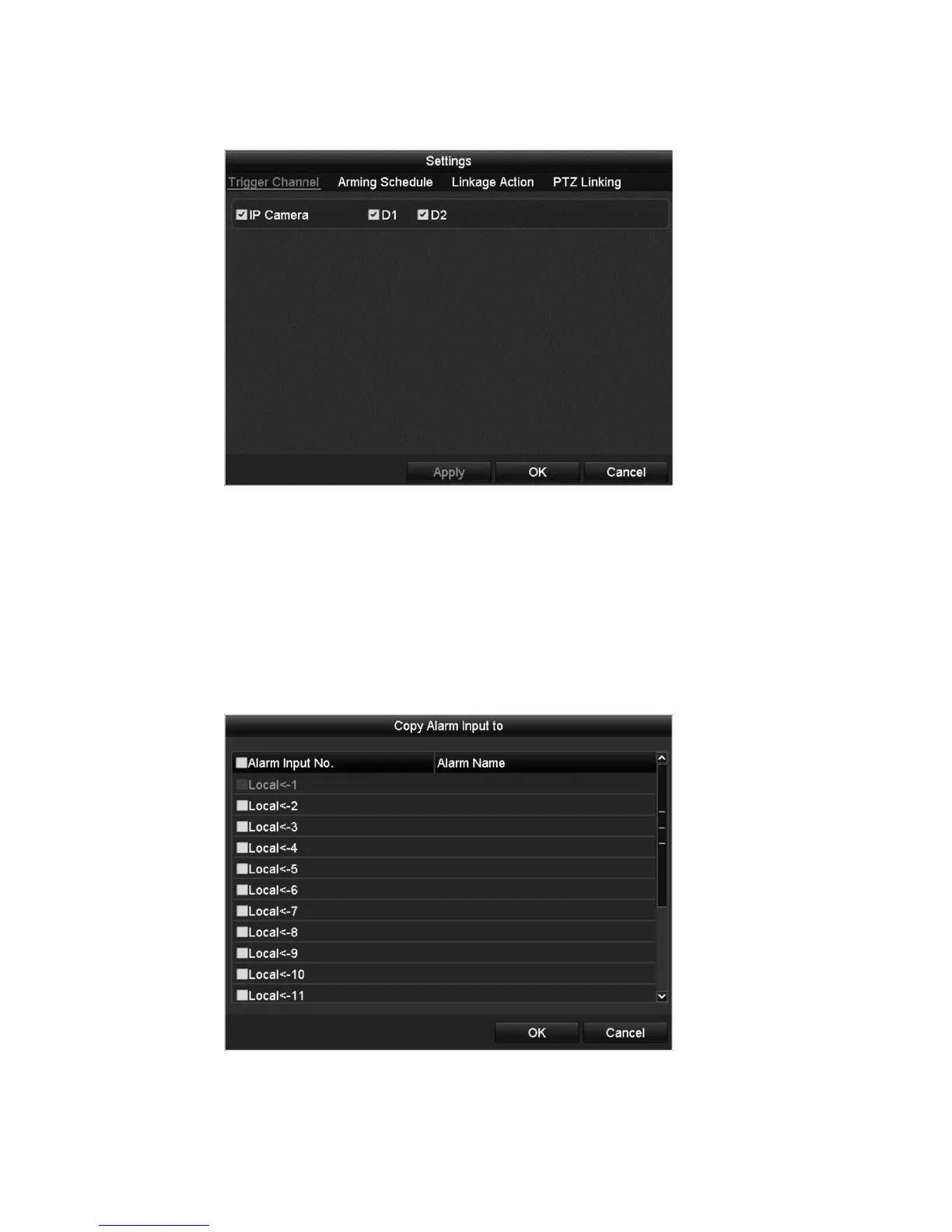
4. Click Settings.
5. Choose the alarm triggered recording channel.
6. Select the desired channel checkbox.
7. Click Apply to save settings, and then click OK to return to the previous
menu.
8. Repeat the above steps to configure other alarm input parameters.
If you want to apply the settings to other alarm inputs, click Copy and choose
the alarm input number.
9. Edit the Alarm triggered record in the Record/Capture Schedule setting
interface.



 To Next Page