Alarm Settings
100 ClareVision Plus Network Video Recorder User Manual
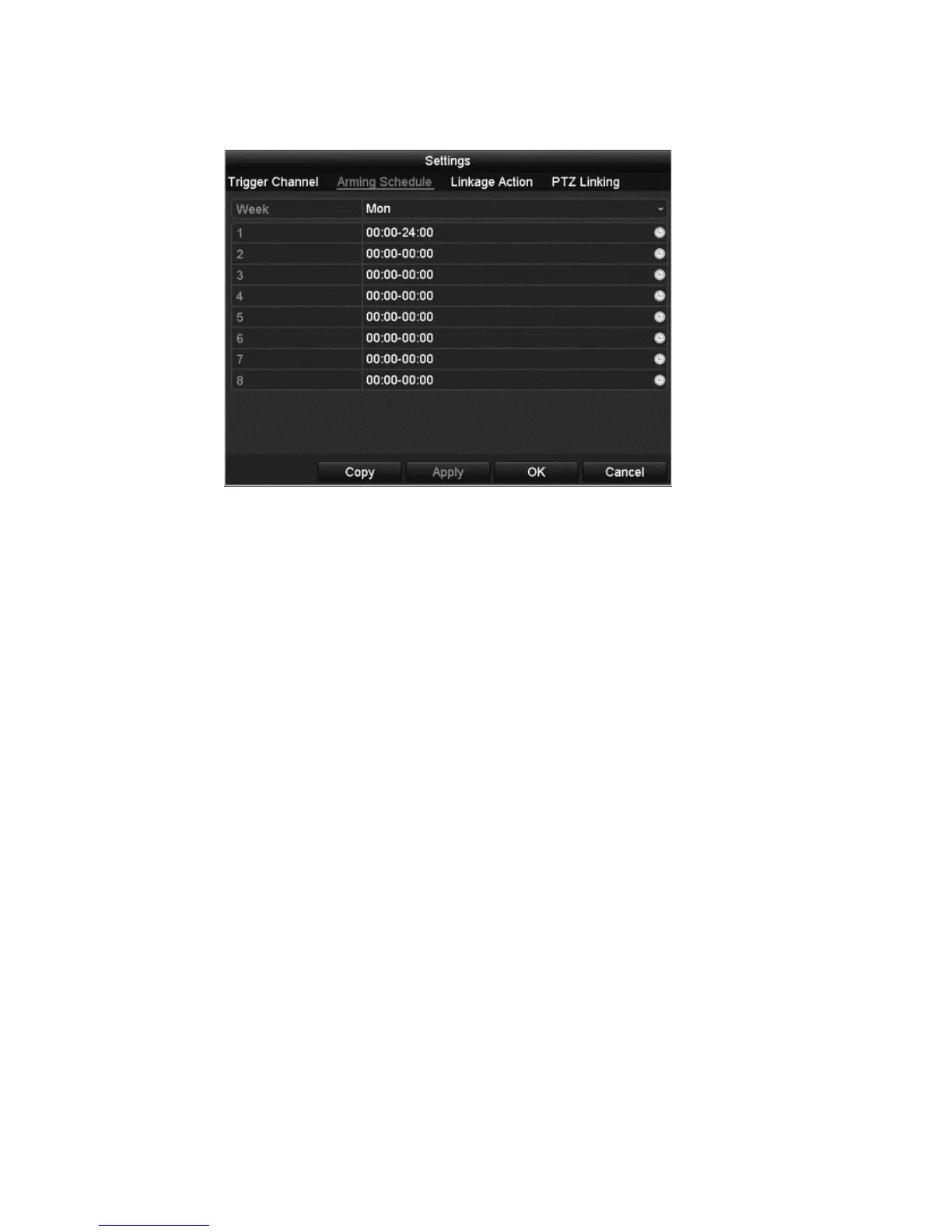
6. Click the Arming Schedule tab to set the arming schedule.
7. Select a day of a week and up to eight time periods for that day, and then
click Apply.
Note: Do not repeat or overlap times.
8. Repeat the above steps to configure the arming schedule for other days.
– or –
Click Copy, to copy an arming schedule to other days.
9. Select the Linkage Action tab to set up alarm response actions of alarm
input.
If necessary, select the PTZ Linking tab and set PTZ linking parameters, and
then click OK.
Note: Ensure the PTZ or speed dome supports PTZ linkage.
One alarm input can trigger the presets, patrol, or pattern of one or more
channels; however, presets, patrols and patterns are exclusive.



 To Next Page