Getting Started
ClareVision Plus Network Video Recorder User Manual 27
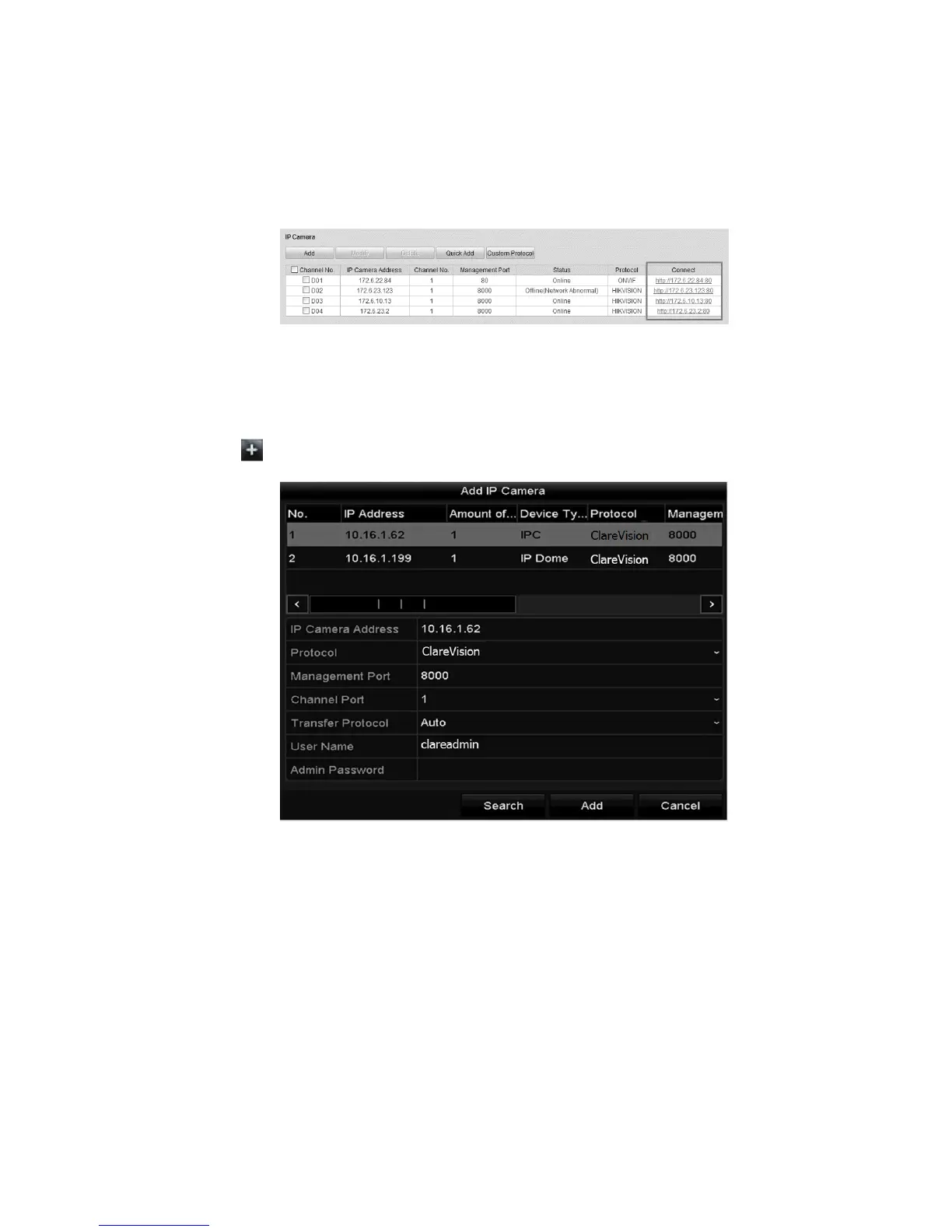
4. Enter the IP Camera Management interface and observe the Connect
column.
Configuration > Remote Configuration > Camera Management > IP
Camera
5. Click the link and IP Camera Management IP page displays.
To add an online camera:
1. Right-click the mouse in Live View mode to show the dialog window.
2. Click to enter the IP camera interface.
3. Select the detected IP camera, and then click Add.
– or–
Custom add an IP camera by editing the parameters in the corresponding text
field, and then clicking Add.
Note: Click Search to refresh the online IP cameras manually.



 To Next Page