Network Settings
136 ClareVision Plus Network Video Recorder User Manual
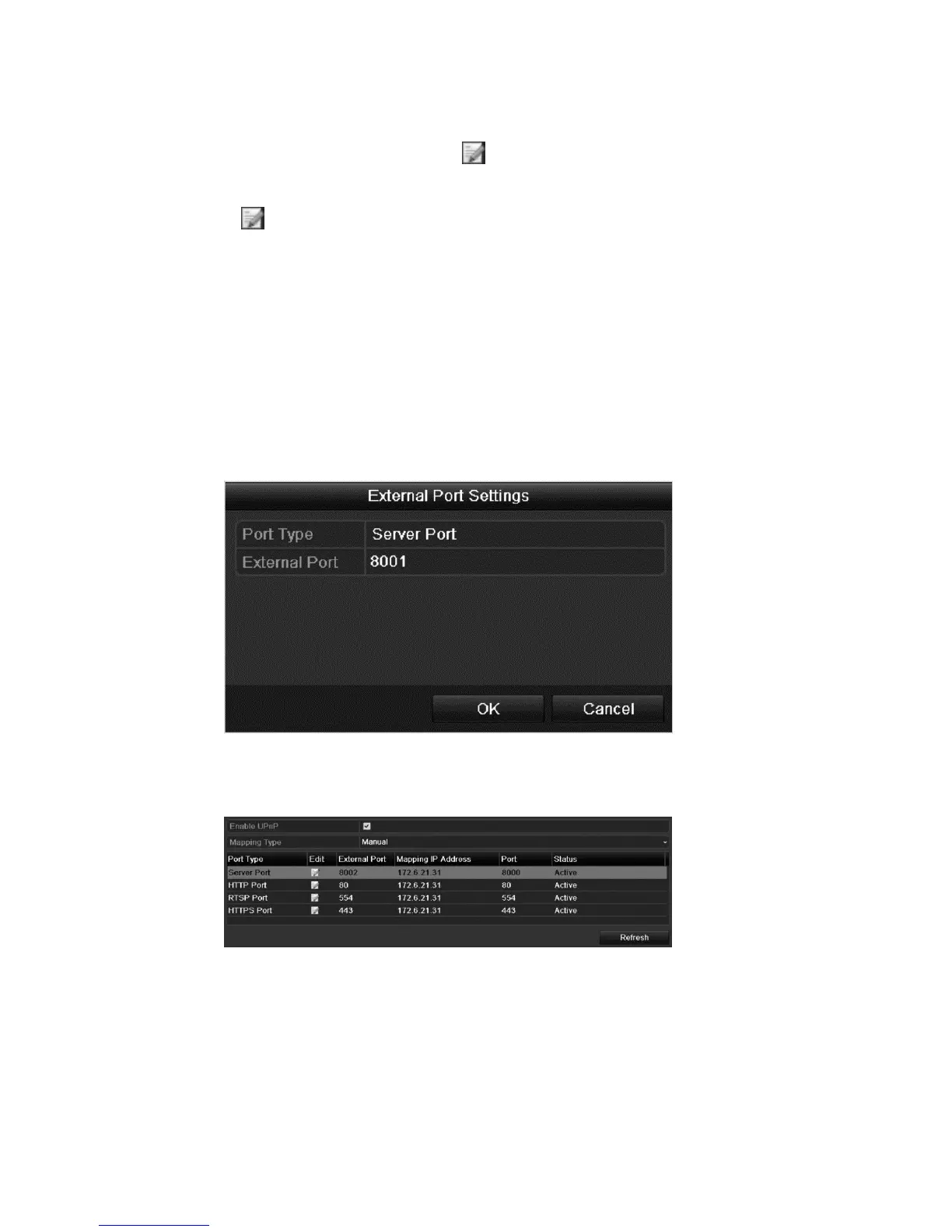
Manual
When selecting manual mapping, click to edit the external port.
a. Set the Mapping Type to manual.
b. Click to access the External Port Settings dialog.
c. Configure the external port number, http port, RTSP port, and https
port.
Notes
▪ You can use the default port number or change it accordingly.
▪ The external port indicates the port number for router mapping.
▪ The RTSP port number must be 554 or between 1024 and
65535. Values for other ports must be between 1 and 65535,
each port number must be unique.
d. Click Apply.
e. Click Refresh to view the latest port mapping status.



 To Next Page