ESAB Cutting Systems
CROSSBOW Page 65
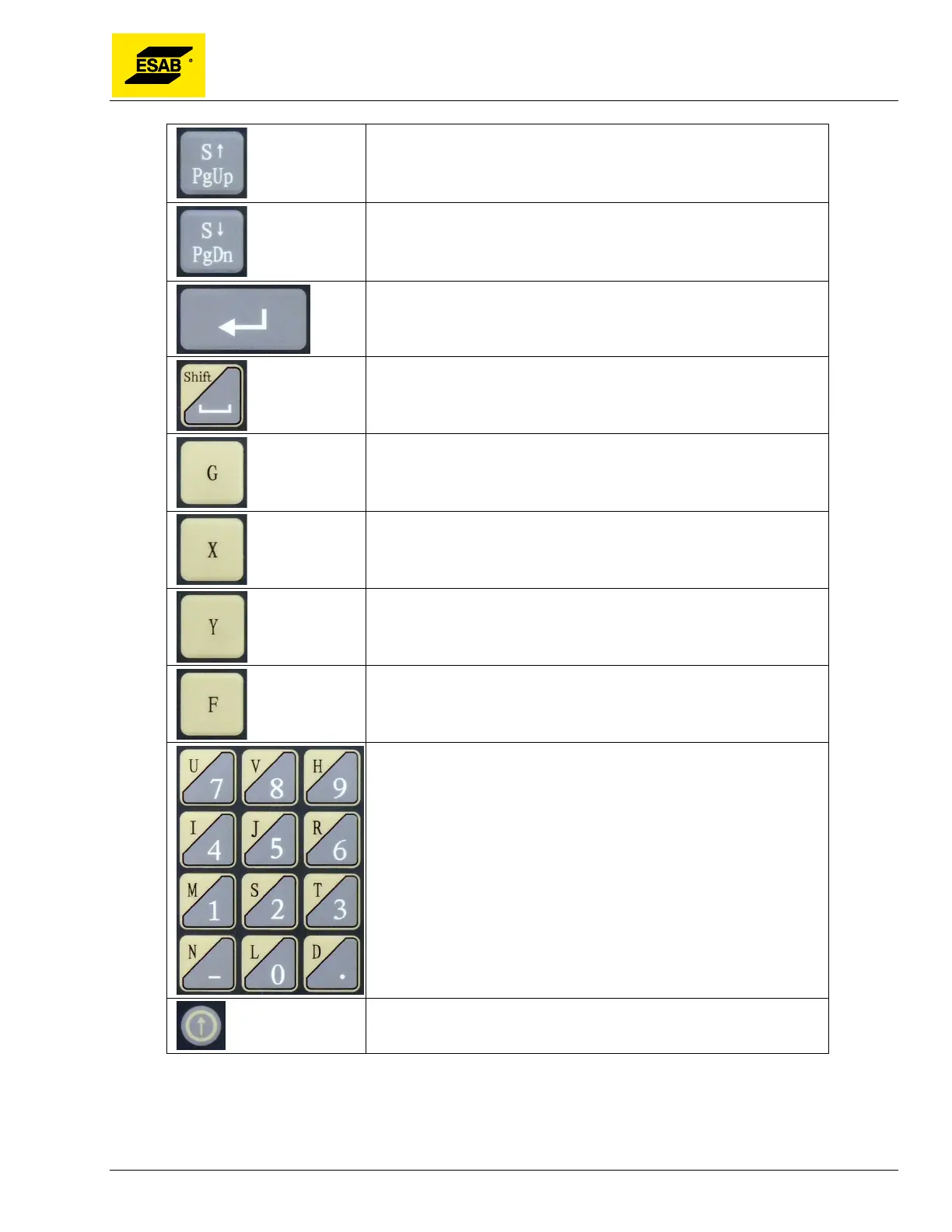
In Auto Mode and Manual Mode this key is Station Up, and drives the
motorized torch lifter upwards.
In Shape Library or Program Editor this
key is Page Up.
In Auto Mode and Manual Mode this key is Station Down, and drives
the motorized torch lifter downwards. In Shape Library or Program
Editor this key is Page Down.
Enter.
Space/Shift
Used to input G-codes in the Program Editor. Alternate function is
Continue. In Auto Mode the Continue function overrides the preheat
timer without recording the time. In Manual Mode, the Continue
function selects Continuous Jog Mode (Jog Latch).
Used to input X-axis values in the Program Editor. Alternate function
Auto Mode is Dry Run.
Used to input Y-axis values in the Program Editor. Alternate function
Auto Mode is Auto Speed Mode Toggle.
Press to manually enter a new speed (Feed Rate) during Auto or
Manual modes.
Input numbers. Letters accessed via the Shift key.
Software upgrade.



 To Next Page