Setup Menu
327
Setups
11
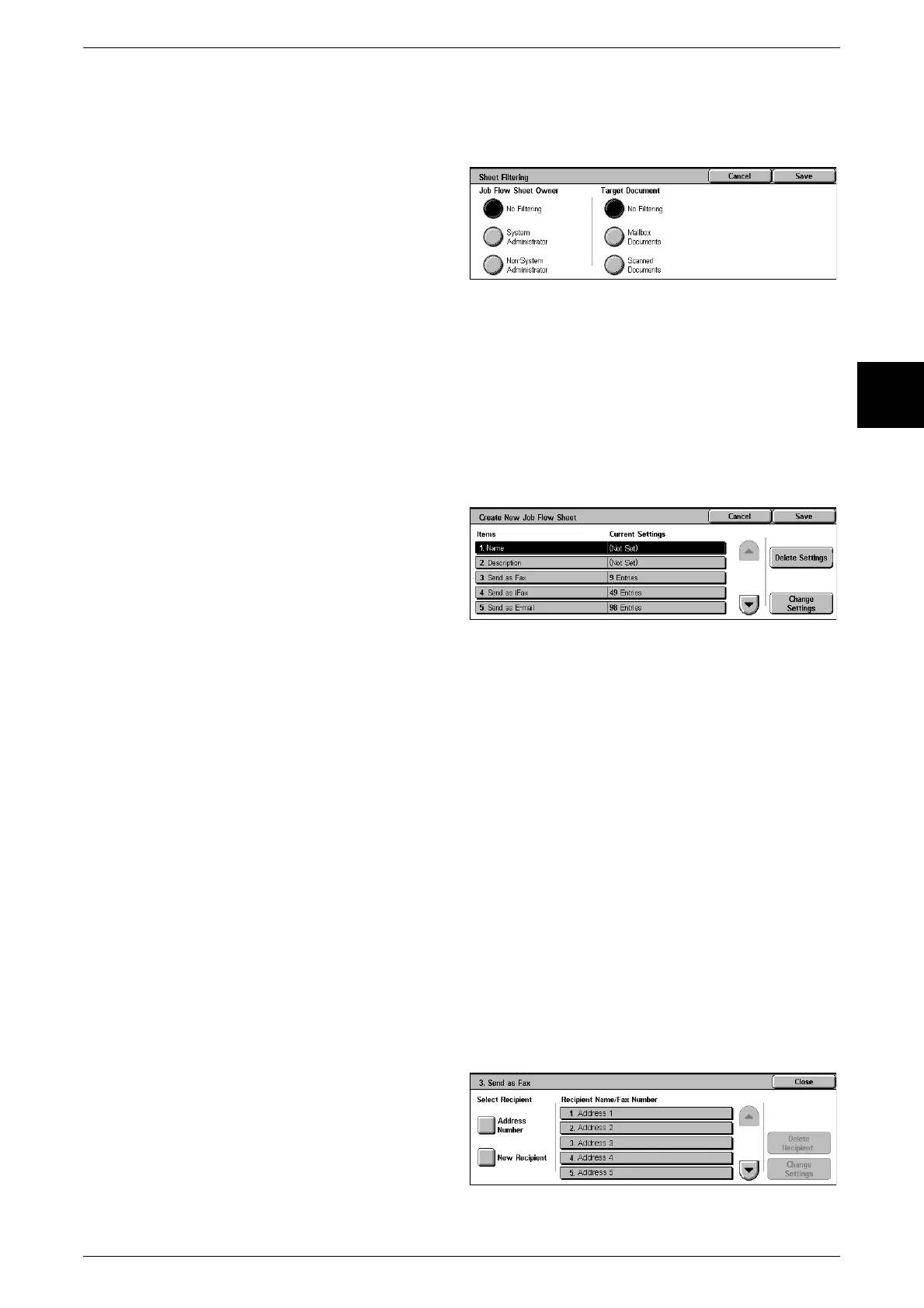
Sheet Filtering
You can filter the job flow display. The screen display depends on the user
authentication feature settings.
1 Select the filtering conditions, then
select [Close].
Create
The [Create New Job Flow] screen appears.
Edit/Delete
The [Content Check] screen appears.
Create New Job Flow Sheet
Create a new job flow.
1 Select the item to be changed.
Delete Settings
This deletes the setting values of all selected items.
Change Settings
With this you can confirm or change the setting values of the selected items.
2 Select [Change Settings].
Name
Set the name for the job flow, of up to 128 characters.
Description
Set the description of the job flow, of up to 256 characters.
Send as Fax
Specify the fax transmission address.
You can specify a total of up to 100 addresses, using either address book numbers or
direct input.
Important • It is not possible to use wildcard or group number specifications.












 To Next Page