Billing Meter/Print Report
379
Machine Status
13
Fax Mode Settings
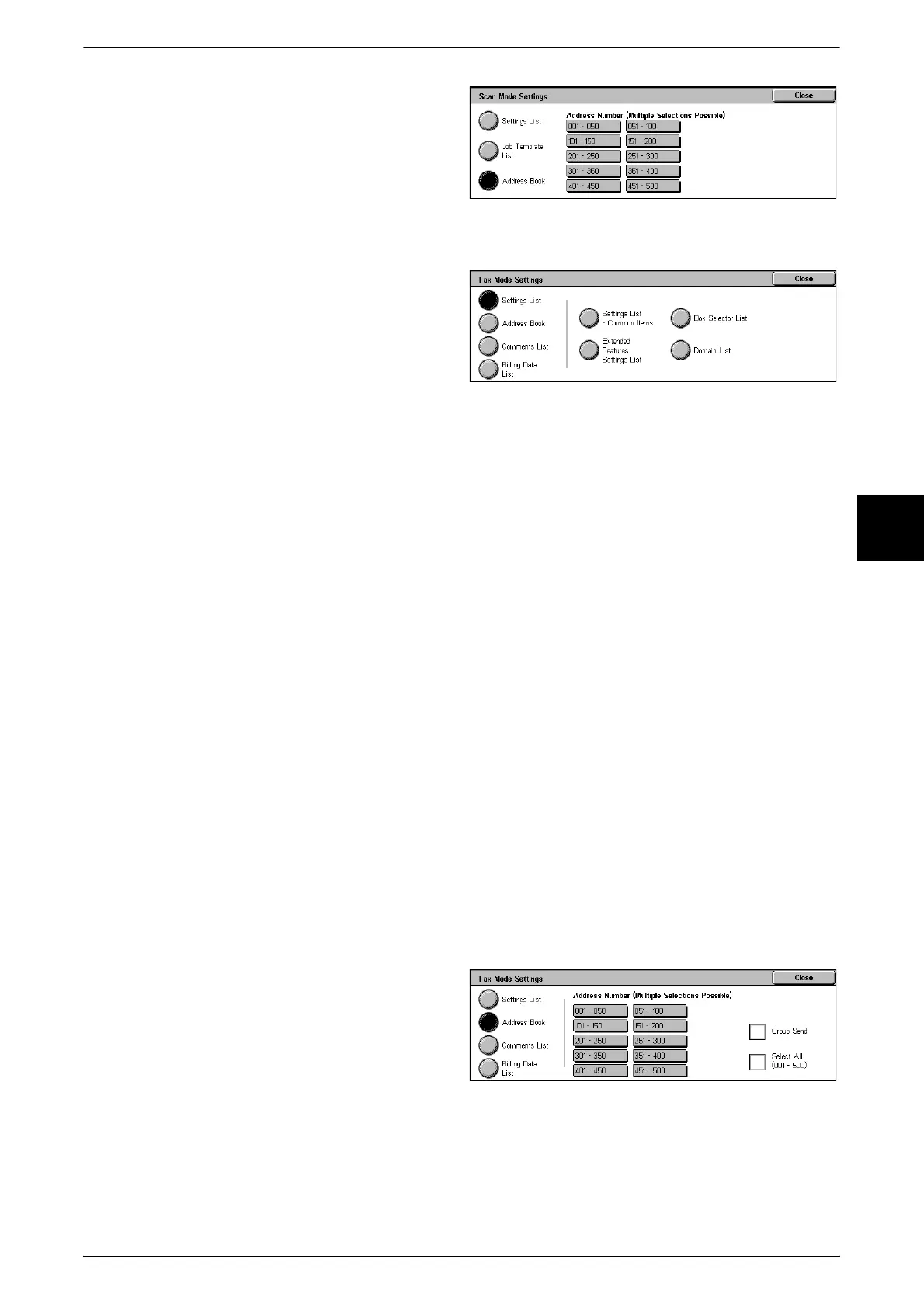
1 Select [Fax Mode Settings].
2 Select the report/list to be printed.
3 Press the <Start> button.
Settings List - Common Items
You can check the hardware configuration of the machine, network information, and
print feature and copy feature settings.
Note • The same content is printed for the [Settings List] regardless of whether you print from [Copy
Mode Settings], [Print Mode Settings], [Scan Mode Settings], or [Fax Mode Settings].
Extended Features Settings List
You can check the setting status relating to the fax feature.
Note • The same content is printed for the [Extended Features Settings List] regardless of whether
you print from [Scan Mode Settings] or [Fax Mode Settings].
Box Selector List
You can check the settings of the feature for sorting into mailboxes.
Domain List
You can check the permitted domains registered for domain filtering.
Note • This can be used when the iFax kit is installed.
Address Book
You can check the contents of the address book, relay station settings, and the group
send settings.
When you specify a range of address numbers, the three address book tables for the
specified numbers and the table for the relay station settings are printed. Each page
contains the information on 50 address book numbers.
If you select [Address Book], the following screen for setting the range of address
numbers is displayed. Select the number to be stored, and press the <Start> button.
z
Group Send
You can print a table of just the group send settings.
z
Select All
You can print the address number tables, relay station settings, and group send
settings for all address numbers.












 To Next Page