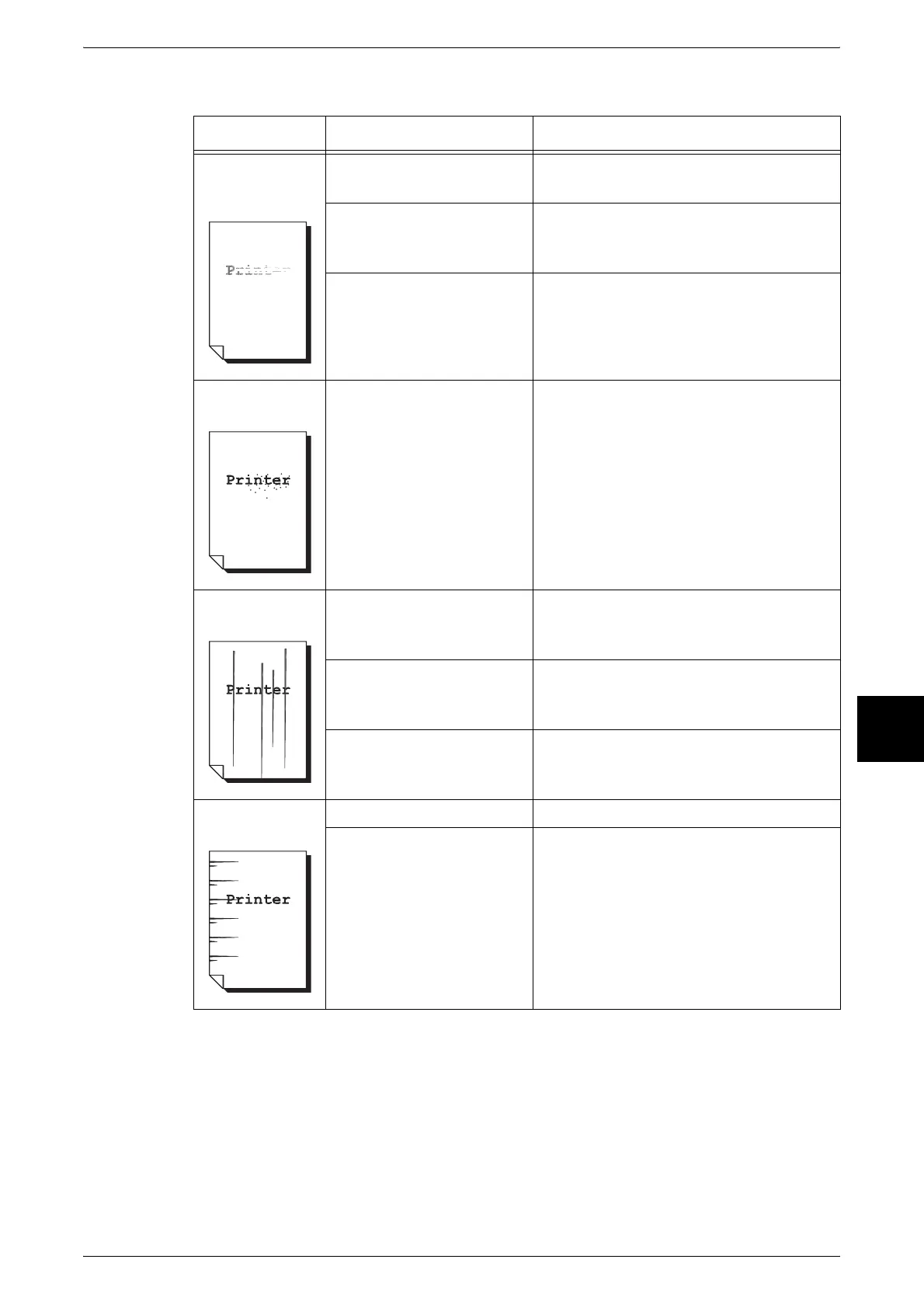
Image Quality Problems
439
Problem Solving
16
Symptoms Check Remedy
Printing is faint
(smudged,
unclear)
Is the paper damp? Replace with paper from a new ream.
Refer to "Loading Paper" (P.232).
The drum cartridge is
depleted or damaged.
Replace with a new drum cartridge.
Refer to "Replacing Drum Cartridges [A1],
[A2], [A3], and [A4]" (P.413).
There is no toner left in the
toner cartridge.
Replace with a new toner cartridge.
Refer to "Replacing Toner Cartridges" (P.409).
Black or colored
dots are printed.
The drum cartridge is
depleted or damaged.
Replace with a new drum cartridge.
Refer to "Replacing Drum Cartridges [A1],
[A2], [A3], and [A4]" (P.413).
Black or colored
lines are printed.
The drum cartridge is
depleted or damaged.
Replace with a new drum cartridge.
Refer to "Replacing Drum Cartridges [A1],
[A2], [A3], and [A4]" (P.413).
Internal components (ROS:
Raster Output Scanners)
are dirty.
Clean internal components.
Refer to "Cleaning Internal Components
(Raster Output Scanners)" (P.419).
The scanning glass on the
document feeder is dirty.
Clean the document feeder glass.
Refer to "Cleaning the Film and Document
Feeder Glass" (P.422).
Dirt appears at
equal intervals.
Dirt on the paper feed path. Print a few pages.
The drum cartridge is
depleted or damaged.
Replace with a new drum cartridge.
Refer to "Replacing Drum Cartridges [A1],
[A2], [A3], and [A4]" (P.413).












 To Next Page