16 Problem Solving
440
Problem Solving
16
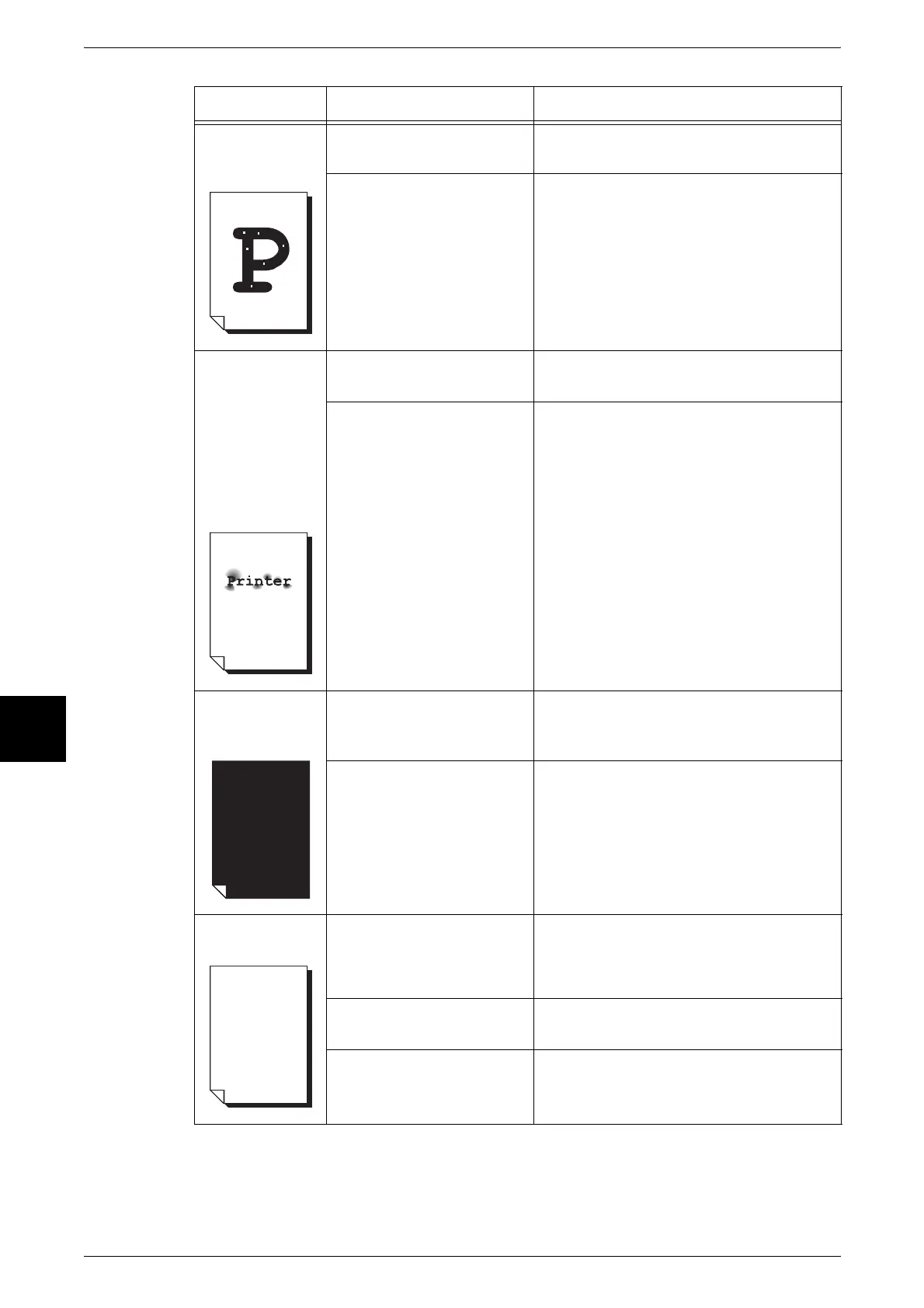
White dots
appear in black
filled areas.
The paper in use is
unsuitable.
Load suitable paper.
Refer to "Loading Paper" (P.232).
The drum cartridge is
depleted or damaged.
Replace with a new drum cartridge.
Refer to "Replacing Drum Cartridges [A1],
[A2], [A3], and [A4]" (P.413).
Printed toner
smudges when
rubbed with your
finger.
Toner is not
fused to the
paper.
The paper is
dirtied with toner.
Is the paper damp? Replace with paper from a new ream.
Refer to "Loading Paper" (P.232).
The paper in use is
unsuitable.
Load suitable paper.
Refer to "Loading Paper" (P.232).
The entire paper
area is printed
black.
The drum cartridge is
depleted or damaged.
Replace with a new drum cartridge.
Refer to "Replacing Drum Cartridges [A1],
[A2], [A3], and [A4]" (P.413).
A probable cause is a high-
voltage power supply
malfunction.
Contact our Customer Support Center.
Nothing is
printed.
Two or more sheets of
paper are being fed
simultaneously. (double-
feed)
Fan the paper well and reset.
Refer to "Loading Paper" (P.232).
There is no toner left in the
toner cartridge.
Replace with a new toner cartridge.
Refer to "Replacing Toner Cartridges" (P.409).
A probable cause is a high-
voltage power supply
malfunction.
Contact our Customer Support Center.
Symptoms Check Remedy












 To Next Page