3 Copy
84
Copy
3
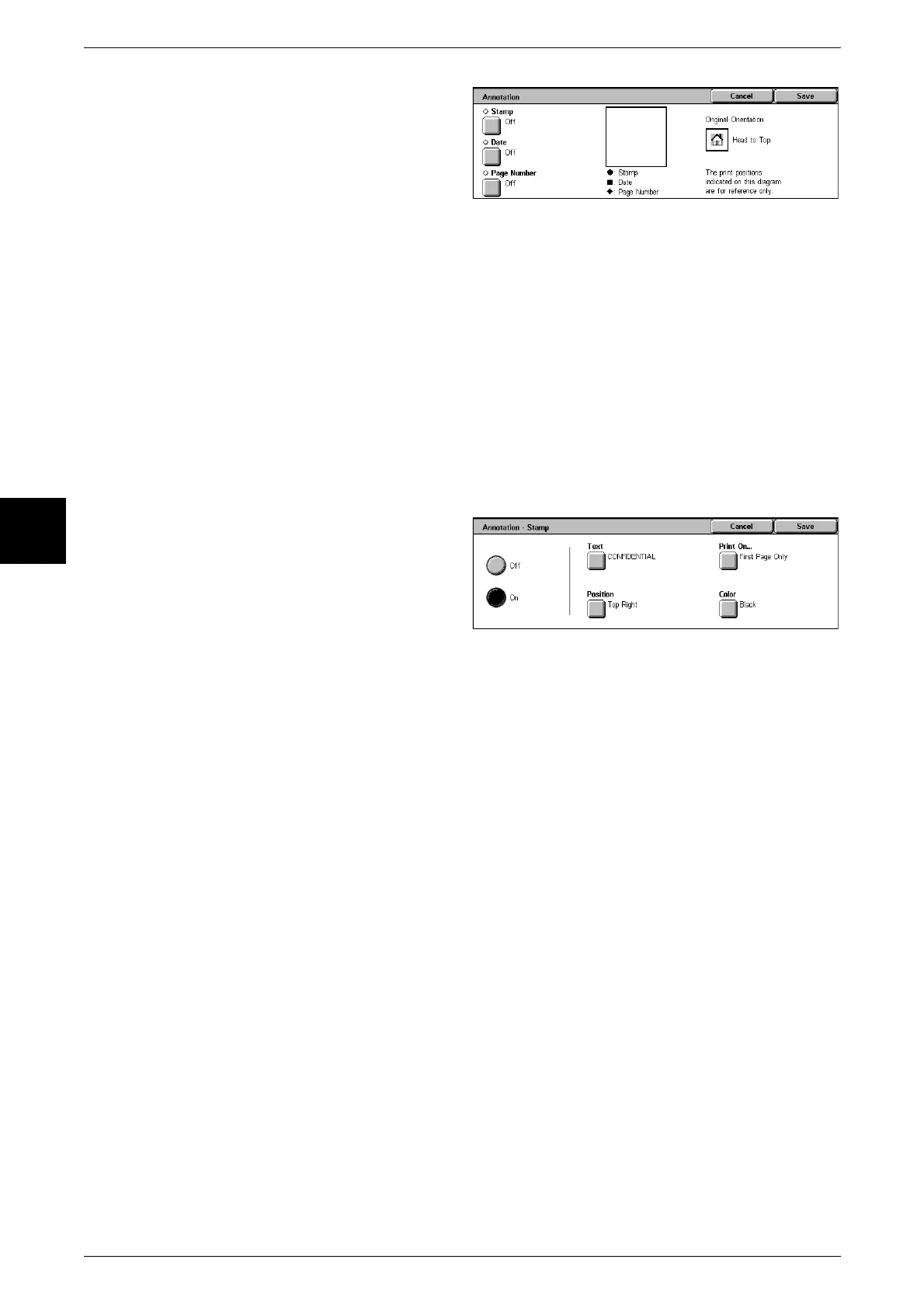
1 Select [Annotation].
Stamp
Displays the [Annotation - Stamp] screen.
Date
Displays the [Annotation - Date] screen.
Page Number
Displays the [Annotation - Page Number] screen.
[Annotation - Stamp] Screen
You can add the "CONFIDENTIAL", "Copy Prohibited", "URGENT", "IMPORTANT",
"Circulation", "Side 2 Recycled", "DRAFT", and "VOID" stamps to copies.
1 Select [Stamp].
2 Select [Off] or [On].
Off
No stamp is added.
On
A stamp is added.
Text
Displays the [Annotation - Stamp - Text] screen.
You can select from eight character types for the stamp.
Position
Displays the [Annotation - Stamp - Position] screen.
You can select from nine positions for the stamp.
Print On…
Displays the [Annotation - Stamp - Print On] screen.
You can select the page(s) to print the stamp from [First Page Only] and [All Pages].
Color
Displays the [Annotation - Stamp - Color] screen.
You can select from seven colors for the stamp.
Note • If [Date] and [Page Number] are both set, specify [Black].












 To Next Page