Copying Using Memory (continued)
3-40
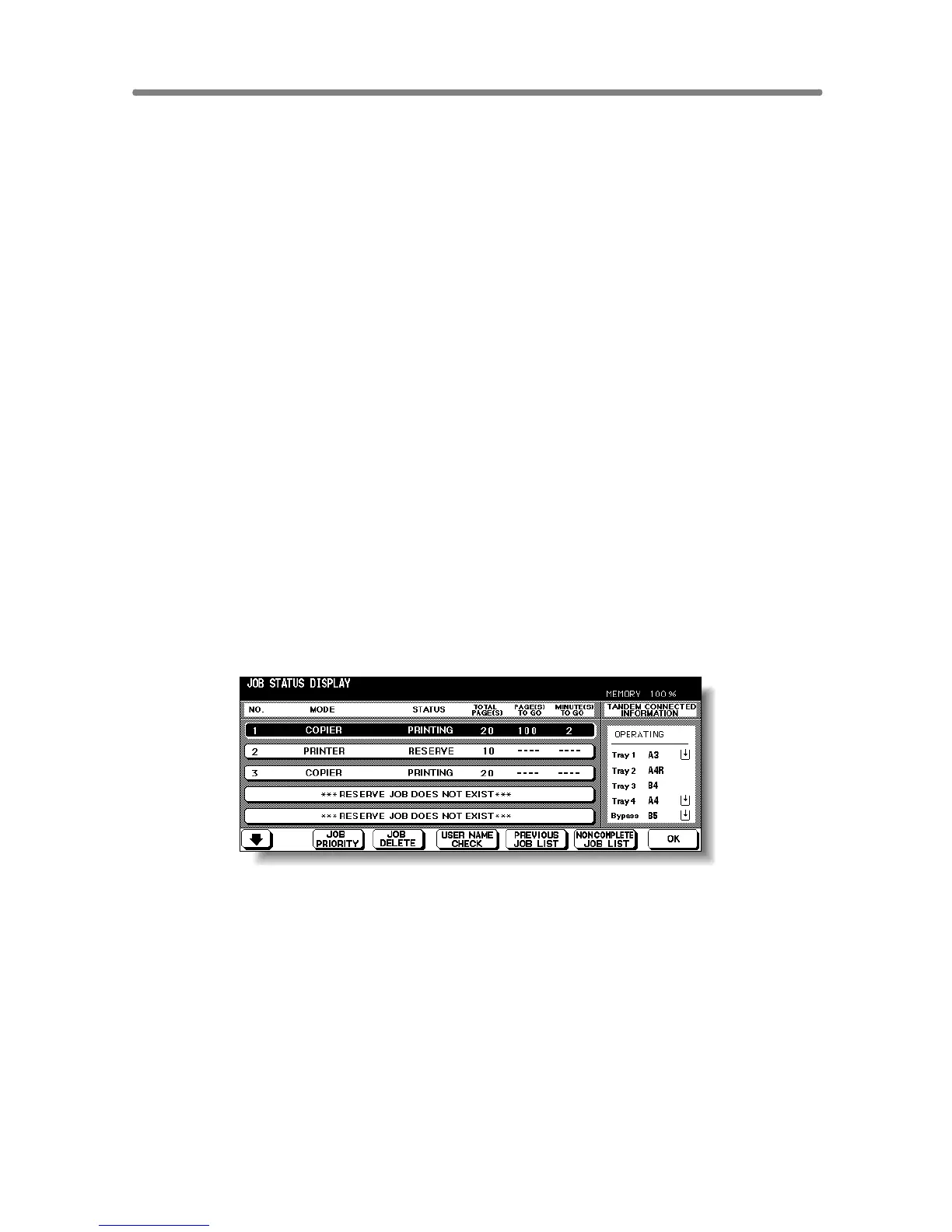
PAGE(s) LEFT: Displays the remaining copy count of the job.
0 to 9999 (The number exceeding 9999 will be displayed as
9999^.)
Copy count
= No. of scanned pages x Print quantity
MINUTE(s) TO GO: Displays the time (in minutes) required for completing the job.
Exceeding 999 minutes: 999^
Shorter than 1 minute: <1
Other: The following message will be displayed on the bar when the reserved job
does not exist.
RESERVED JOB DOES NOT EXIST
TANDEM CONNECTED INFORMATION:
Displays the tray information and current status of the other machine when
two copiers are connected and operate in tandem mode.
[Information]
Paper size loaded in each tray
Paper out indicator (when depeleted in the tray)
Current status: OPERATING
STOP
PAPER SUPPLY
JAM
ERROR










 To Next Page