7-16
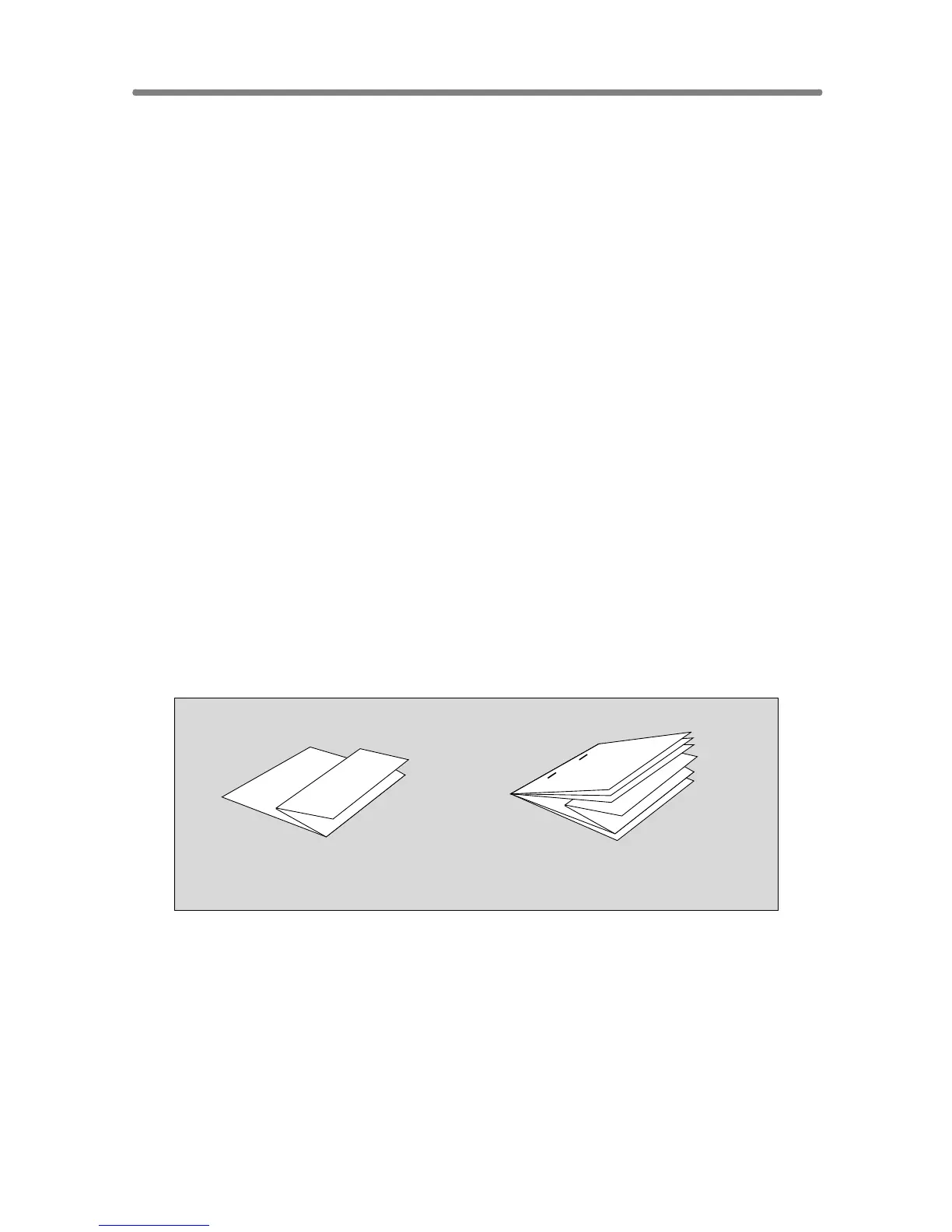
Output Z-Folded Copies (Z-Fold)
The Z-Fold mode is available only when the PZ-108/109 Punching / Z-Fold-
ing unit option is installed in the FS-110/111/210 Finisher.
When the Z-Fold mode is selected in combination with any of the Primary
(main) tray output modes, the original image is copied on copy paper and
output to the Primary (main) tray of the Finisher according to the selected
output mode.
>>>Specifications for Z-Fold Mode<<<
❒ Fold type: Z-fold (A3, B4, 11”x17”), double-fold (8.5”x14”)
❒ Paper size: A3, B4, 11”x17”, 8.5”x14” (60 ~ 90 g/m
2
paper)
All other paper sizes will be output without Z-fold or double-fold.
❒ Folded width*: 209 mm or less for A3
181 mm or less for B4
215 mm or less for 11”x17”
261.6 mm or less for 8.5”x14”
* The width from the paper edge to the first folded line
❒ When using Mixed Original mode with Z-Fold mode, A3 and B4 originals
should not be mixed, otherwise the Z-Fold mode may not function properly.
❒ Special paper type (Thick 2, transparent films, labels, tabbed sheets) and
non-standard size (STD size (special), Non STD size, Wide paper) cannot
be Z-folded. Using special paper will cause the machine trouble.
Some plain paper types may cause folded line to shift in Z-Fold mode.
❒ When using Z-fold, Staple-sort and APS for mixed size originals, heed the
limits on capacity described on p. 11-4.
❒ Incompatible Conditions: Using platen glass (available when Platen store
mode is selected), Staple-sort using B4 or 8.5”x14”, Output to Secondary
(sub) tray, Fold, Stitch & Fold, Tandem mode, OHP Interleave
1. Touch OUTPUT MENU on the Basic Screen
The Output Mode popup menu will be displayed.
Z-Fold
Z-Fold + Staple-sort
+ APS with Mixed Original










 To Next Page