3-6
Setting Print Quantity
This section describes how to set or change print quantity.
To Set Print Quantity
The copier is initially set to copy the original set in amounts determined by
the print quantity setting, then outputs sorted sets.
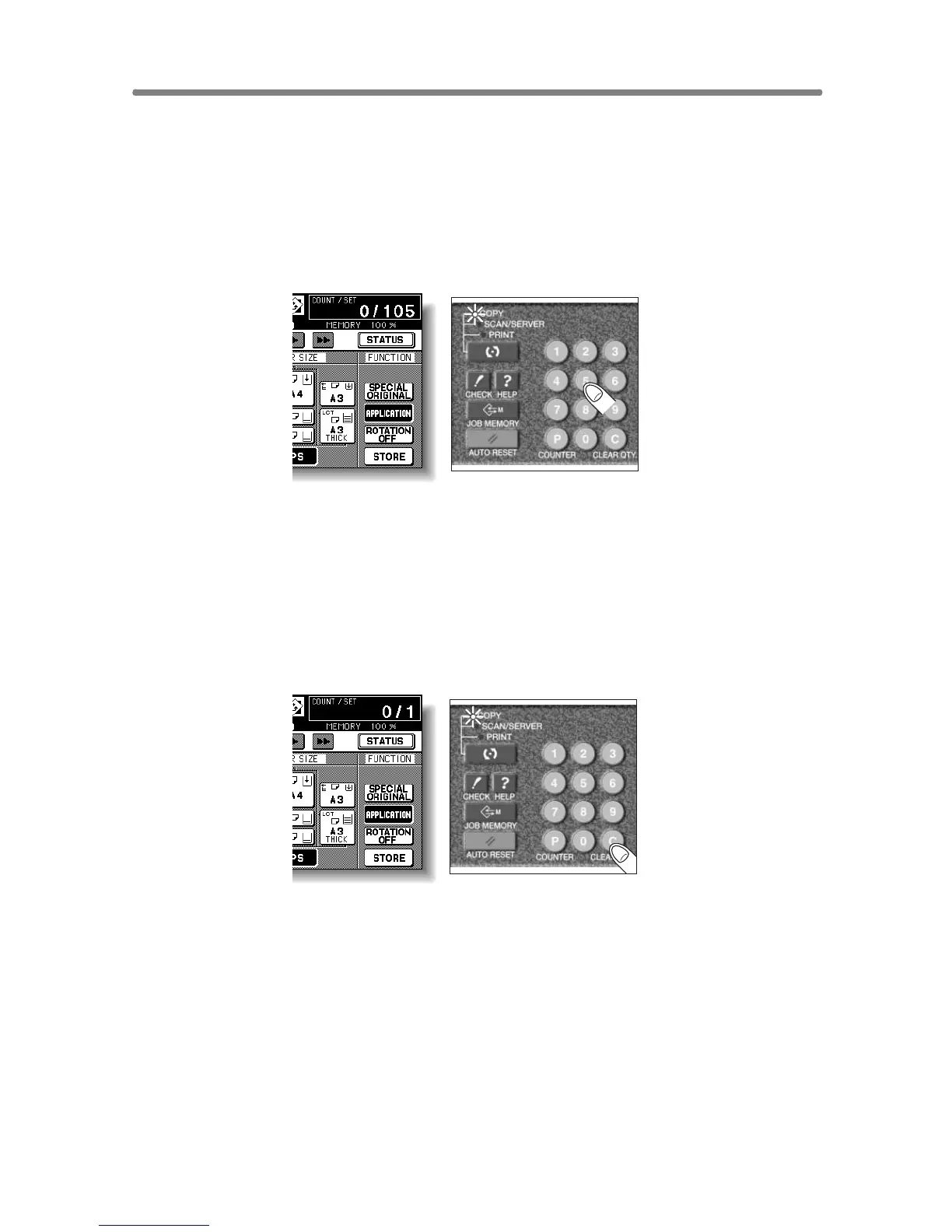
1. Enter the desired print quantity from the control panel keypad.
Entered quantity will be displayed on the touch panel.
To Change Print Quantity
Follow the procedure below to change the print quantity which has been
already entered.
1. Press [C (CLEAR QTY.)].
The quantity displayed on the touch panel will return to 1.
2. Enter the correct quantity.
Entered quantity will be displayed on the touch panel.










 To Next Page