9-52
Printing Stamp, Page, Date/Time onto Copies
(Stamp)
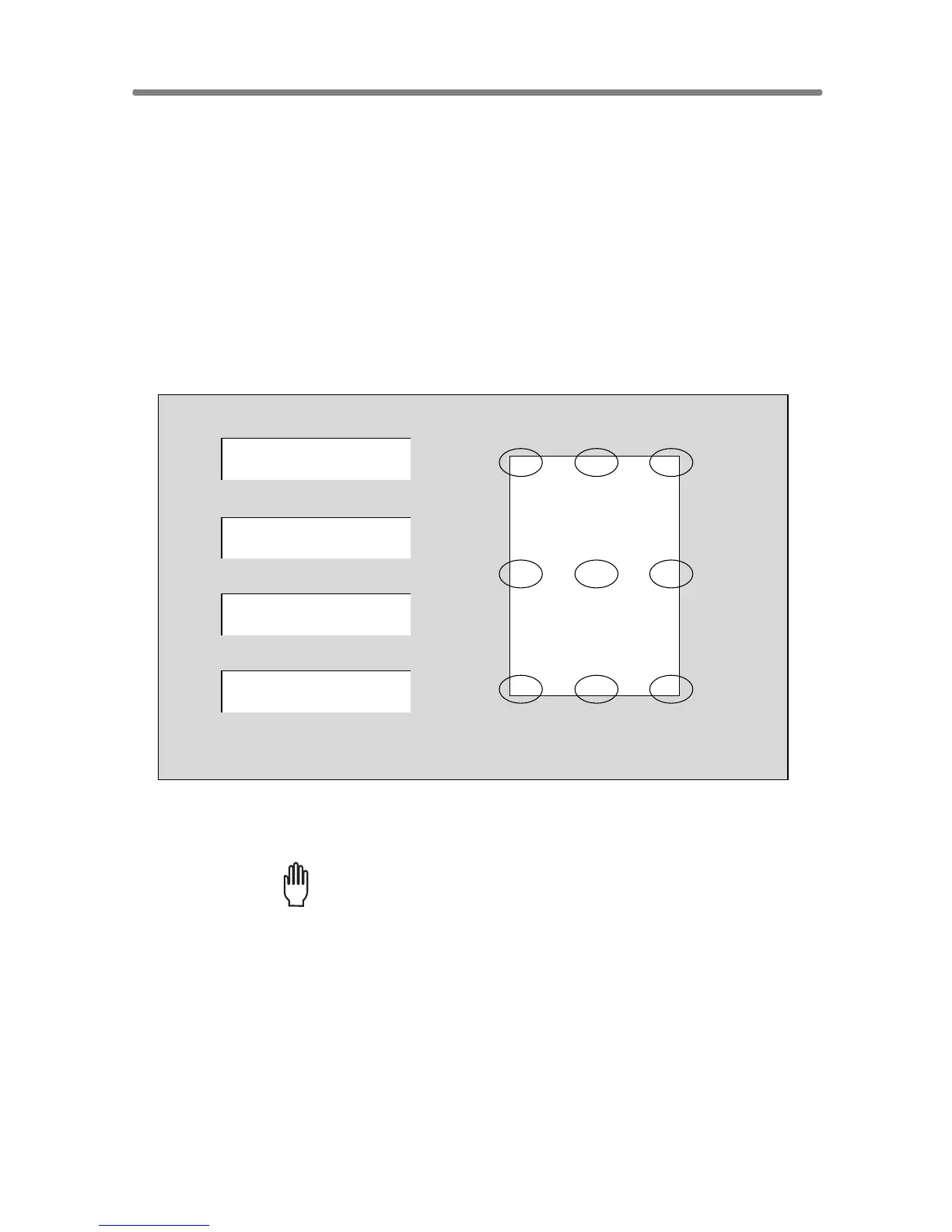
This function allows you to print onto output copies the desired type of
stamp, page number, numbering, and date/time at the location designated
on the screen.
The four stamp types and watermark (described in the next subsection)
provided on the Stamp/Overlay Selection Screen can be used individually or
in multiple combinations.
>>>Specification for STAMP, SET NUMBERING, PAGE NUMBERING, DATE/TIME<<<
❒ To use STAMP, the optional HDD (HD-105) is required to be installed in the
machine. Without HDD, this function key will be dimmed to show inactivity.
❒ Incompatible Conditions: Reverse Image, Repeat except 2/4/8 Repeat,
Overlay (with STAMP and SET NUMBERING), Overlay Memory
1. Touch APPLICATION on the Basic Screen.
Please Be Reminded!
When starting a new copying job, be sure to close the RADF securely,
then press [AUTO RESET].
Printing positions
Top-Left T-Middle T-Right
Lower-Left L-Middle L-Right
Middle-Left Middle M-Right
DATE/TIME
’03/10/10 10:30AM
PAGE NUMBERING
2 / 5
SET NUMBERING
002 / 005
STAMP
TOP SECRET










 To Next Page