5-13
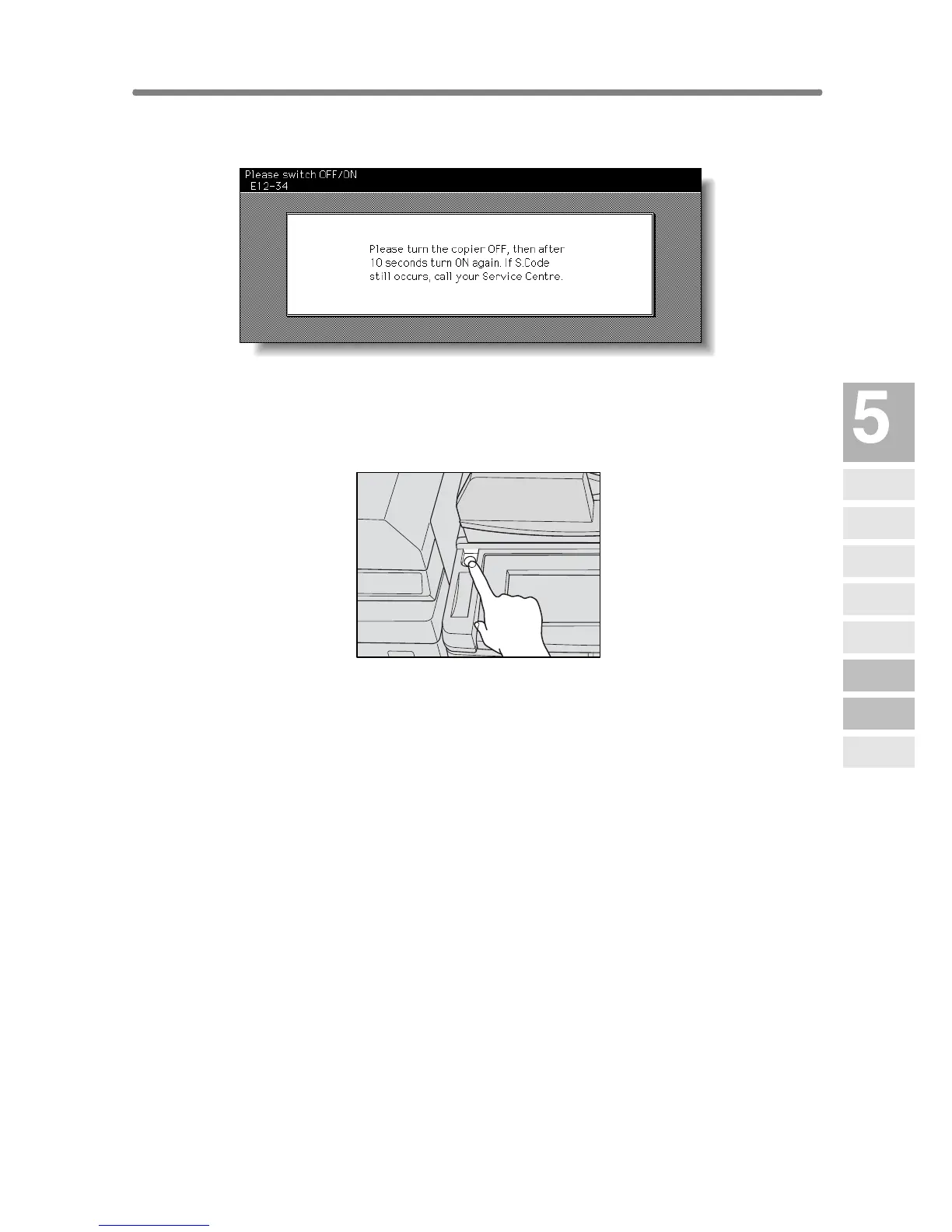
When Power OFF/ON Screen Is Displayed
When any trouble affects the electric signal of the copier, the Power OFF/
ON Screen will be displayed.
Follow the procedure below to turn the machine power off then on.
1. Turn OFF the sub power switch.
The main power switch is not required to be turned off.
2. Wait about 10 seconds.
3. Turn ON the sub power switch.
Trouble-
shooting
Call for
Service
Preventive
Maintenance
Clearing
Mishandled
Paper
JAM Key
ADD PAPER
Key
Memory
Overflow
Power OFF/ON
Screen
Copying
Hints










 To Next Page