3-54
Recalling Previous Job Settings
Follow the procedure below to copy with a previous job’s settings.
FOR DETAILS
• Only the last-completed output job settings can be recalled as the
previous job settings. Non-complete job or reserve job settings
cannot be recalled, even if the setting operations have been made
last.
• The previous job settings can be recalled, even after the machine
power is turned off then on.
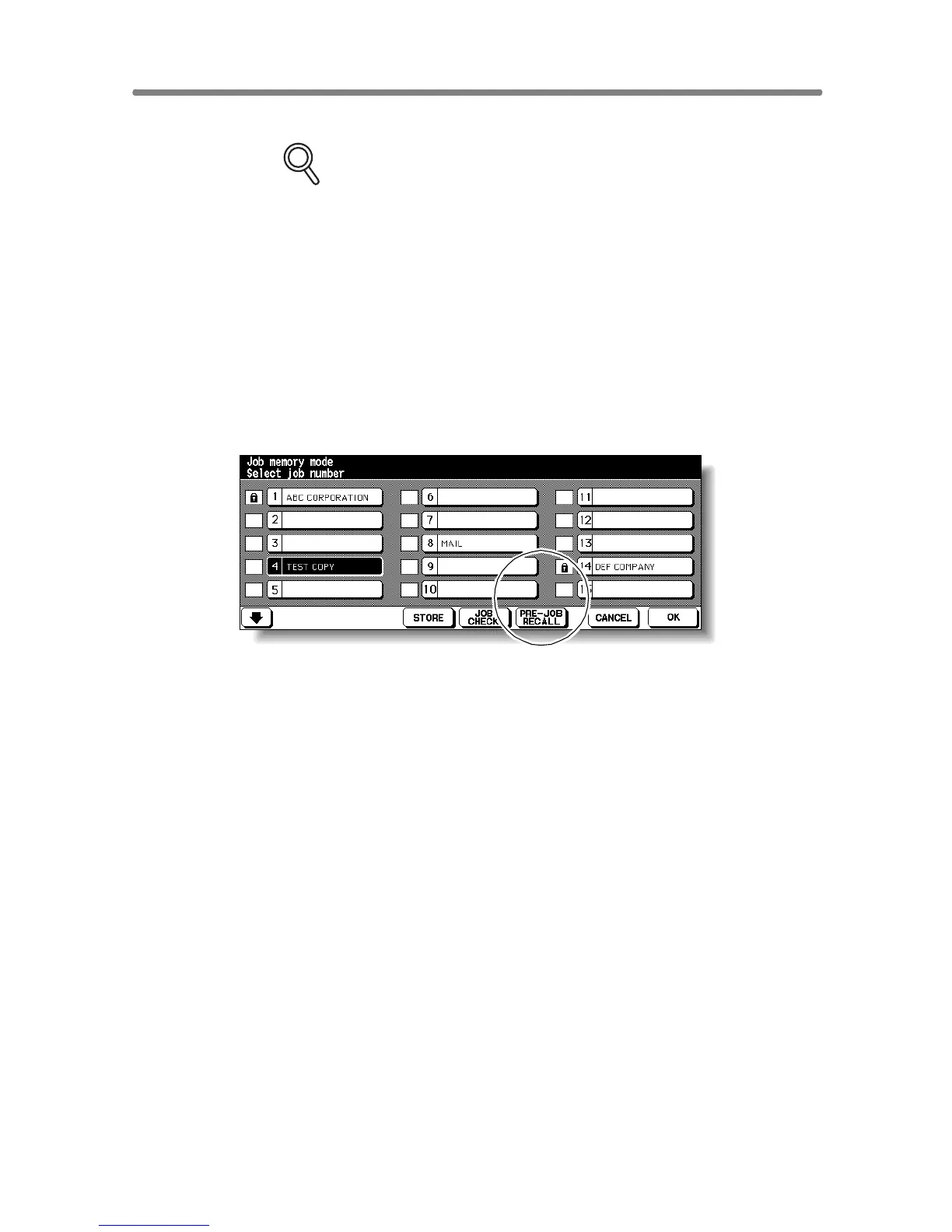
1. Press [JOB MEMORY] on the control panel.
The Job No. Selection Screen will be displayed.
2. Touch PRE-JOB RECALL.
3. Touch OK to return to the Basic Screen.
The settings of the previous output job is recalled on the screen.
4. Change the settings recalled on the screen, if desired.
5. When all settings are acceptable, position original(s) in the
document feeder or on the platen glass, then press [START].










 To Next Page