5-11
When “Memory Full” Message Is Displayed (Mem-
ory Overflow)
In certain modes, this printer/copier uses memory to make operations
convenient and smooth flowing. Occasional memory overflow may occur if
the installed memory is inadequate for the copy conditions selected.
To handle the Memory overflow condition while in a job, take the appropriate
action described below. These actions enable you to continue the job or
suspend the job.
FOR DETAILS
Should memory overflow occur frequently, it is recommended that you
contact your service representative to extend the memory capacity in
your machine.
Memory Overflow in Current Job
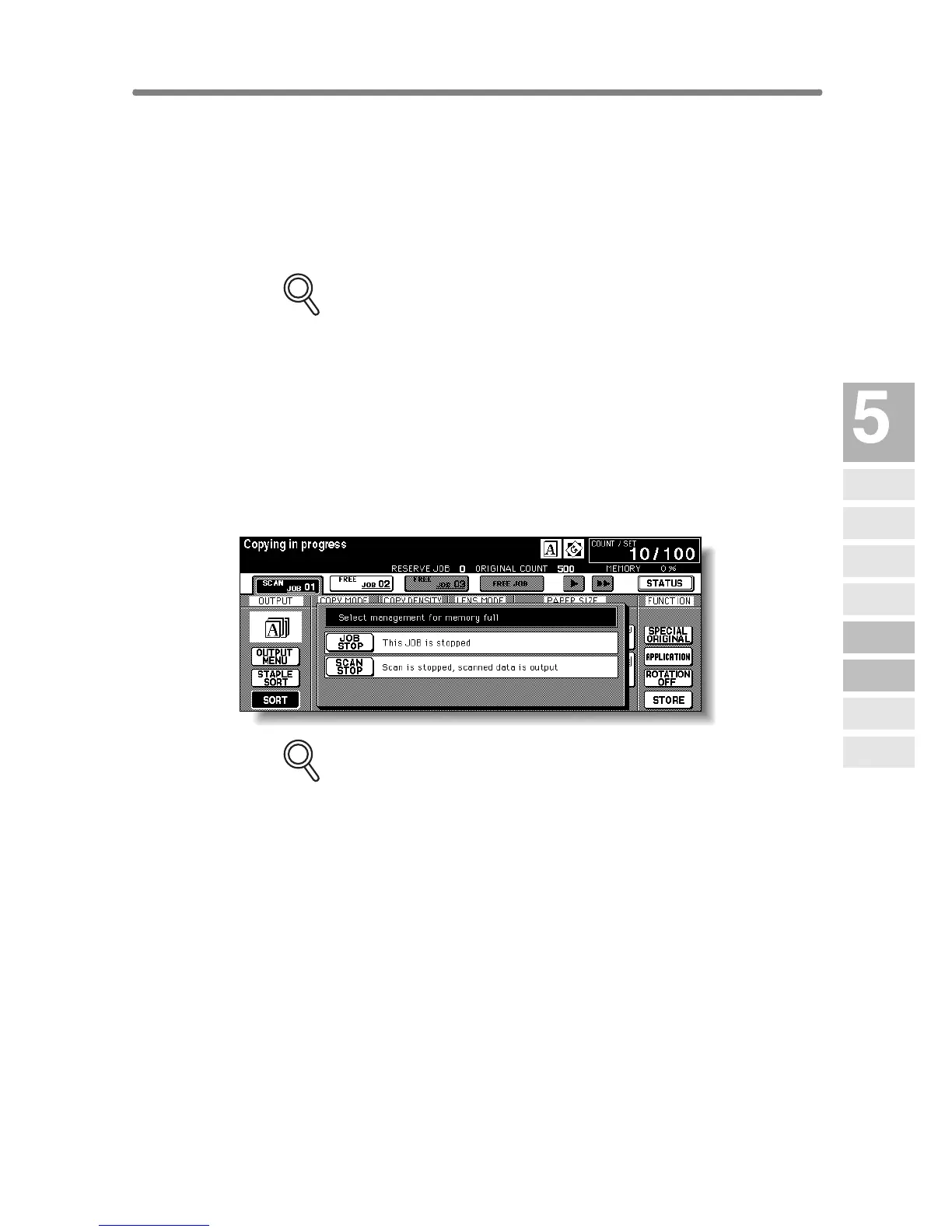
When memory overflow occurs while scanning the first job, the machine
stops immediately, and the screen provides JOB STOP and SCAN STOP
as the only two available options.
FOR DETAILS
If the job settings include Booklet mode, SCAN STOP will disappear.
• To delete all the scanned data and discontinue the job, touch JOB STOP.
• To give up further scanning but print out all the data already scanned into
memory, touch SCAN STOP.
Trouble-
shooting
Call for
Service
Preventive
Maintenance
Clearing
Mishandled
Paper
JAM Key
ADD PAPER
Key
Memory
Overflow
Power OFF/ON
Screen
Copying
Hints










 To Next Page