Turning On the Main Power Switch and Power Switch (continued)
2-21
Reducing the Power in Standby Mode (Auto Low Power)
This function automatically lowers the power after a specified period (initially
15 minutes) of copier inactivity. When activated, the LCD screen will go off.
HINT
The Auto Low Power function can be set to 5 minutes/ 10 minutes/ 15
minutes/ 30 minutes/ 60 minutes/ 90 minutes/ 120 minutes/ 240 minutes
in the Key Operator mode. For the Key Operator setting, see p. 13-38.
To start a copying job, press any key on the control panel.
The Auto low power will be released and the LCD screen will be displayed.
FOR DETAILS
• If the Auto Shut-Off function activates at the same time, the power will
be turned off .
• The LCD screen will not go off during a duplex copying job or when
the Jam Position Screen is displayed.
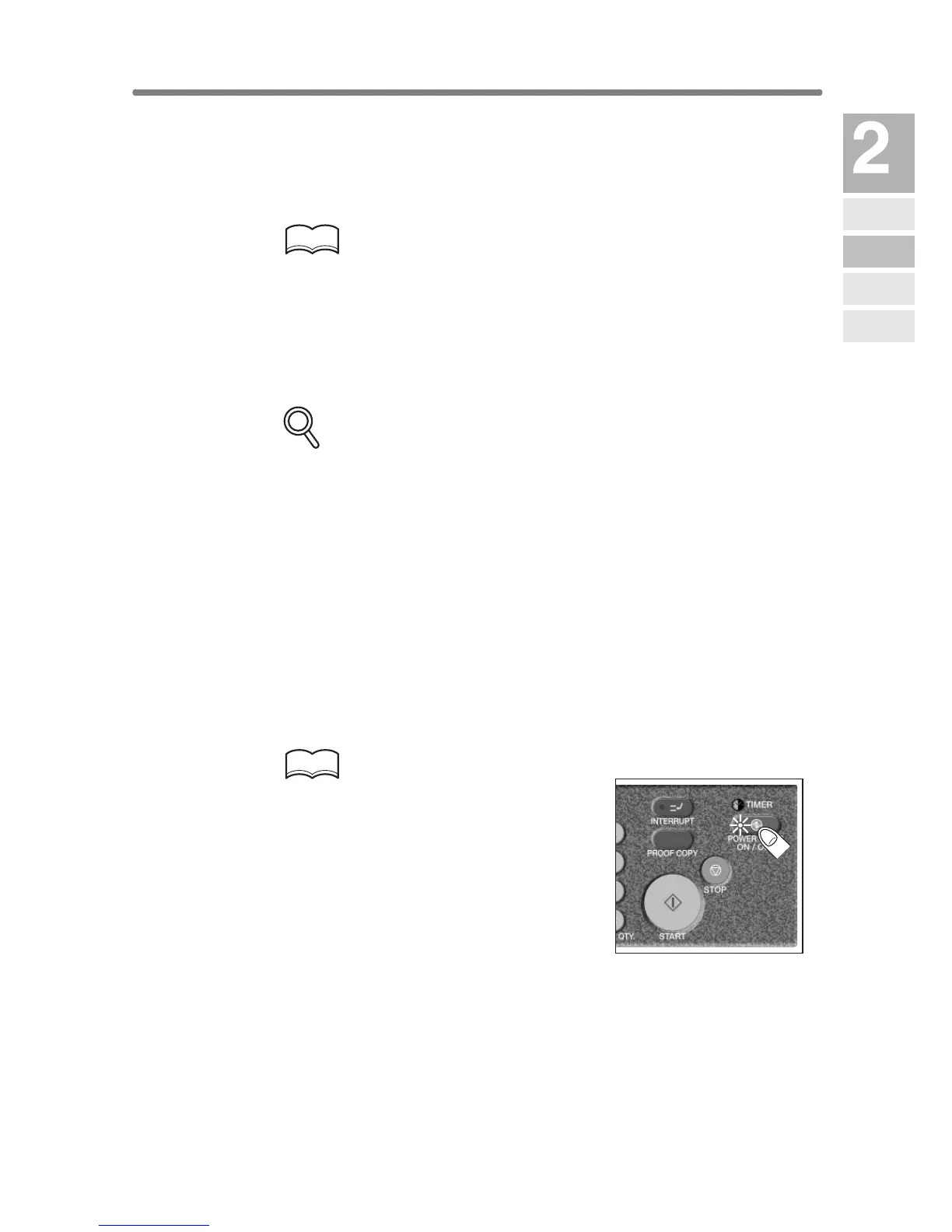
Shutting Off Automatically (Auto Shut-Off)
This function automatically shuts off the power after a specified period
(initially 90 minutes) of copier inactivity.
To start a copying job, press [POWER SAVER ON/OFF].
The copying operation will become available.
HINTS
• The Auto shut-off can be set for 30
minutes/ 60 minutes/ 90 minutes/ 120
minutes/ 240 minutes in the Key Opera-
tor mode. For the Key Operator setting,
see p. 13-38.
• When “Timer interrupt mode / Enter
password” is displayed after pressing
[POWER SAVER ON/OFF], see p. 7-2
and follow the procedure to continue.
Machine
Information
Machine
Configuration
Turn On/Off
the Power
Loading
Paper
Changing
Paper Size










 To Next Page