13-54
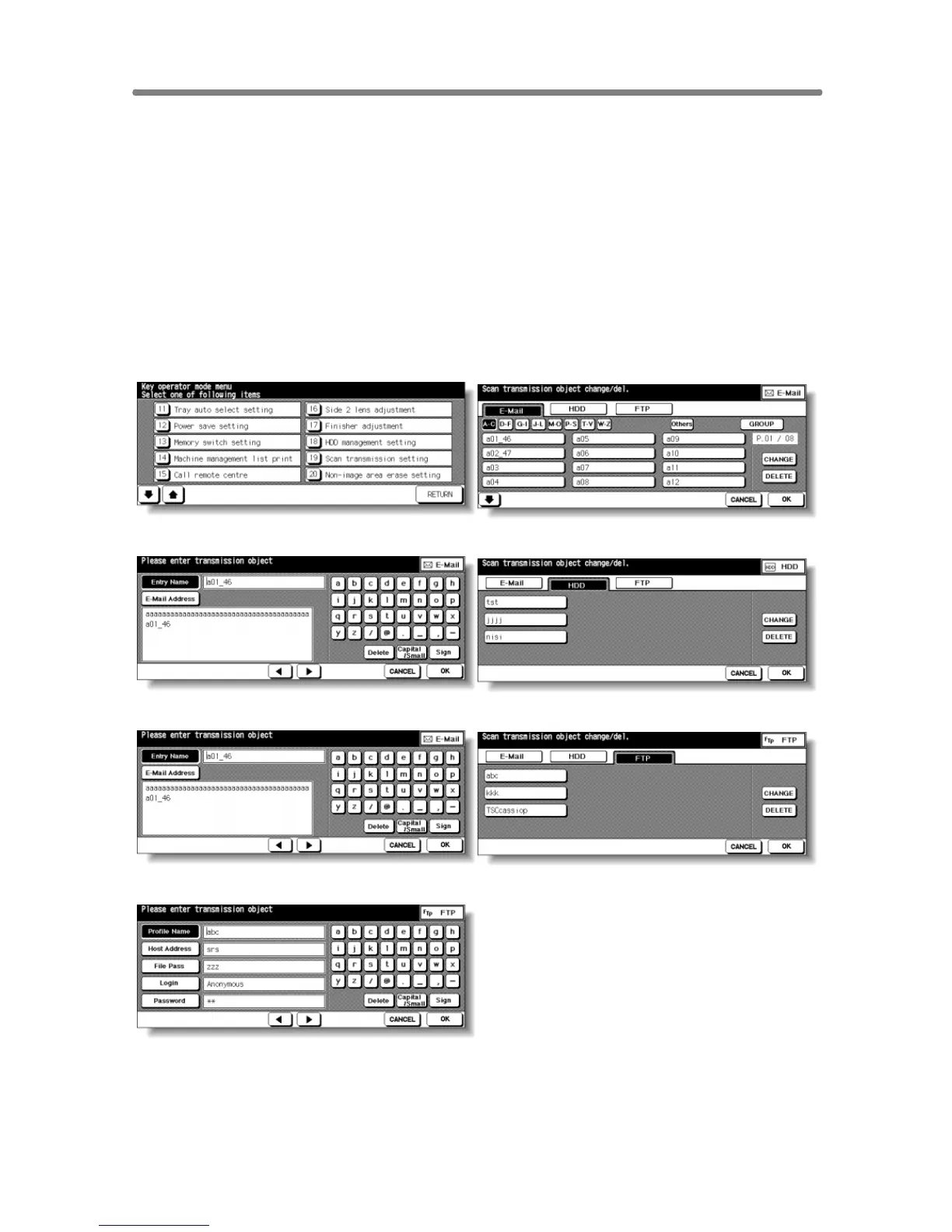
[19] Scan Transmission Setting
Use this function to change or delete the address registered for transmitting the
image data scanned on the machine.
The following three address types can be registered.
• E-mail
• HDD (box No.)
• FTP (FTP server address)
NOTE:
The [19] Scan Transmission Setting key will function only when IP-511
Type-A Printer Controller is installed on the machine.
Key Operator Mode Screen Scan Transmission Setting Screen (E-Mail)
Change E-Mail Address Screen Scan Transmission Setting Screen (HDD)
Change Box No. Screen Scan Transmission Setting Screen (FTP)
Change FTP Address Screen
Procedure
1 Touch [19] Scan transmission setting on the Key Operator Mode Screen to
display the Scan Transmission Setting Screen.










 To Next Page