Checking Copy Count (continued)
12-19
To Print the Counter List
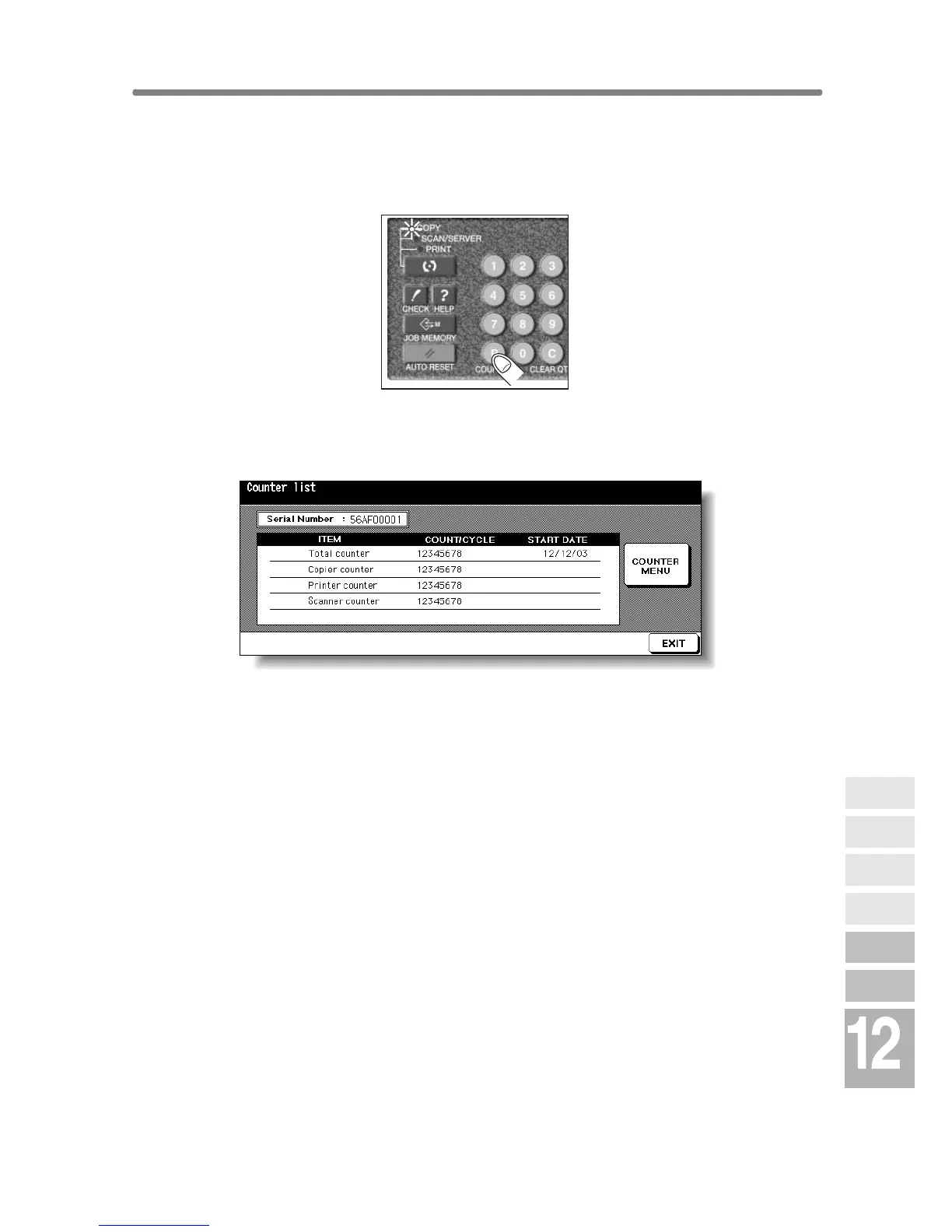
1. Press [P (COUNTER)] on the control panel.
The Counter List Screen will be displayed.
2. Touch COUNTER MENU.
The Basic Screen will be displayed.
3. Touch the desired tray key to select the copy size.
4. Press [START].
The Counter list will be printed out, and the Management list mode will be
released automatically.
Maintenance
& Supplies
Copy
Materials
Checking
Copy Count
Cleaning
Scanning
Section
Empty Waste
Basket
Inserting New
Staple Cartridge
Adding Toner










 To Next Page