13-60
[23] Centring Adjustment
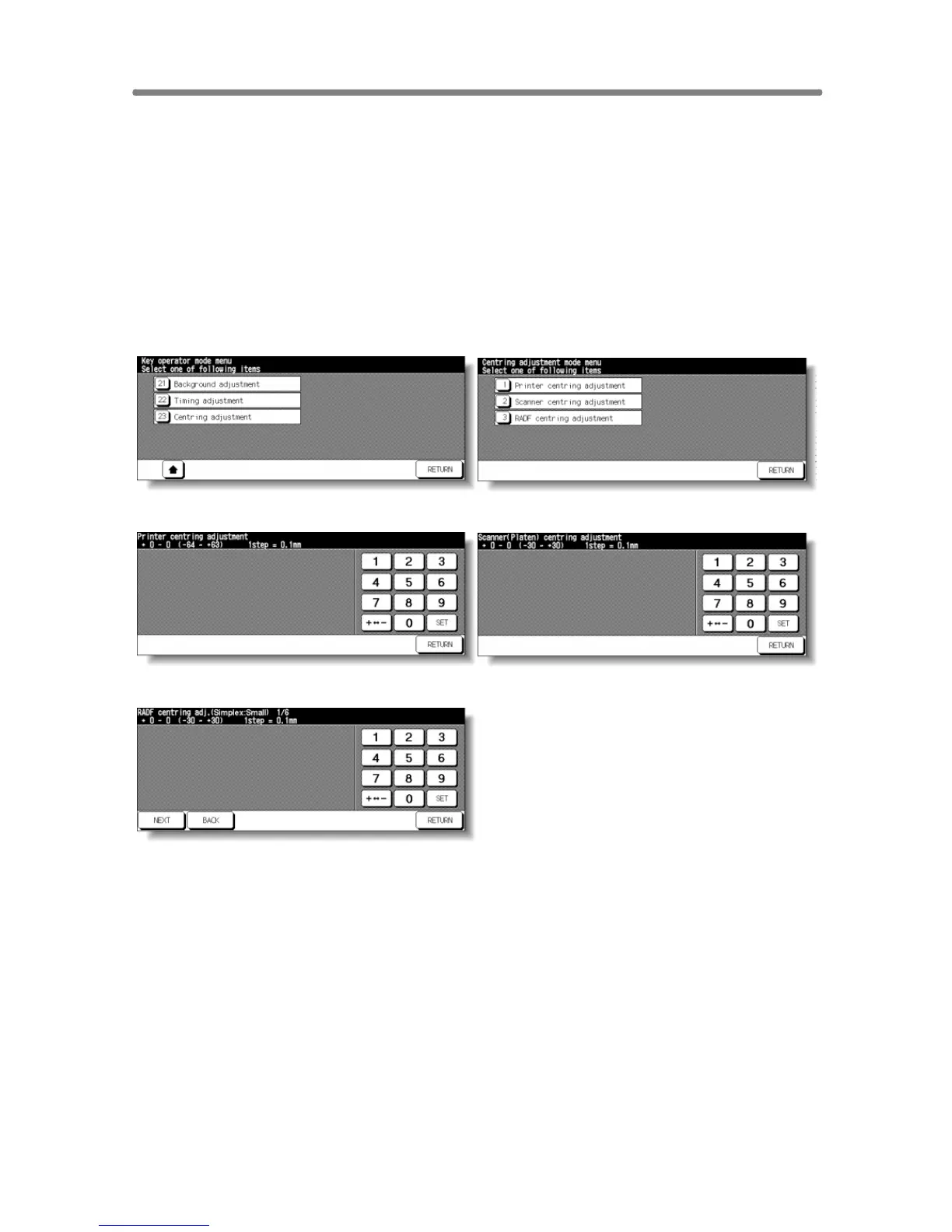
Use this mode to make various adjustments concerning the image centring
function.
• Printer centring adjustment: adjusts the mis-centring of images vertical to
paper feed direction.
• Scanner centring adjustment: adjusts the centring when scanning the
platen original.
• RADF centring adjustment: adjusts the centring when scanning the RADF
original.
Key Operator Mode Screen Centring Adjustment Menu Screen
Printer Centring Adjustment Screen
Scanner (Platen) Centring Adjustment Screen
RADF Centring Adjustment Screen
Procedure
1 Touch [23] Centring adjustment on the Key Operator Mode Screen to display
the Centring Adjustment Menu Screen.
2 Touch the desired menu key to display the adjustment screen for each function.
3 Make fine adjustment on the screen.
To go on or back to another adjustment screen, touch NEXT or BACK.
Touching RETURN restores the Centring Adjustment Menu Screen.
4 Touch RETURN to restore the Key Operator Mode Screen.
5 If no further changes are required, touch RETURN to restore the Basic Screen
to perform copying operations.










 To Next Page