3-14
Selecting Magnification Ratio (Lens Mode)
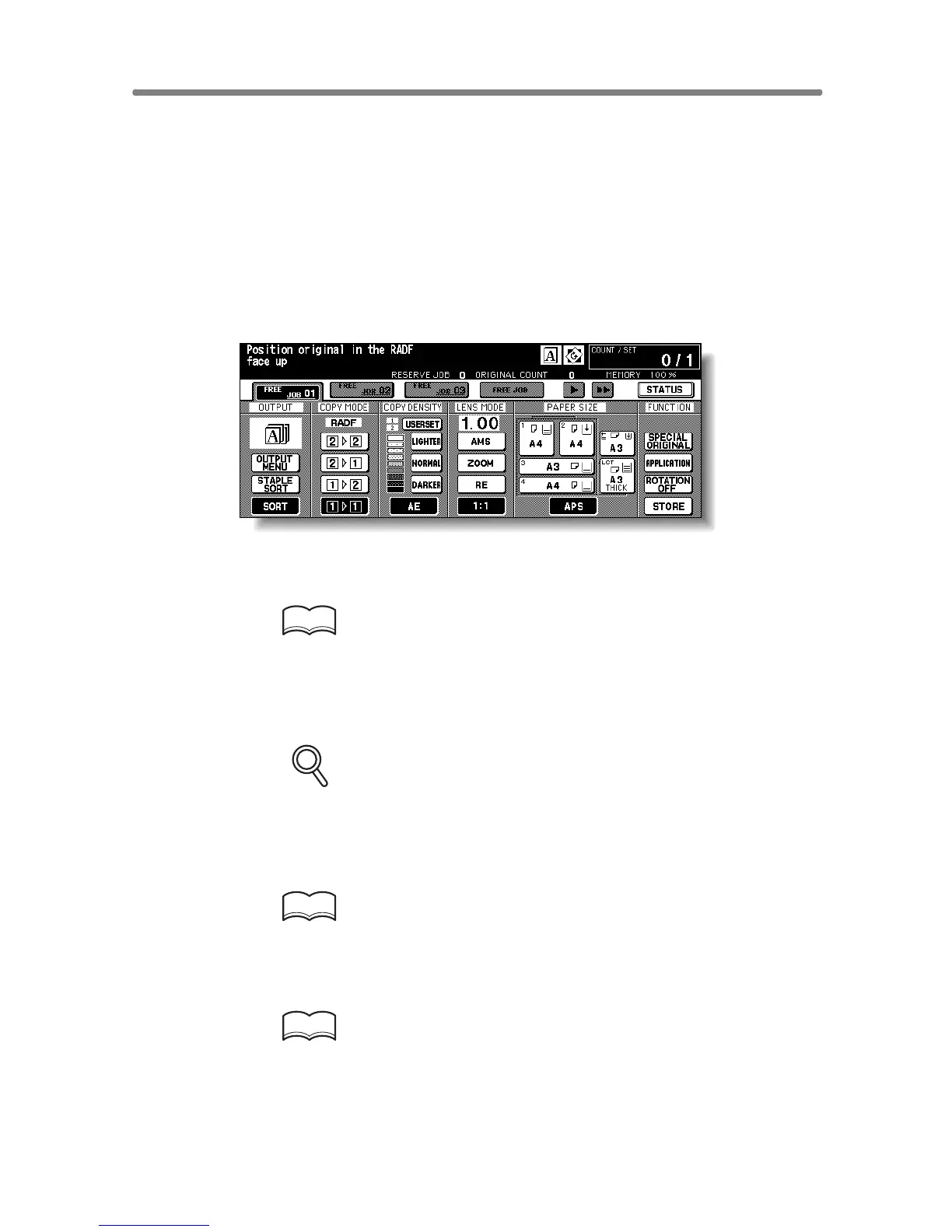
When the copier is turned ON, the magnification ratio is set to 1.00 (100%)
automatically on the Basic Screen.
Follow each procedure described in this section to select the desired
magnification ratio.
To Copy in 1.00 Magnification Mode
Follow this procedure to make a 100% copy of the original image.
1. Close the RADF securely, then press [AUTO RESET].
The initial settings are restored. Check that APS is highlighted to indicate that
the 1.00 magnification is selected.
HINT
The initial settings may have been altered by Key Operator. See p. 13-
10 to p. 13-11.
2. Select additional copy conditions, as desired.
FOR DETAILS
Specifying paper size will release 1.00 magnification and set AMS
automatically. In this case, touch 1:1 to highlight it again.
3. Enter the desired print quantity from the control panel keypad.
HINT
See p. 3-6 for details on setting print quantity.
4. Position original(s).
HINT
See p. 3-2 to p. 3-5 for details on positioning originals.
5. Press [START].










 To Next Page