Displaying Screen for Operation Guide (Help Mode) (continued)
4-8
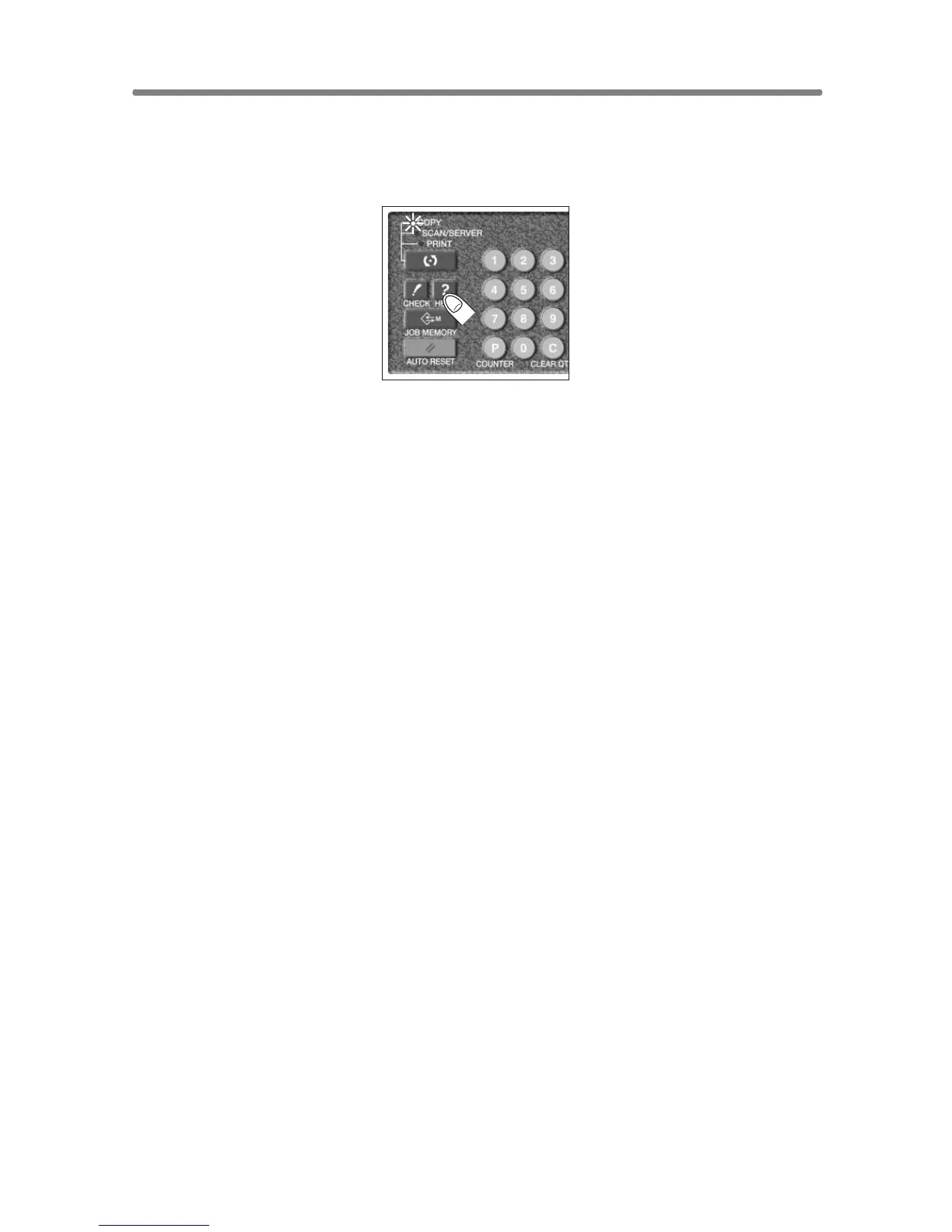
To Display Help Screen from Other Screens
1. While in any screen other than the Basic Screen, press [HELP].
The Help Screen displays to provide the information about the current screen
mode and setting procedures.
2. Touch EXIT.
The screen that was displayed before pressing [HELP] will be restored.










 To Next Page