8-10
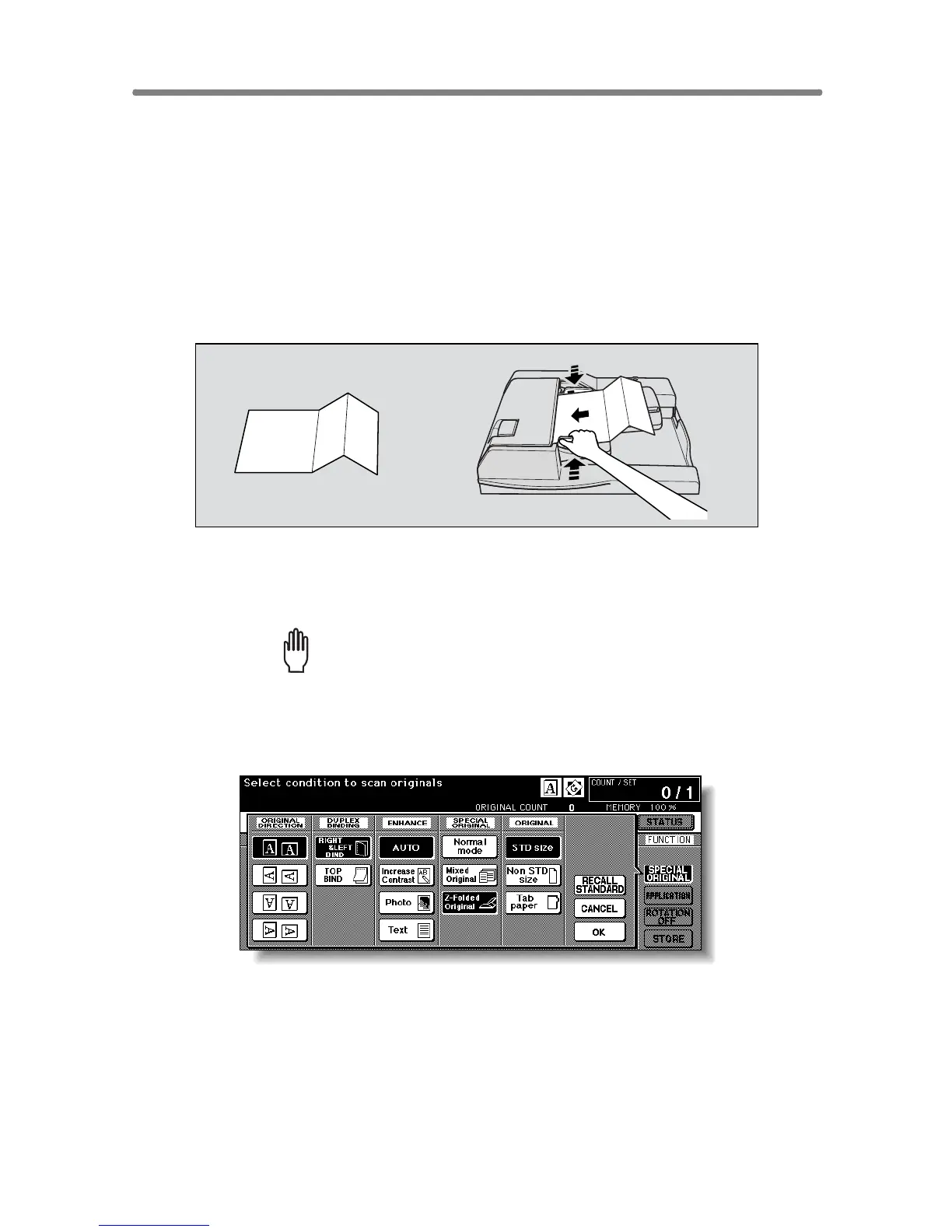
Copying Z-Folded Originals (Z-Folded Original)
Use the Z-folded original mode with the document feeder to copy Z-folded
originals. Otherwise, the size detection sensor of the RADF may function
incorrectly.
This mode requires more scanning time to detect the original size.
>>>Specifications of Z-Folded Original<<<
❒ Use RADF.
❒ Incompatible Conditions: Using platen glass, Mixed Original, Non STD Size,
Tab Paper, Non-Image Area Erase, Repeat, AUTO Layout, Storing image
in Overlay Memory
1. Touch SPECIAL ORIGINAL on the Basic Screen.
The Special Original popup menu will be displayed.
Please Be Reminded!
When starting a new copying job, be sure to close the RADF securely,
then press [AUTO RESET].
2. Touch Z-Folded original.
3. Touch OK to return to the Basic Screen.
4. Select additional copying features, as desired.
Z-folded original










 To Next Page