10-19
Recalling Image Data from HDD/PC (Image Recall)
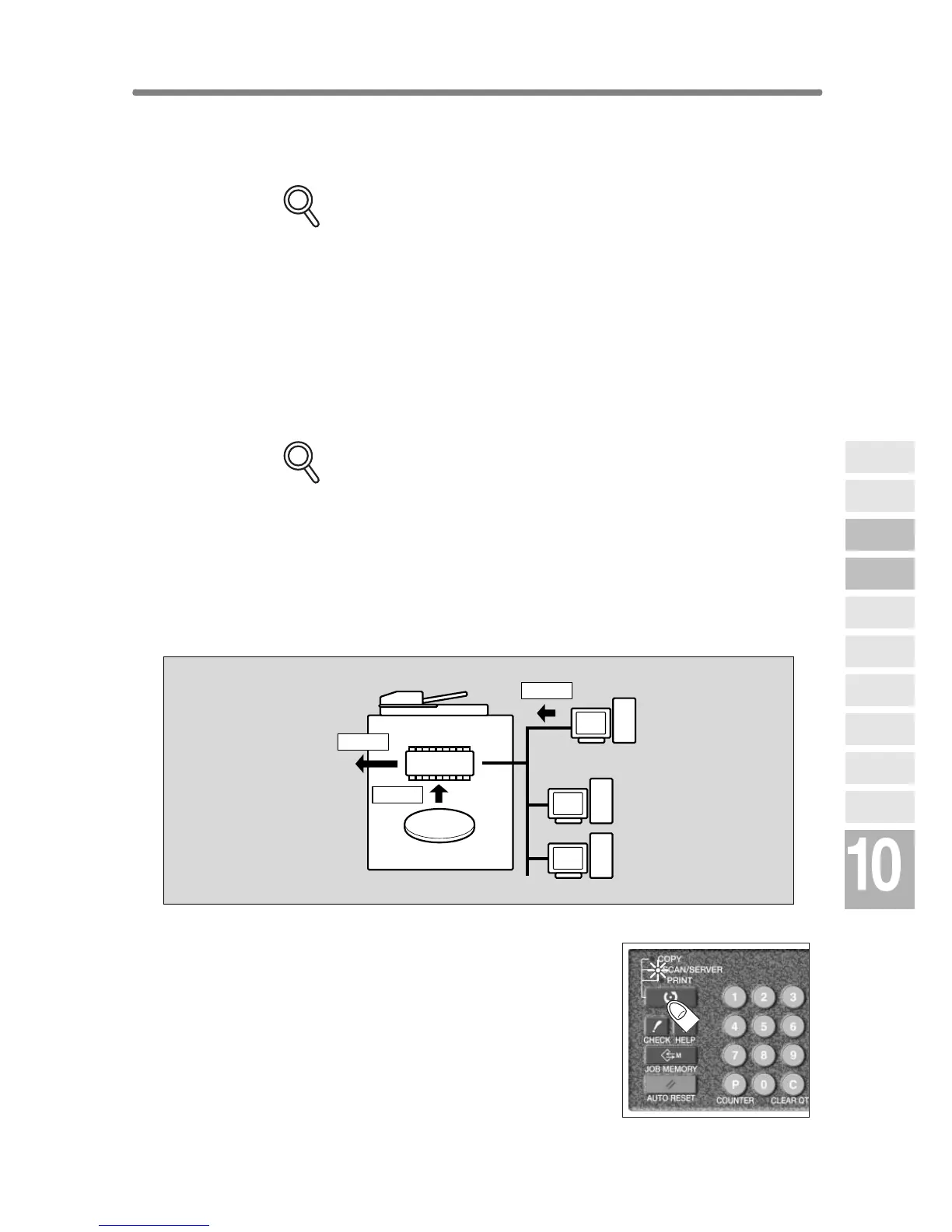
Use this function to recall the image data from the HDD/PC to the built-in
DIMM for printing.
FOR DETAILS
• Installation of the optional HDD (HD-105) is required to recall data
from HDD.
• To recall data from PC, the machine should be connected to PC by
cross-cable, and a specific software for using Server function should
be installed in PC.
To recall data stored in the HDD/PC, enter the password specified at the
time data was stored, then designate it by the job name.
Use IMAGE COMBINATION to recall several jobs at a time and output them
as one job.
FOR DETAILS
• Different output modes specified for combined jobs (e.g. Staple-sort
and Sort) cannot be reproduced in the output copies.
• Different job types (e.g. copy job and print job) can be combined.
• Combined jobs should have the same setting in the following condi-
tions: APS, Photo mode, Binding direction of the duplex originals
• The job with any of the following conditions specified cannot be com-
bined: Mixed Original, Image Insert, Book Copy, Program Job,
Repeat, Overlay
1.
Press [MODE] to light up the [SCAN/SERVER]
LED.
The Scan/Server Setting Menu Screen will be dis-
played.
HDD
DIMM
Recall
Output
Recall
Network
Function
Job Status
Machine
Information
HDD Job
Information
Environment
Setup
To Use Web
Utilities
Image Edit
Image Recall
Image
Store&Output
Image
Store/Delete
Server
Functions










 To Next Page