12-18
Checking Copy Count
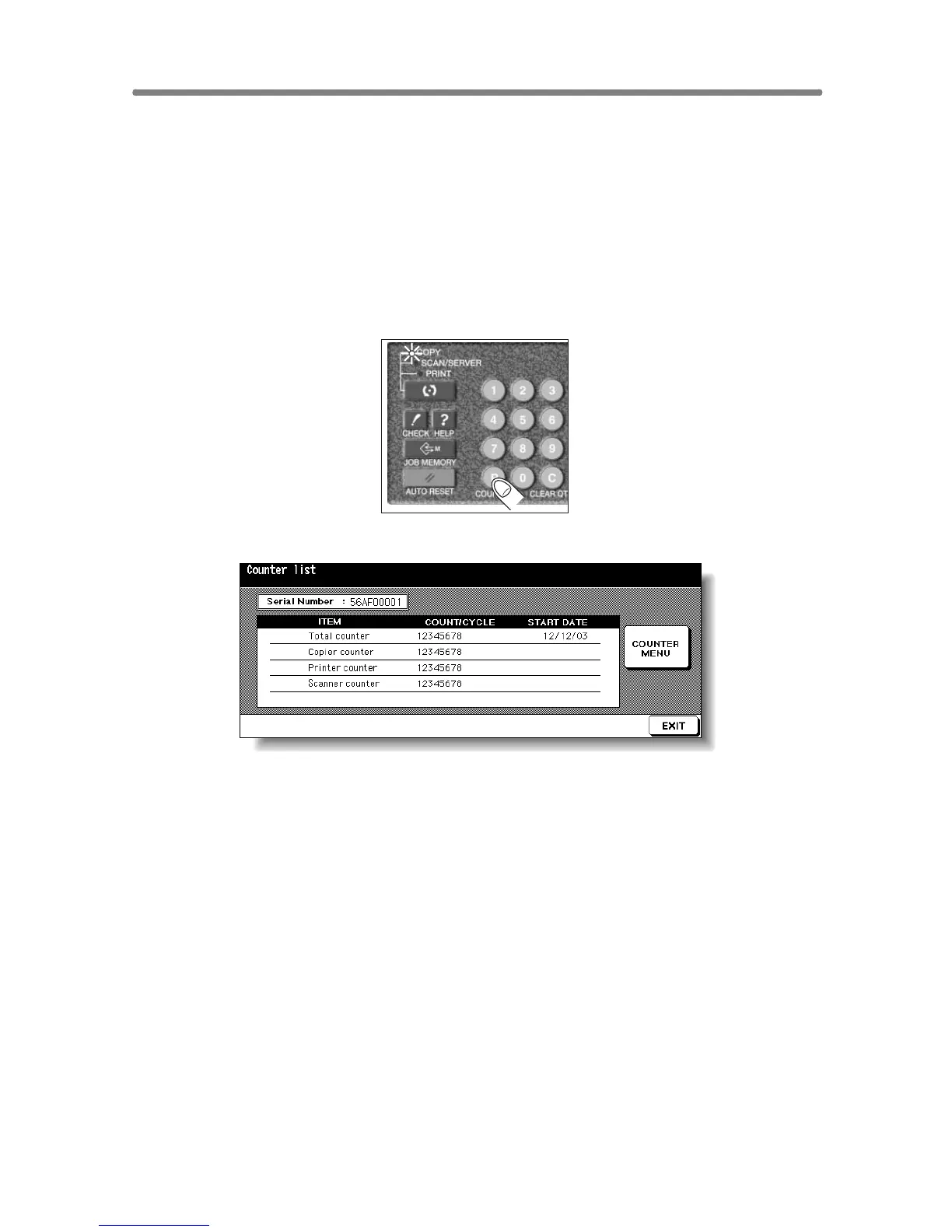
This function allows you to view the current indication of the following items
as a list on the touch panel: Total counter, Copier counter, Printer counter,
Counter start date.
Check the list, then print it from the Counter List Screen, if desired.
To Display the Counter List Screen
1. Press [P (COUNTER)] on the control panel.
The Counter List Screen will be displayed.
2. Touch EXIT to return to the Basic Screen.










 To Next Page