10-26
To Use Web Utilities
When the machine is connected with a PC over a network, the web browser
activated on the PC provides the following functions.
1 Main Page
Displays the job in progress, service call, and machine information.
2 Job Status
Displays the current and previous job status.
3 HDD Job Information
Searches the built-in HDD for an image data by job name, then checks,
outputs, or deletes the image data. You can also change the job name of
the image data.
To use this function, the optional HDD is required in the machine.
4 Environment Setup
Performs the Key Operator setting concerning network environment.
Browser: Internet Explorer 5.5 SP2 / Netscape 4.7 or later
Follow the procedure below to access the Web Utilities of the machine using
the web browser.
1. Turn on the power to the PC connected with the machine over a
network.
DETAILS
Contact your network manager for details on the network system.
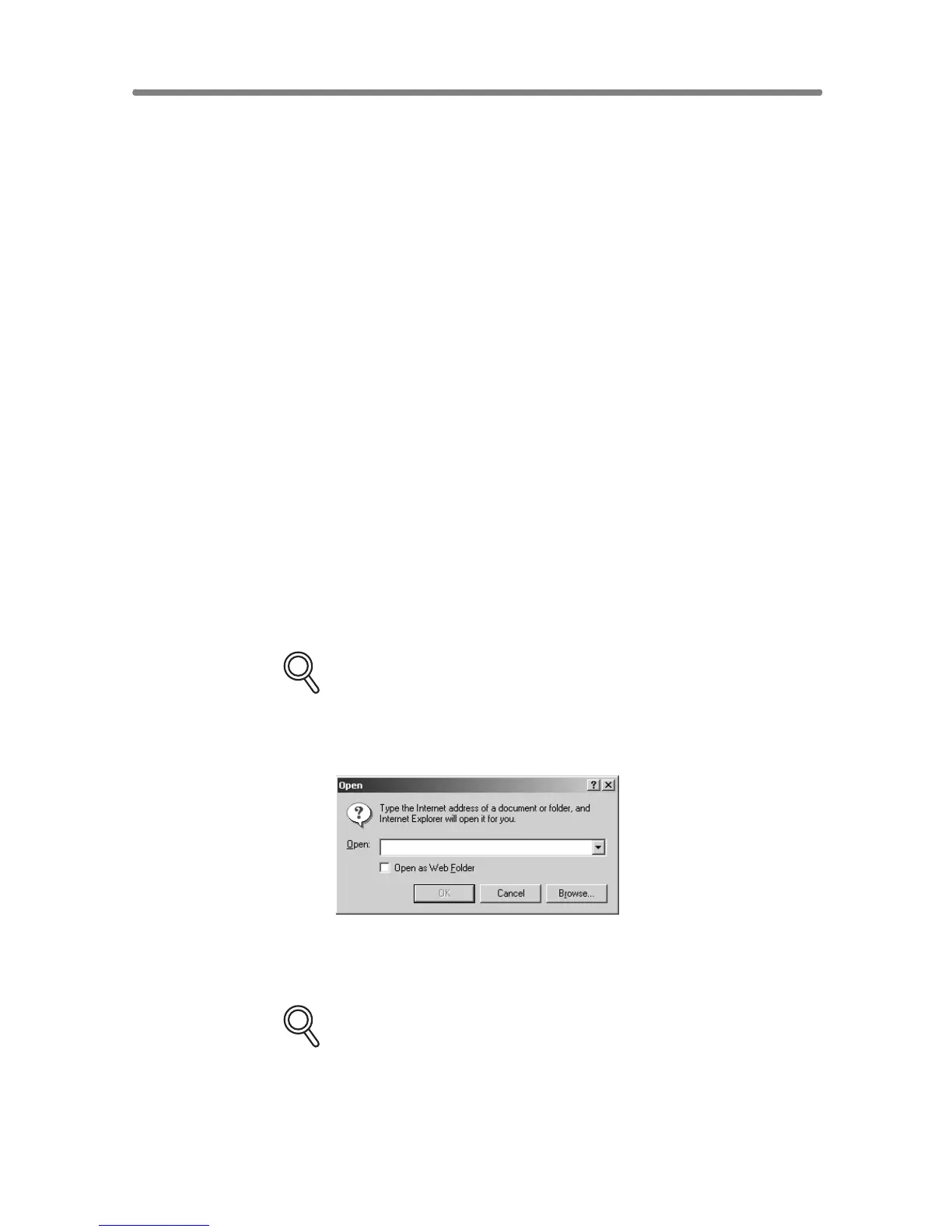
2. Activate the web browser, then select [Open] from the File menu.
3. Enter the URL (http:// [IP address or host name of the machine]),
then click on [OK].
DETAILS
Ask your network manager for the IP address or host name of the
machine.










 To Next Page