3-2
Positioning Originals
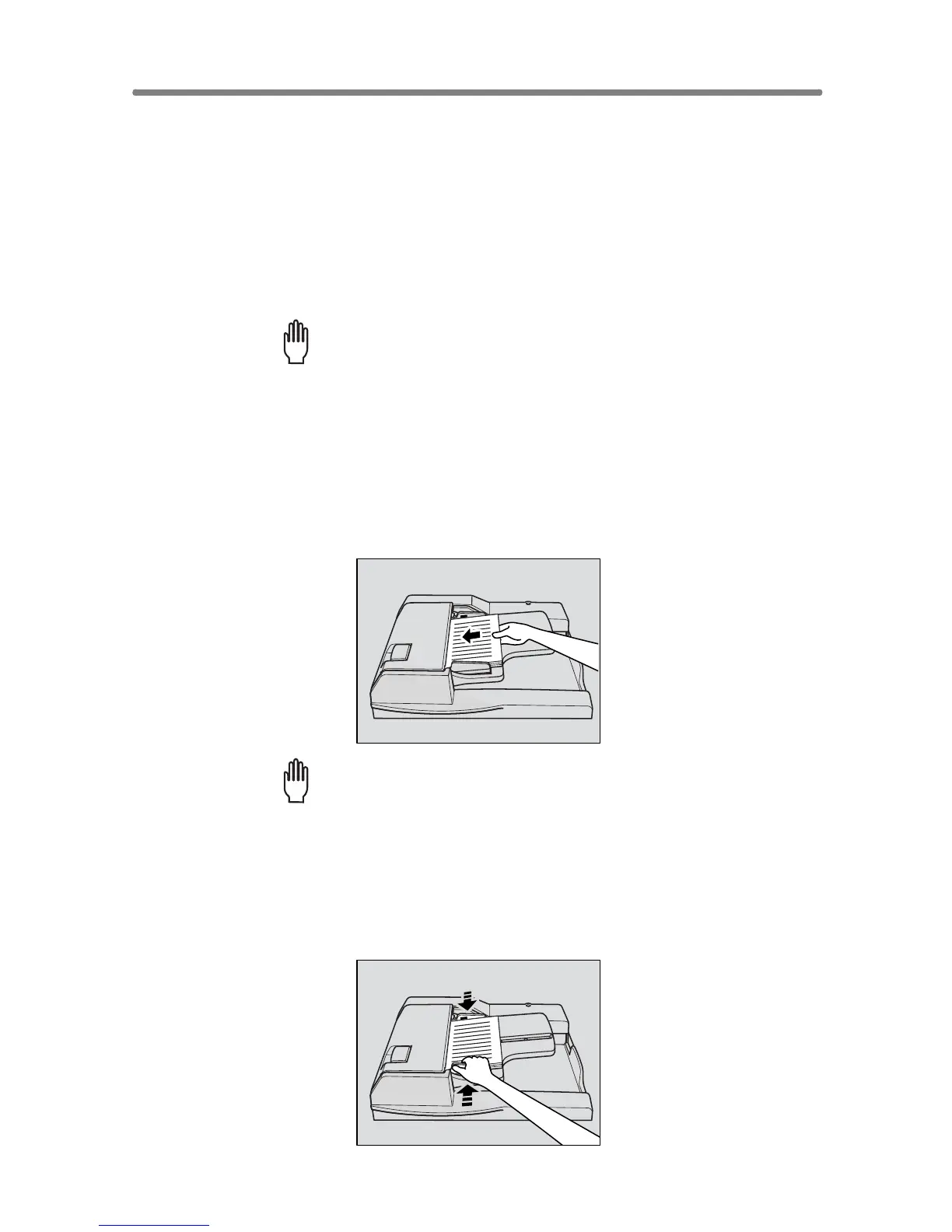
Positioning Originals in RADF
The document feeder (RADF) automatically feeds up to 100 originals
directly to the platen area, starting with the top sheet. The RADF should only
be used for unstapled, smooth, flat originals.
Positioning originals in Normal mode
1. Arrange originals in order.
Please Be Reminded!
• Before placing originals in the tray, be sure the document feeder is
closed fully. Once closed, do not open the document feeder, other-
wise the selected copy conditions may be altered automatically.
• Be sure not to use unsuitable RADF originals. See p. 11-8 for details.
2. Position original(s) FACE UP in the document feeder tray.
Place two-sided originals with page one FACE UP.
Up to 100 originals can be set at a time.
Please Be Reminded!
• Do not set more than 100 originals or over the red line indicated on
the paper guides; otherwise a paper misfeed will occur.
• If the number of originals exceeds 100, divide them into blocks not
exceeding 100 sheets, then load them from the block with the first
page. See p. 3-33 to p. 3-34.
3. Adjust paper guides.










 To Next Page