Loading Paper (continued)
2-28
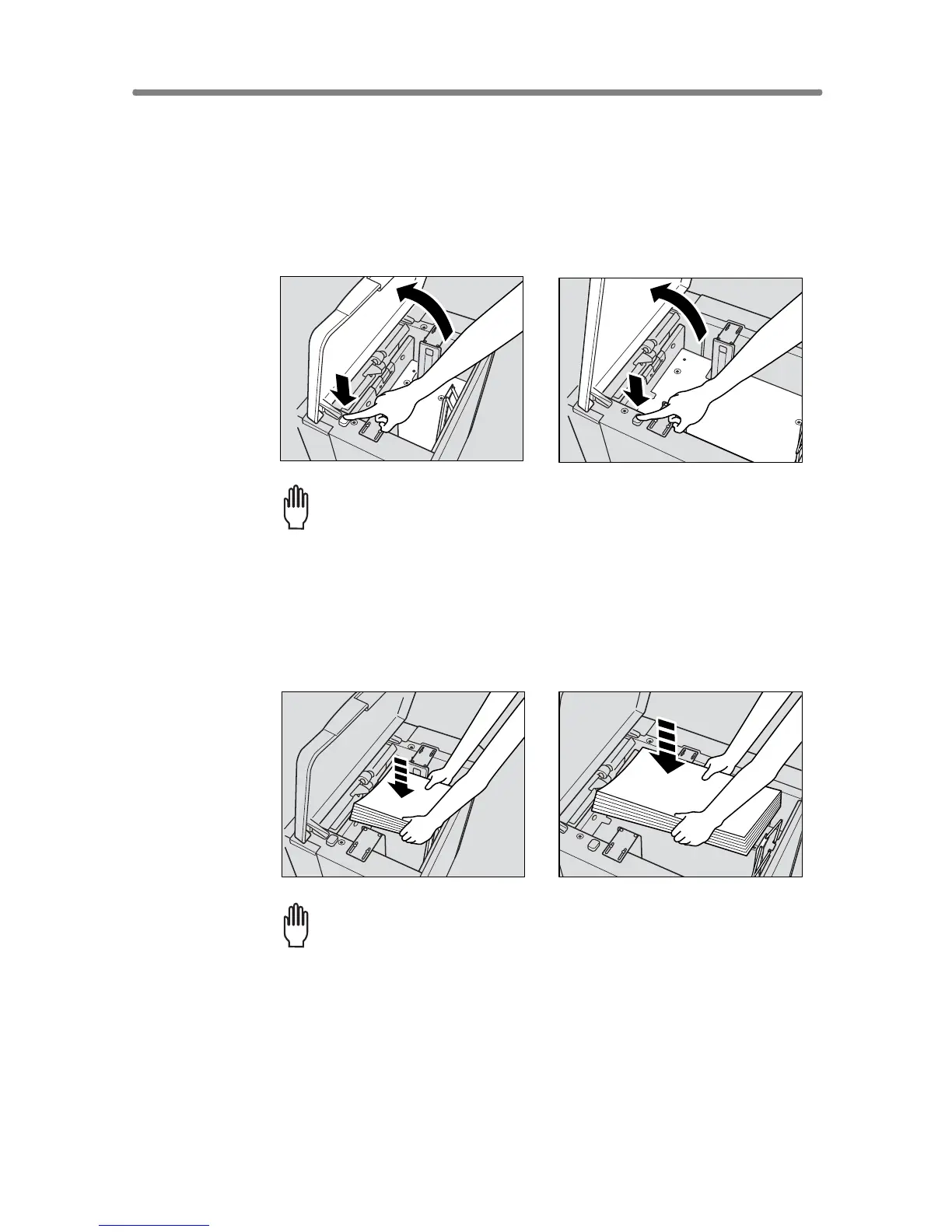
Loading Paper in LCT (LT-402/LT-412)
1. Open the LCT top door.
2. Press the paper loading button to lower the LCT bottom plate.
Please Be Reminded!
Be sure that both main power switch and sub power switch are turned
on before loading paper in the LCT. Without the power turned on, the
LCT bottom plate will not function.
3. Load the paper into the LCT with the paper curl turning down-
ward, making sure it is the same size as the tray has been set to.
Please Be Reminded!
Be sure to load only the paper size fixed for the LCT.
To change the paper size of the LCT, contact your service representa-
tive.
LT-402
LT-412
LT-402
LT-412










 To Next Page