7-20
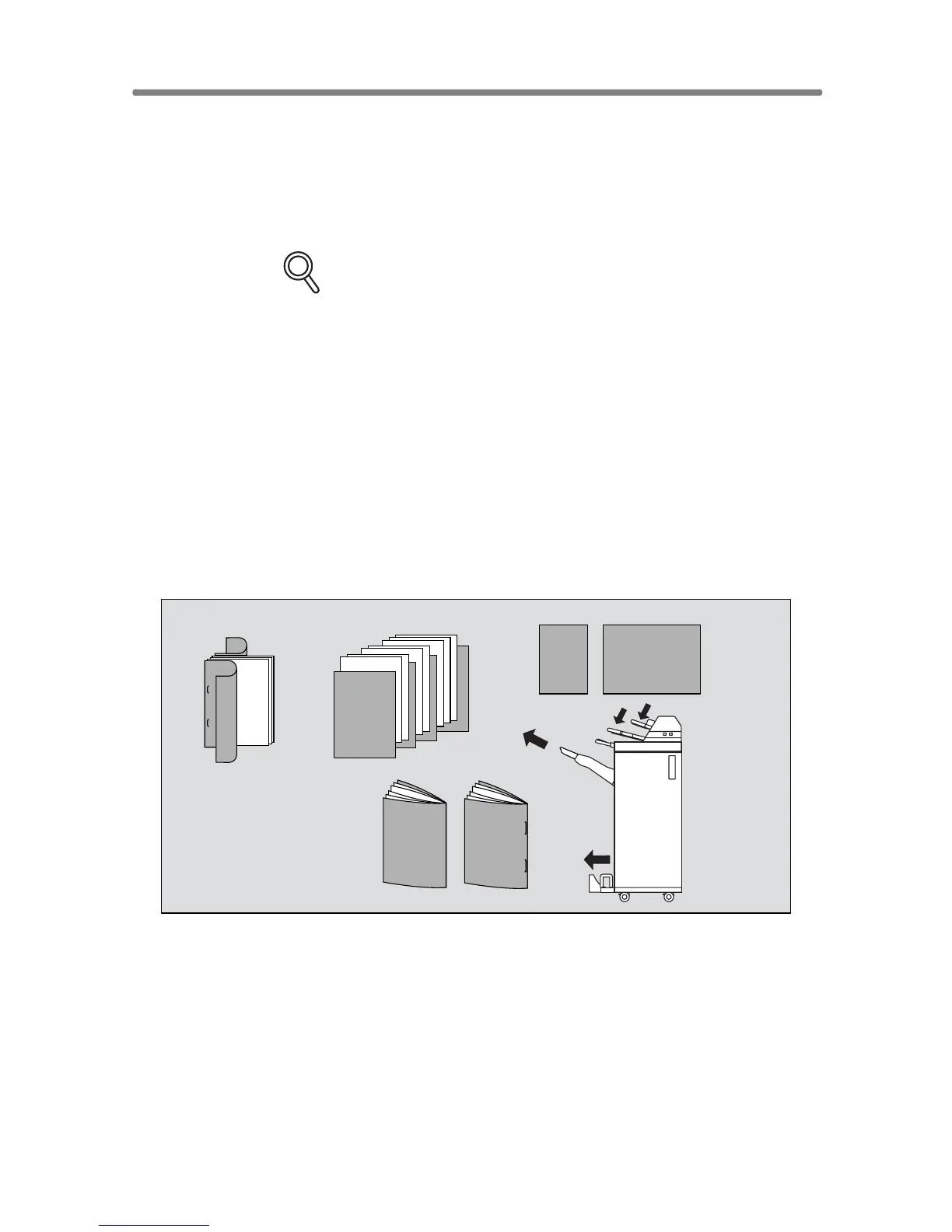
Cover Sheet Feeding
The Cover Sheet Feeder (PI-110) is available as an option on the FS-110/
210 Finisher.
Load cover sheet paper into this device and use the sheets as front covers
for copied sets output to the Main tray or use the sheets as booklet-type
covers for copied sets output to the Booklet tray in the Fold, Stitch & Fold, or
Three-Fold mode.
FOR DETAILS
• Paper loaded into the cover sheet feeder cannot be copied.
• This function is incompatible with cover sheet mode (COVER WITH
COPY SHEET and COVER WITH BLANK SHEET) in Booklet and
cover mode in Sheet/Cover Insertion.
>>>Specifications for Cover Sheet Feeding<<<
❒ Cover paper size:
Upper tray: A4, A4R, B5, B5R, A5*, 8.5"x11", 8.5"x11"R, 5.5"x8.5"*
Lower tray: A3, B4, A4, A4R, B5, B5R, A5*, 11"x17", 8.5"x14", 8.5"x11",
8.5"x11"R, 5.5"x8.5"*
*A5 and 5.5"x8.5" paper sizes are available in portrait type feeding only.
❒ Tray capacity: 200 sheets (200 g/m
2
paper) or 30 mm thick for both trays
❒ Incompatible Conditions: Output to Secondary (sub) tray, Punch using PK-
110 Punching kit, Z-Fold, OHP Interleave
1. Touch OUTPUT MENU on the Basic Screen
The Output Mode popup menu will be displayed.
Cover sheet
Copied set with covers and insertions
Copied set with
covers attached in
Staple-sort mode
Copied sets with cover
attached in Fold or
Stitch & Fold mode










 To Next Page