Loading Paper (continued)
2-27
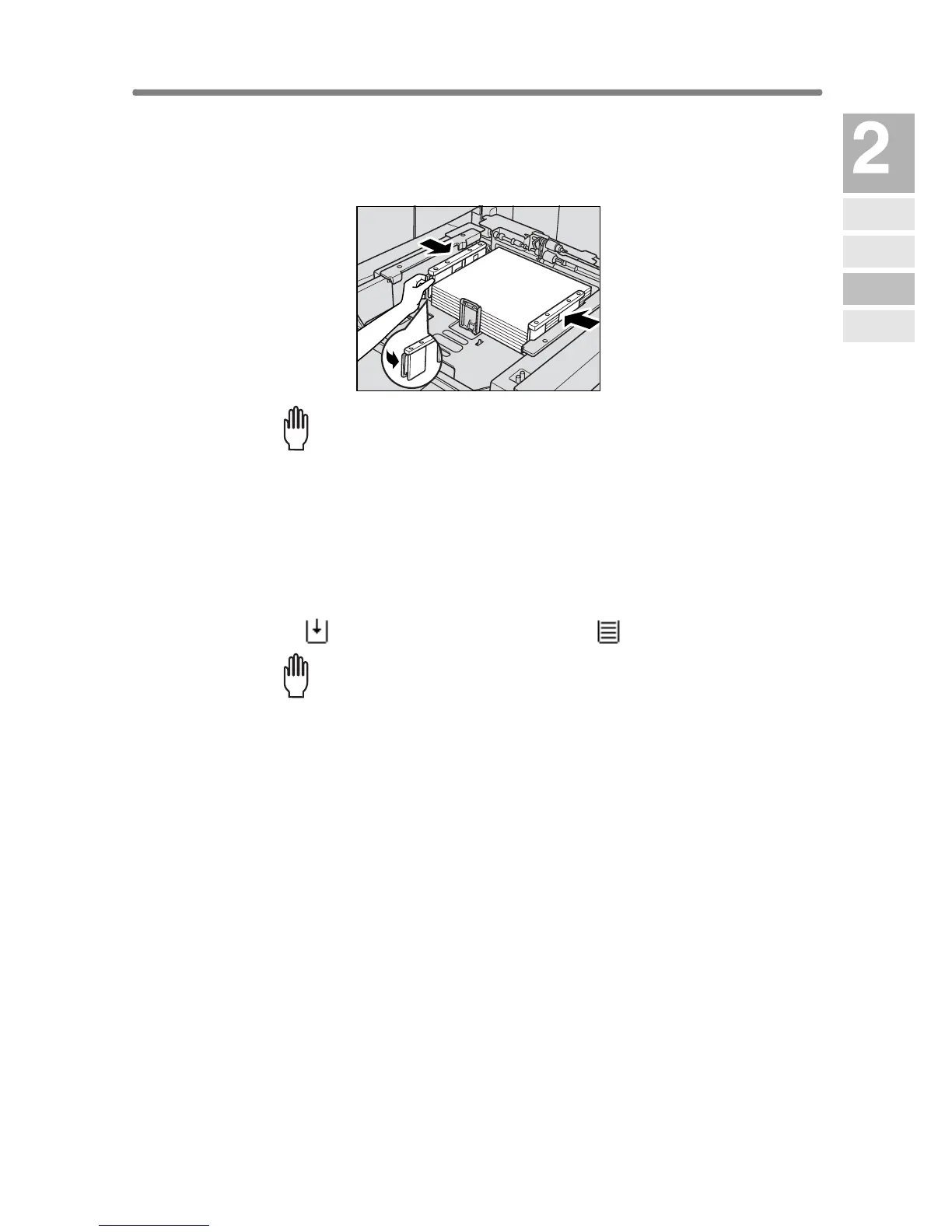
4. While pressing the release knob, move the rear side guide plate
against the paper.
Release the release knob to lock the side guide plate.
Please Be Reminded!
Be sure that the side guide plates are securely aligned to the paper;
otherwise the machine cannot detect the correct paper size, or copies
may not be punched in position.
5. When paper is seated properly, close the paper feed roller.
6. Push in the tray until it locks into place.
The indicator “” on the tray key will change to “”.
Please Be Reminded!
Do not bump the tray into the main body; otherwise machine trouble
may be caused.
Machine
Information
Machine
Configuration
Turn On/Off
the Power
Loading
Paper
Changing
Paper Size










 To Next Page