9-33
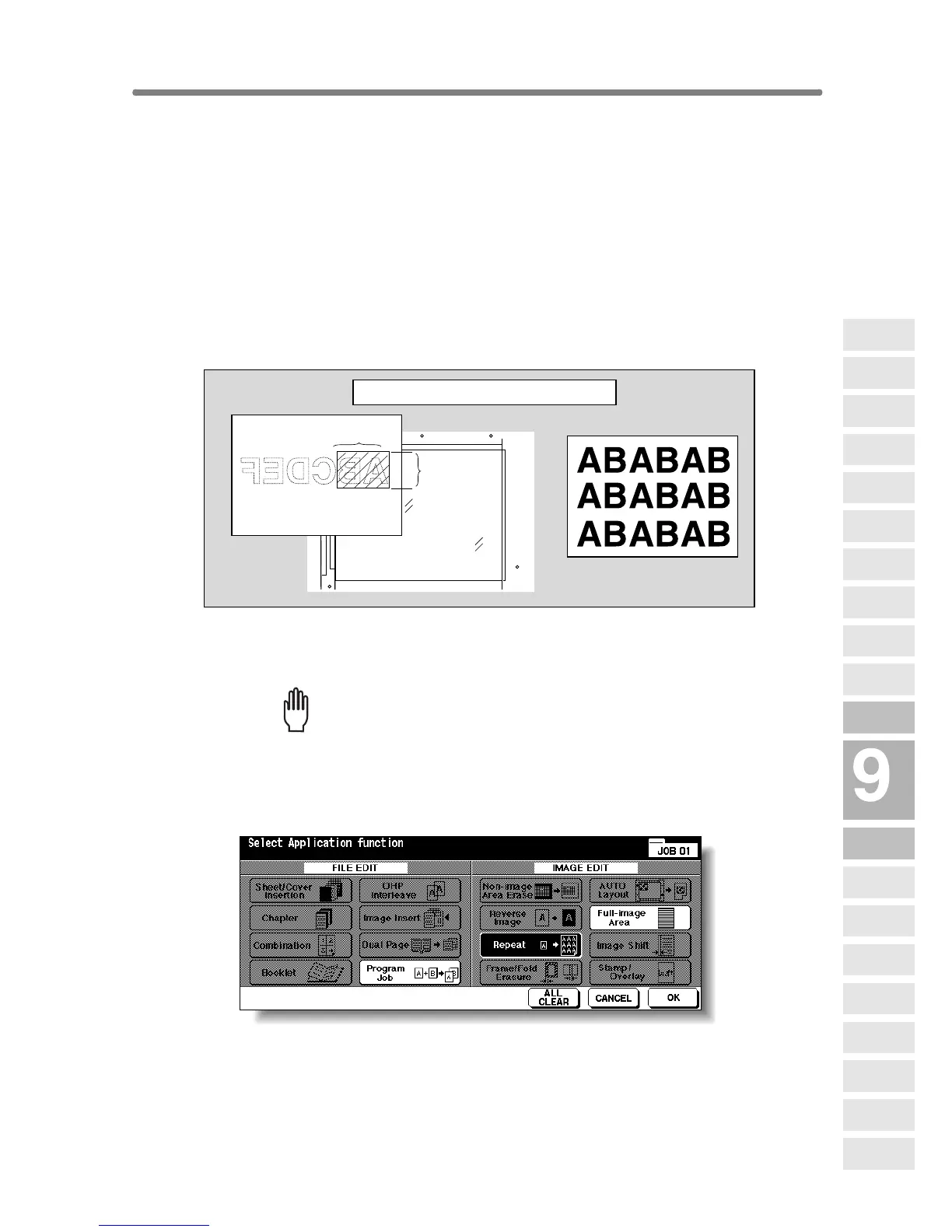
Repeating Selected Image Area (Repeat: Vert./
Horiz. Mode)
Use this function to repeat the selected image area of 10 mm ~ 150 mm in
both vertical and horizontal widths measured from the rear left corner of the
A3 original area indicated on the left edge of the platen glass.
>>>Vertical/Horizontal Width Setting Mode Specifications<<<
❒ Use the platen glass. (Document feeder cannot be used.)
❒ Incompatible Conditions: Using RADF, 2-2, 2-1, APS, AMS, Rotation,
Group, Rotation Sort, Rotation Group, Mixed Original, Z-Folded Original,
Sheet/Cover Insertion, Chapter, Combination, Booklet, OHP Interleave,
Image Insert, Dual Page, Non-Image Area Erase, Frame/Fold Erasure,
AUTO Layout, Reduce & Shift in Image Shift, Stamp/Overlay
1. Touch APPLICATION on the Basic Screen.
Please Be Reminded!
When starting a new copying job, be sure to close the RADF securely,
then press [AUTO RESET].
2. Touch Repeat on the Application Selection Screen.
The Repeat Mode Selection Screen will be displayed.
Vertical
width
Horizontal width
Repeat copy
Vertical/Horizontal Width Setting mode
Applications
Reverse
Image
Non-Image
Area Erase
Program Job
Dual Page
Image Insert
OHP
Interleave
Booklet
Combination
Chapter
Sheet/Cover
Insertion
Application
Selection Screen
Repeat
Frame/Fold
Erasure
AUTO
Layout
Full-Image
Area
Image Shift
Reduce &
Shift
Stamp
Overlay
Overlay
Memory










 To Next Page