2-24
Loading Paper
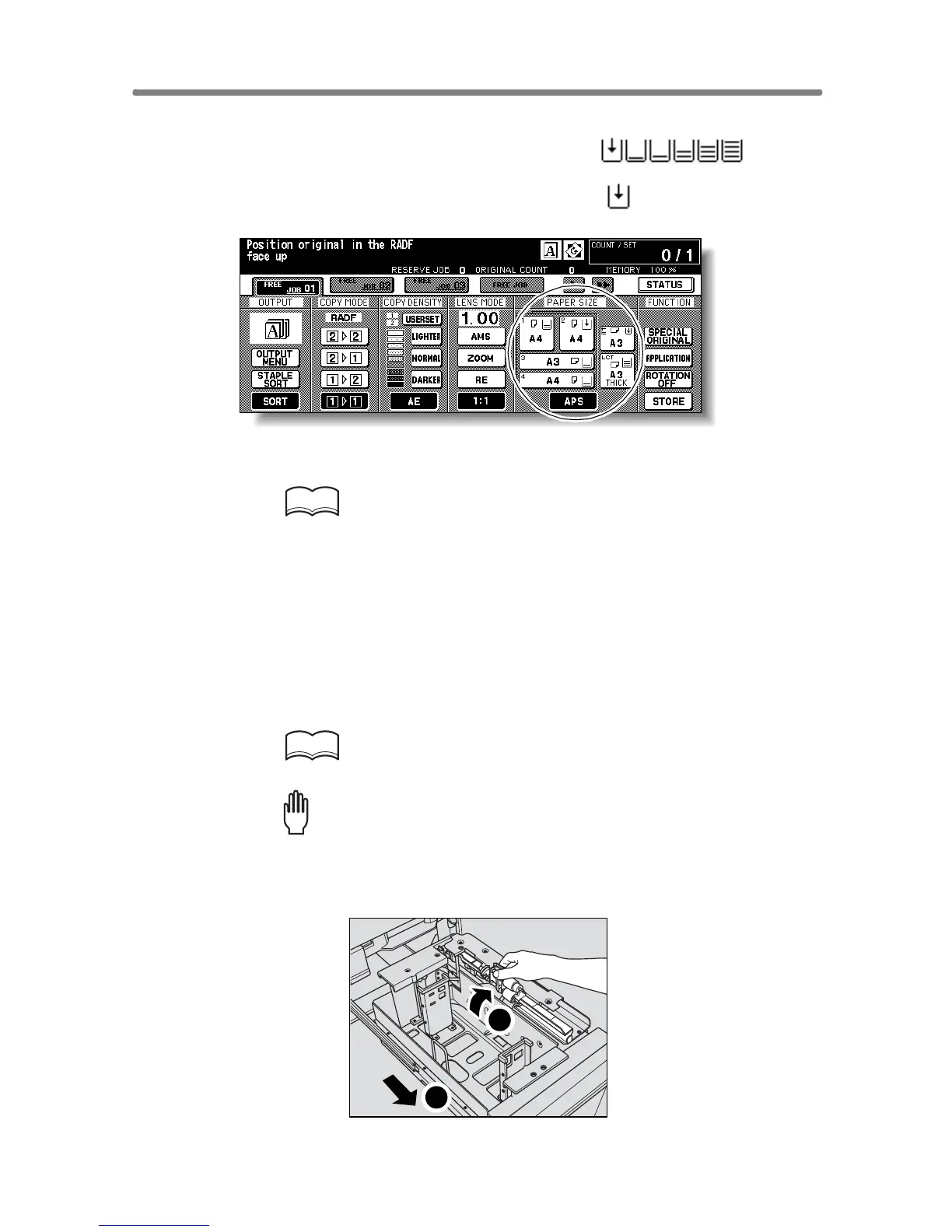
A paper indicator is shown on each tray key of the Basic Screen to indicate
the paper level of the tray. (Six levels are provided: )
When paper in a tray becomes empty, the indicator “ ” appears on the tray
key.
Follow the procedure below to supply the empty tray with copy paper.
HINT
When Thick or Thin is displayed on the tray key of the Basic Screen, be
sure to load the specified paper; otherwise mishandled paper may
occur. For details, see p. 13-23 to p. 13-24.
When TAB is displayed, see p. 2-31 for loading tabbed sheets.
Loading Paper in Tray 1 and 2
1. Withdraw tray 1 or 2.
HINT
See p. 2-2 to check positions of each tray.
Please Be Reminded!
Do not withdraw the tray forcibly; otherwise you may be injured.
2. Open the paper feed roller.
1
2










 To Next Page