12-14
Empty Waste Basket of PZ-108/109 Punching / Z-
Folding Unit
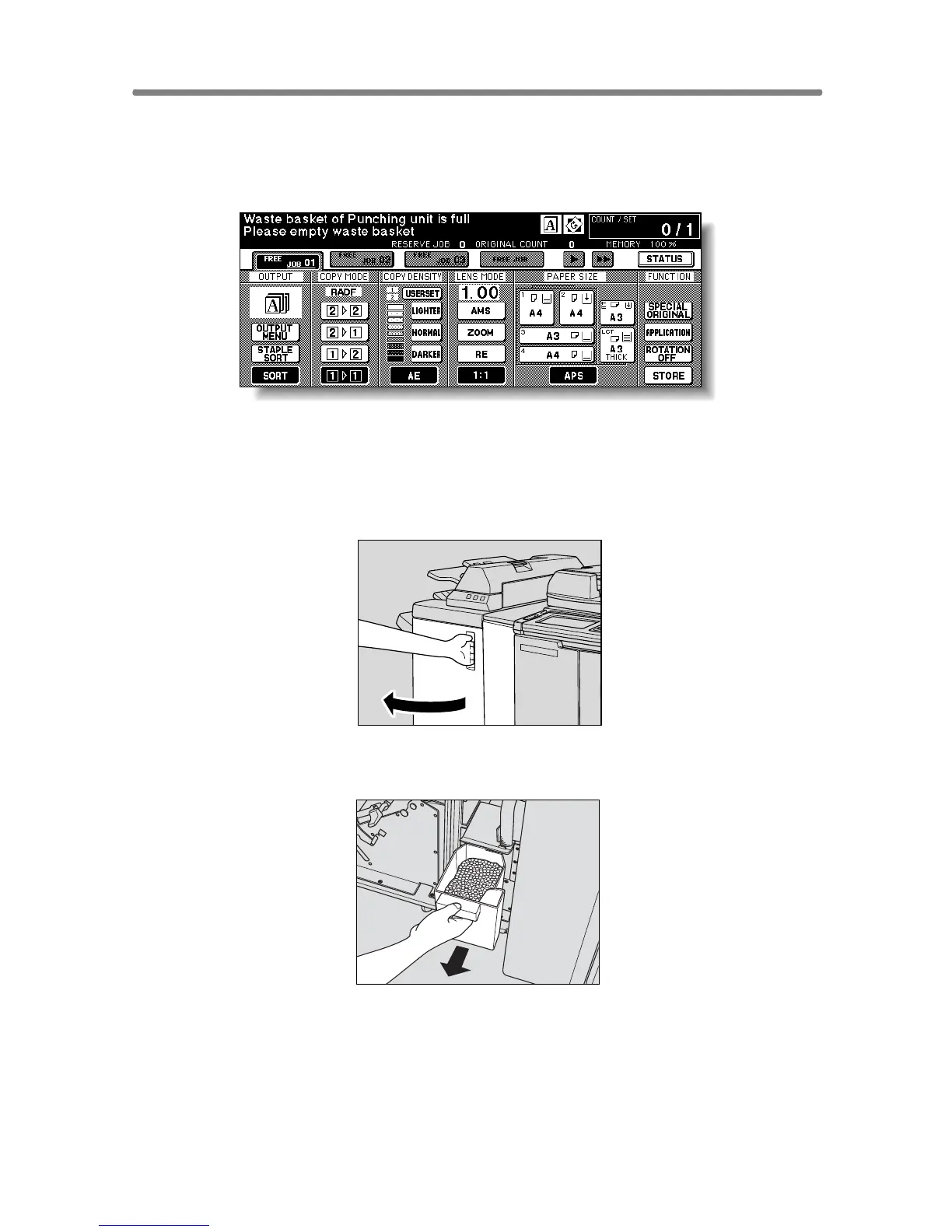
When the waste basket becomes full, “Waste basket of Punching unit is full /
Please empty waste basket” message will be displayed on the touch screen,
and the finished set will be output without being punched even if Punch
mode is selected.
Follow the procedure below to empty the waste basket.
1. Open the Punching / Z-Folding unit front door with the Finisher
door handle.
2. Withdraw the waste basket.










 To Next Page