4-2
Storing Job Conditions (Job Memory: Job Store)
Use Job Store to store up to 30 frequently used copy job settings, which can
be recalled at any time. The stored jobs can be given alphabetical names.
>>>Specifications for Job Memory<<<
❒ All copying functions can be selected.
❒ Interrupt mode cannot be used while in Job Memory.
1. Make job selections from the Basic Screen and/or Application
Selection Screen.
Please Be Reminded!
When starting a new copying job, be sure to close the RADF securely,
then press [AUTO RESET].
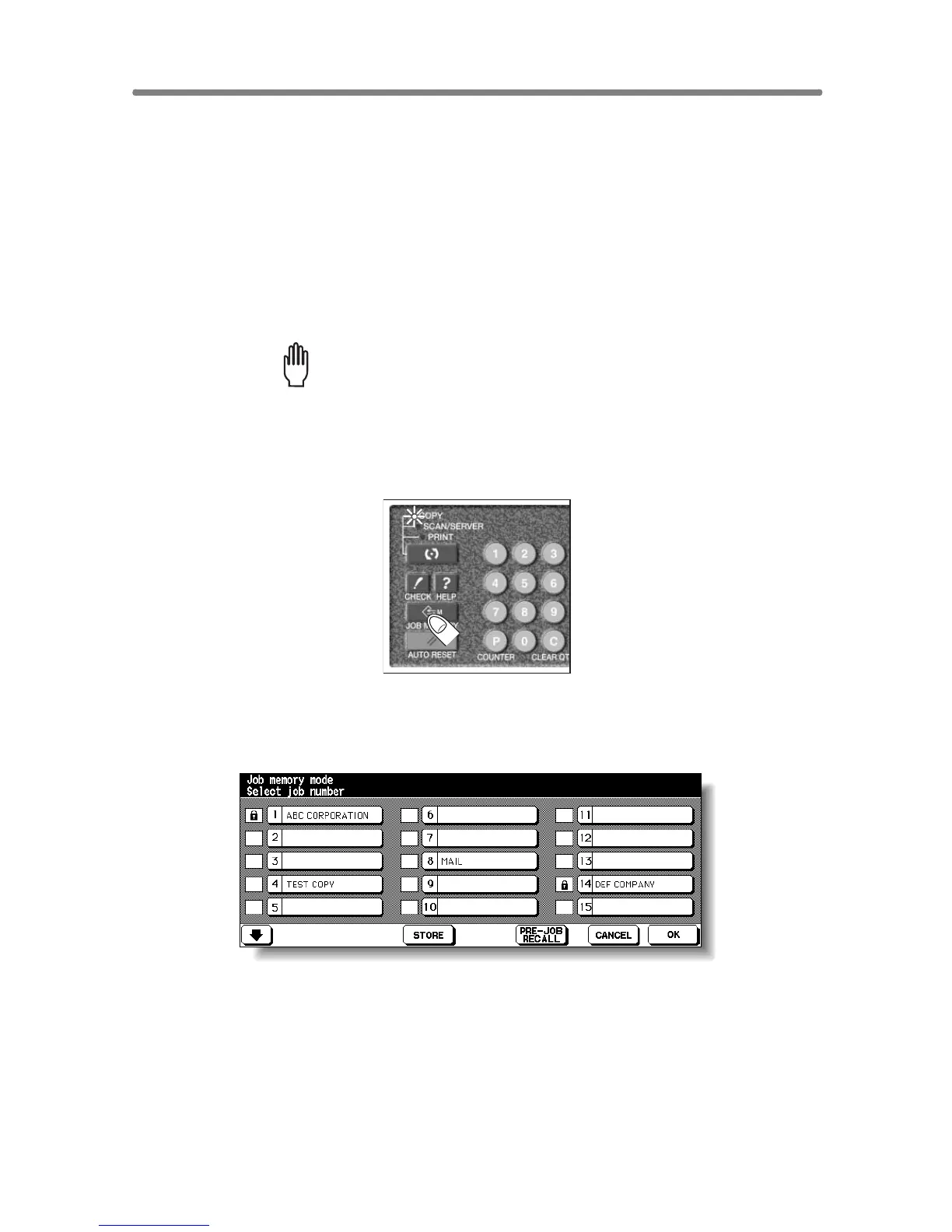
2. Press [JOB MEMORY] on the control panel.
The Job No. Selection Screen will be displayed.
3. Touch STORE.
The Job Store Check Screen will be displayed.










 To Next Page