10-16
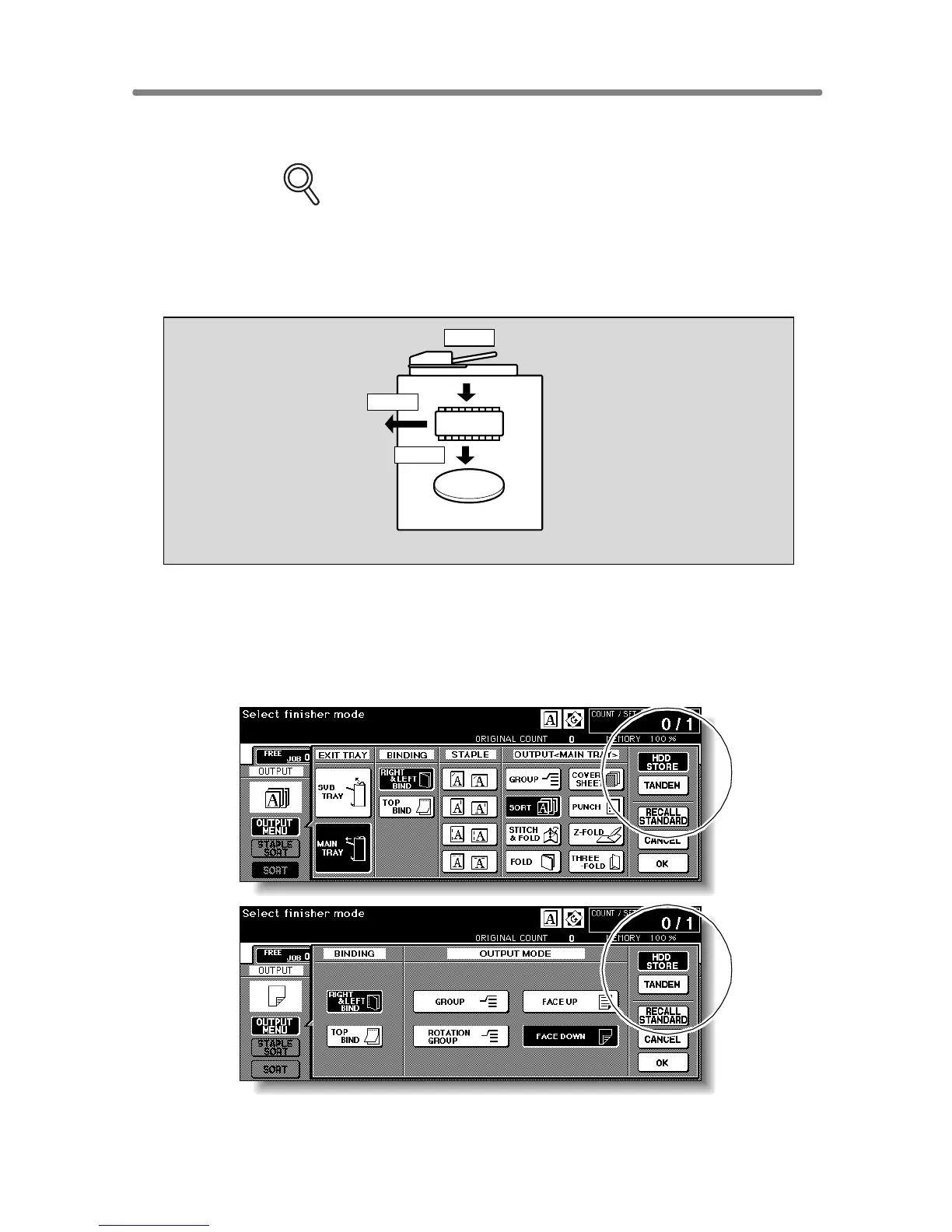
Storing Image Data While Copying (Image
Store&Output)
Use this function to store the scanned image data in HDD after copying is
completed.
FOR DETAILS
Installation of the optional HDD (HD-105) is required for this function.
With the HDD installed, the HDD STORE key will be displayed on the
Output Mode popup menu.
This storing function does not conflict with any copying condition other
than Program Job.
1. Touch OUTPUT MENU on the Basic Screen to display the Output
Mode popup menu.
2. Touch HDD STORE.
The Image Data Password Entry Screen will be displayed.
HDD
DIMM
Scan
Store
Output










 To Next Page