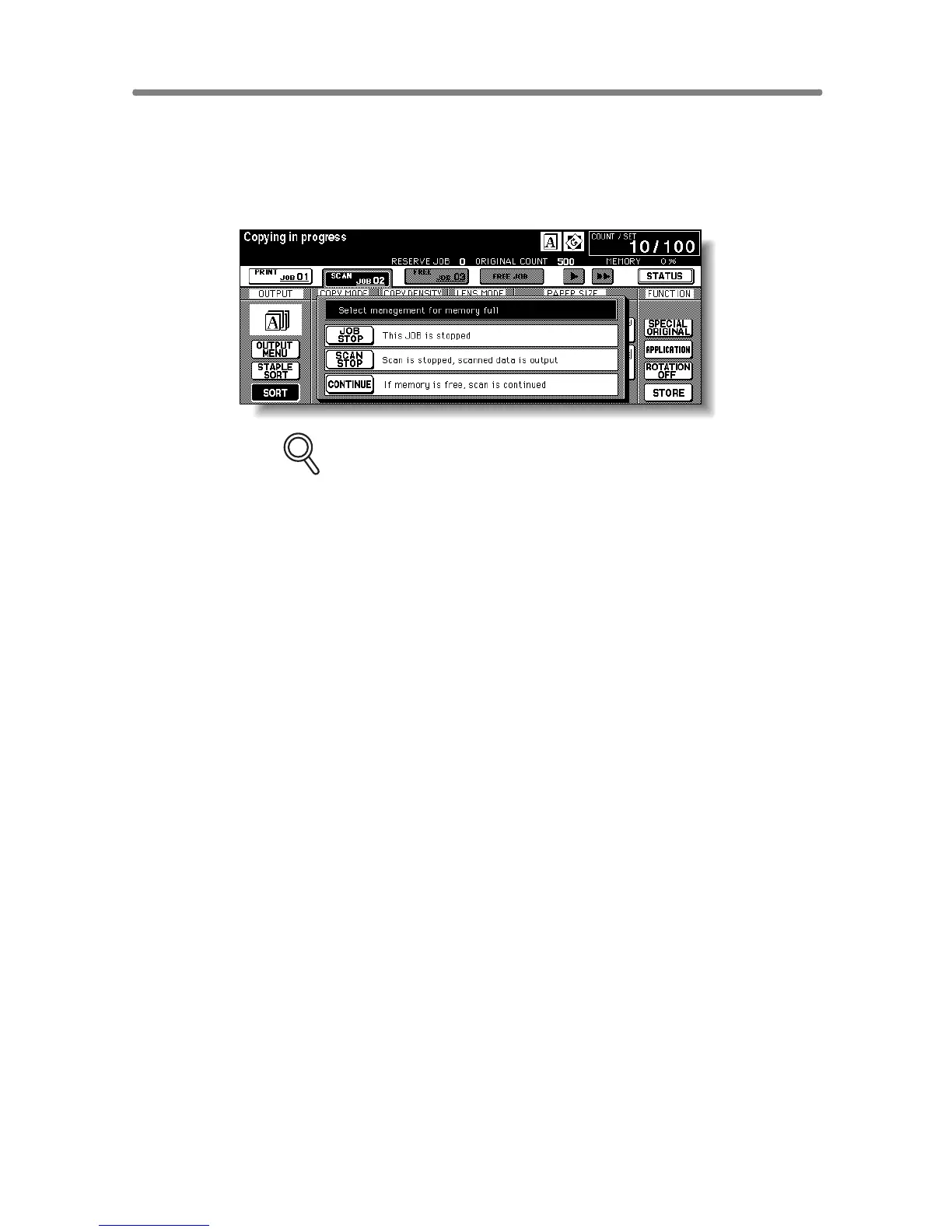
When “Memory Full” Message Is Displayed (Memory Overflow) (contin-
5-12
Memory Overflow in Reserve Job
When memory overflow occurs during the reserve operation, CONTINUE
also appears on the active screen. In this case, the machine will not stop
until all the jobs on standby for printing are completed.
FOR DETAILS
If the job settings include Booklet mode, SCAN STOP will disappear.
• To delete the scanned data and discontinue the last reserve job, touch
JOB STOP.
• To give up further scanning but print out the data already scanned for the
last reserve job, touch SCAN STOP.
• To continue scanning the last reserve job, touch CONTINUE as the
current printing job gradually enables memory for new data.










 To Next Page