Storing/Deleting Image Data in HDD/PC (Image Store/Delete) (continued)
10-8
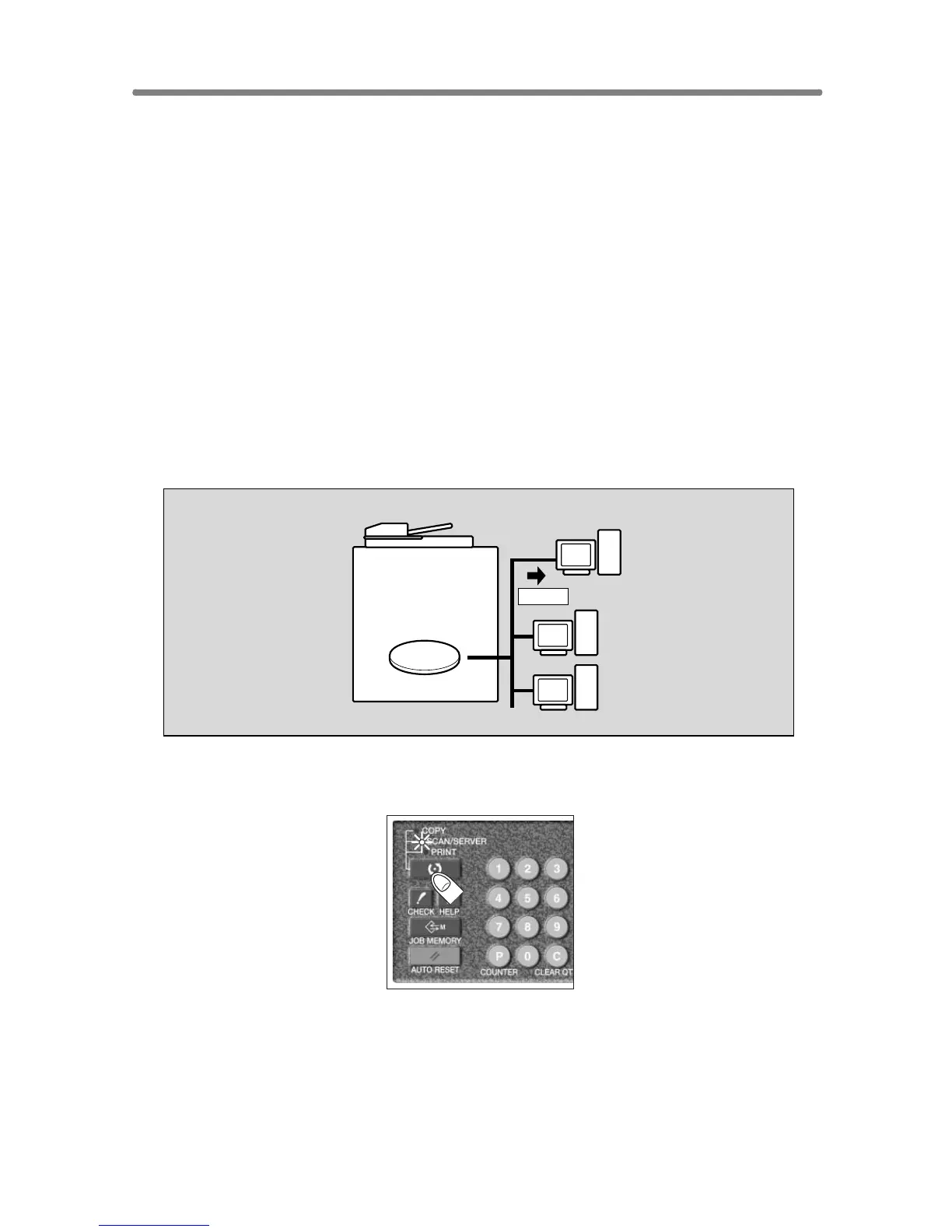
To Transmit Image Data from HDD to PC
Use this function to transmit the image data from the HDD to a PC over a
network to store the data in a PC.
We recommend that you should make a copy of the image data stored to
HDD perodically, just in case of trouble.
>>>Specifications for Transmitting Image Data from HDD to PC<<<
❒ To transmit and store the image data in a PC, a PC must have a specific
setup application installed. Follow the instruction according to the setup
application installed on a PC.
❒ The data transmission procedure on a PC can be performed automatically
by designating it on the touch screen of the machine. (In this case, the
setup application installed in the PC should be the Job Editor Server. The
Job Editor 2 allows manual transmission only.)
❒ The password specified when storing the data in HDD is required. The
image data is to be specified by the given job name.
1. Press [MODE] to light up the [SCAN/SERVER] LED.
The Scan/Server Setting Menu Screen will be displayed.
HDD
Store










 To Next Page