Selecting Density Level (continued)
3-20
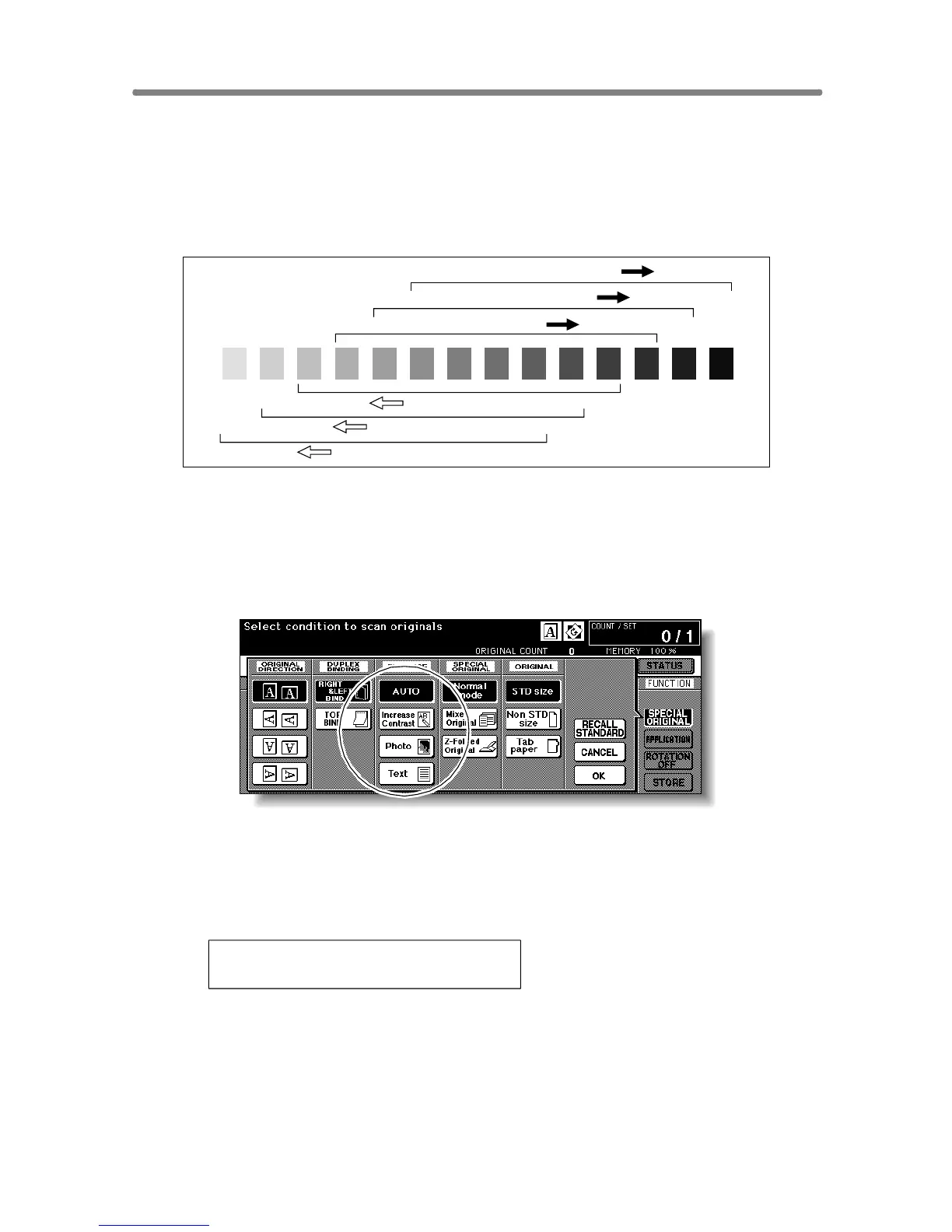
Density Shift
Use this function to shift each of nine density levels to three levels lighter or
three levels darker.
This function can be set to use in combination with each of AUTO (Text/Photo),
Text, Photo and Increase Contrast modes other than the general mode.
1. Touch SPECIAL ORIGINAL on the Basic Screen.
The Special Original popup menu will be displayed.
2. Select the desired mode.
(eg.) To set the Text mode, touch Text to highlight it.
3. Press [P (COUNTER)].
The following message will be displayed.
Density Shift (Text)
2 (0 ~ 5)
4. Press any key (from 0 to 5) using the keypad to determine the
Density shift.
Entering 6 or above will be ignored.
5. Touch OK on the Special Original popup menu.
Density shift in the selected enhance mode is determined.
Density shift 3
Density shift 2
Density shift 1
Density shift 0
Density shift 4
Density shift 5










 To Next Page