2-18
Turning On the Main Power Switch and Power
Switch
This machine is equipped with two power switches.
To Turn On the Power
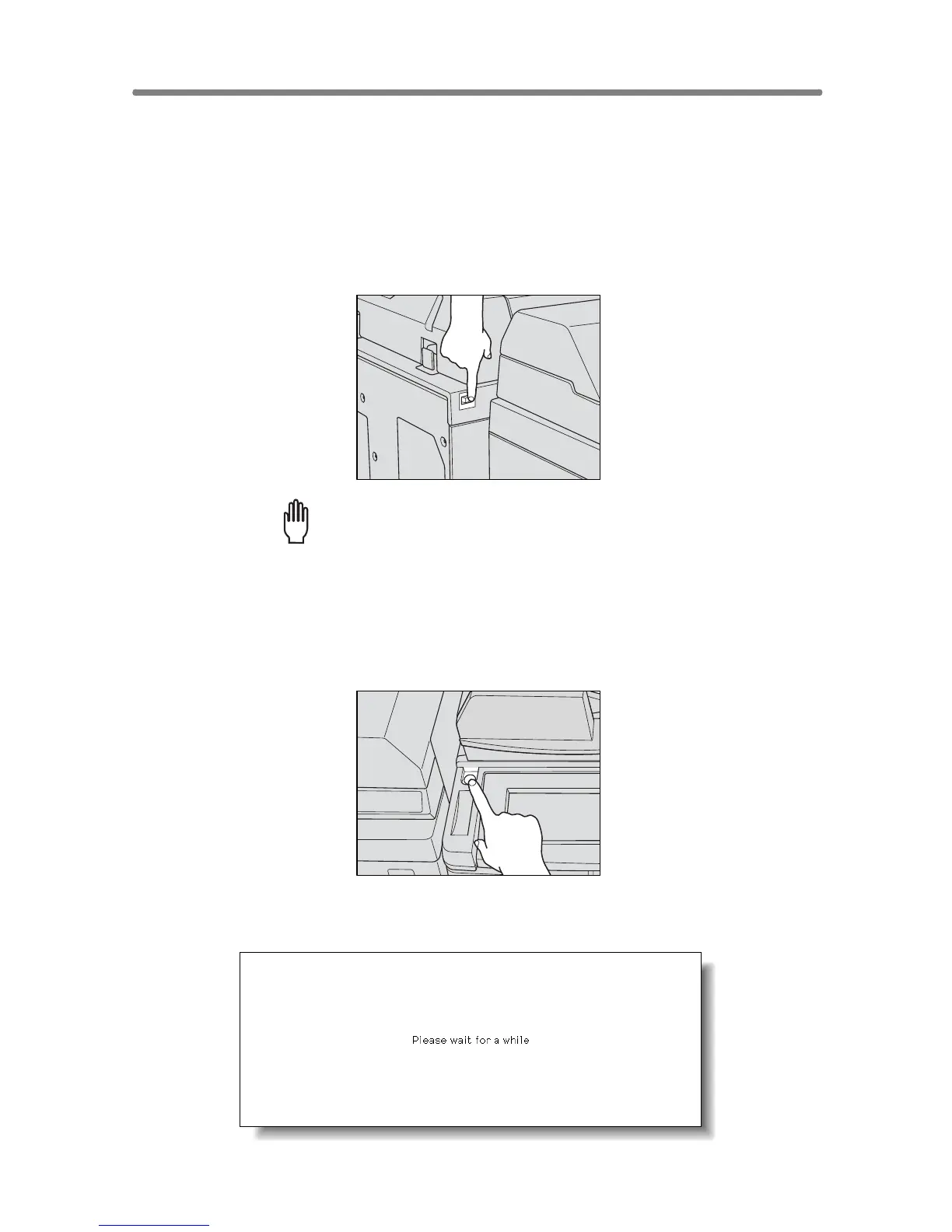
1. Turn ON the main power switch.
The main power switch is located on the rear left side of the main body.
Please Be Reminded!
When turning the main power switch OFF then ON, wait for 10 seconds
or longer before turning it ON again; otherwise the copier may not
function normally.
2. Turn ON the sub power switch.
The sub power switch is located on the far left side of the control panel.
3. The Wake-up Screen and Warm-up Screens will be displayed.










 To Next Page