Turning On the Main Power Switch and Power Switch (continued)
2-19
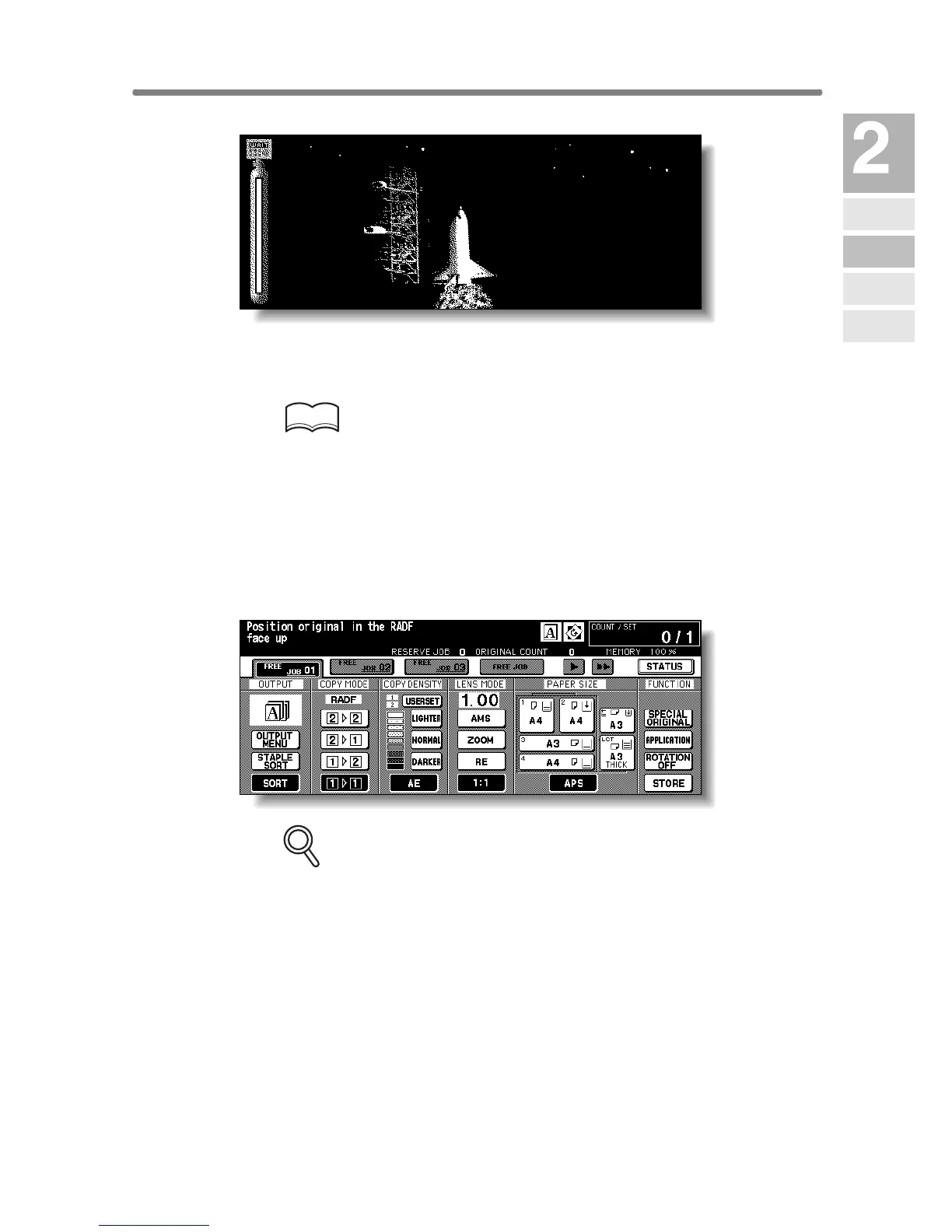
A few seconds after the Wake-up Screen appears in the LCD touch screen,
seven types of Warm-up Screens will be displayed in succession for approx.
5 minutes (7255) / 6 minutes (7272).
HINT
Setting reserve job is available while the machine is warming up. Touch
the LCD screen to change the Warm-up Screen to the Basic Screen,
then check that the message “Ready to copy reserve” is displayed on
the Basic Screen. See p. 3-7 to p. 3-8.
4. The Basic Screen will be displayed.
The message on the Basic Screen will inform you that copying job is now
available.
FOR DETAILS
• When the initial settings are changed by the Key Operator, the
modified conditions will be displayed on the Basic Screen.
• When “Enter E.K.C. password” is displayed, enter your password to
use the machine.
Machine
Information
Machine
Configuration
Turn On/Off
the Power
Loading
Paper
Changing
Paper Size










 To Next Page