Storing/Deleting Image Data in HDD/PC (Image Store/Delete) (continued)
10-13
To Delete Image Data from HDD/PC
The password specified when storing the data in HDD/PC is required. The
image data is to be specified by the given job name.
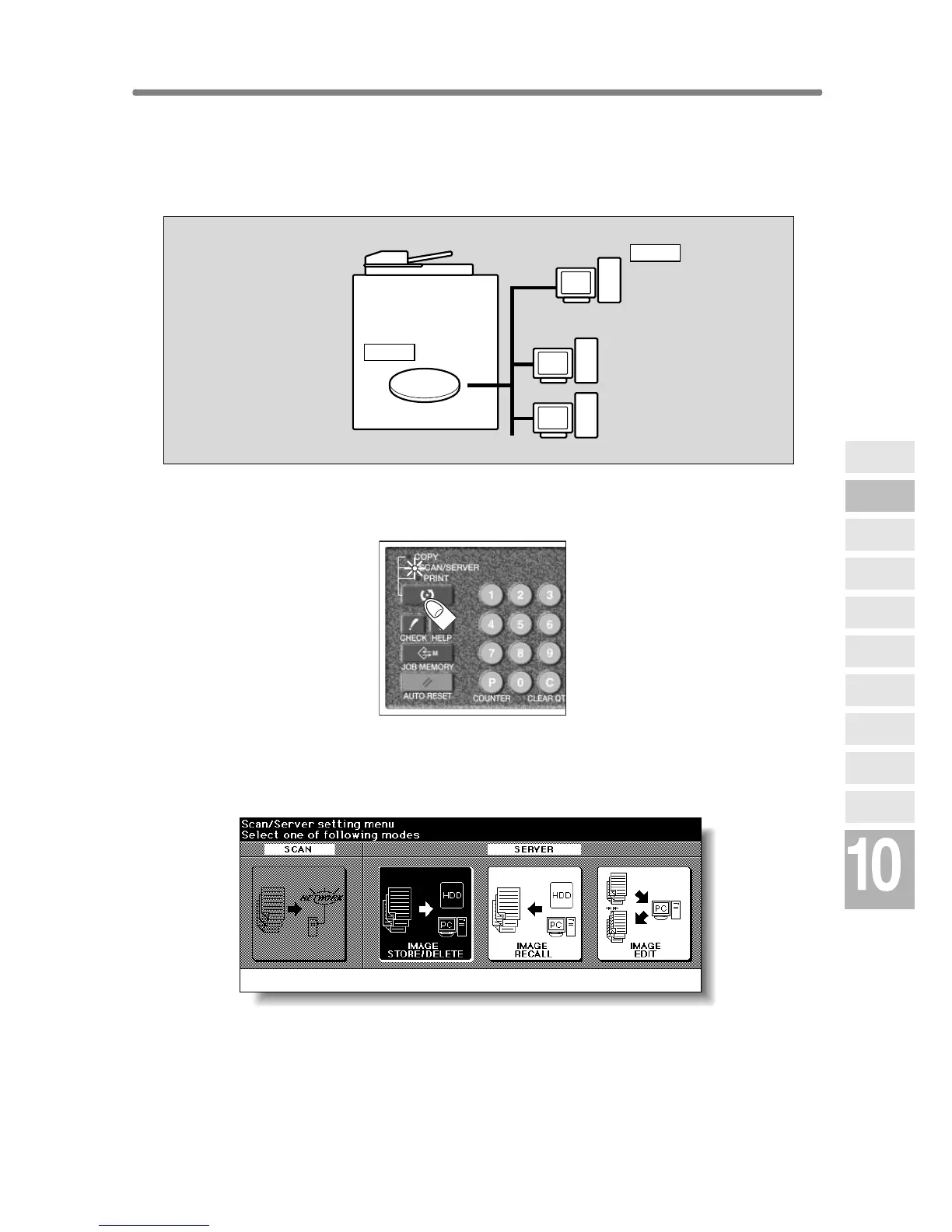
1. Press [MODE] to light up the [SCAN/SERVER] LED.
The Scan/Server Setting Menu Screen will be displayed.
2. Touch IMAGE STORE/DELETE.
The Image Data Store/Delete Site Selection Screen will be displayed.
HDD
Delete
Delete
Network
Function
Job Status
Machine
Information
HDD Job
Information
Environment
Setup
To Use Web
Utilities
Image Edit
Image Recall
Image
Store&Output
Image
Store/Delete
Server
Functions










 To Next Page