9-61
Overlaying an Image onto Each Page Copied in the
Job (Overlay)
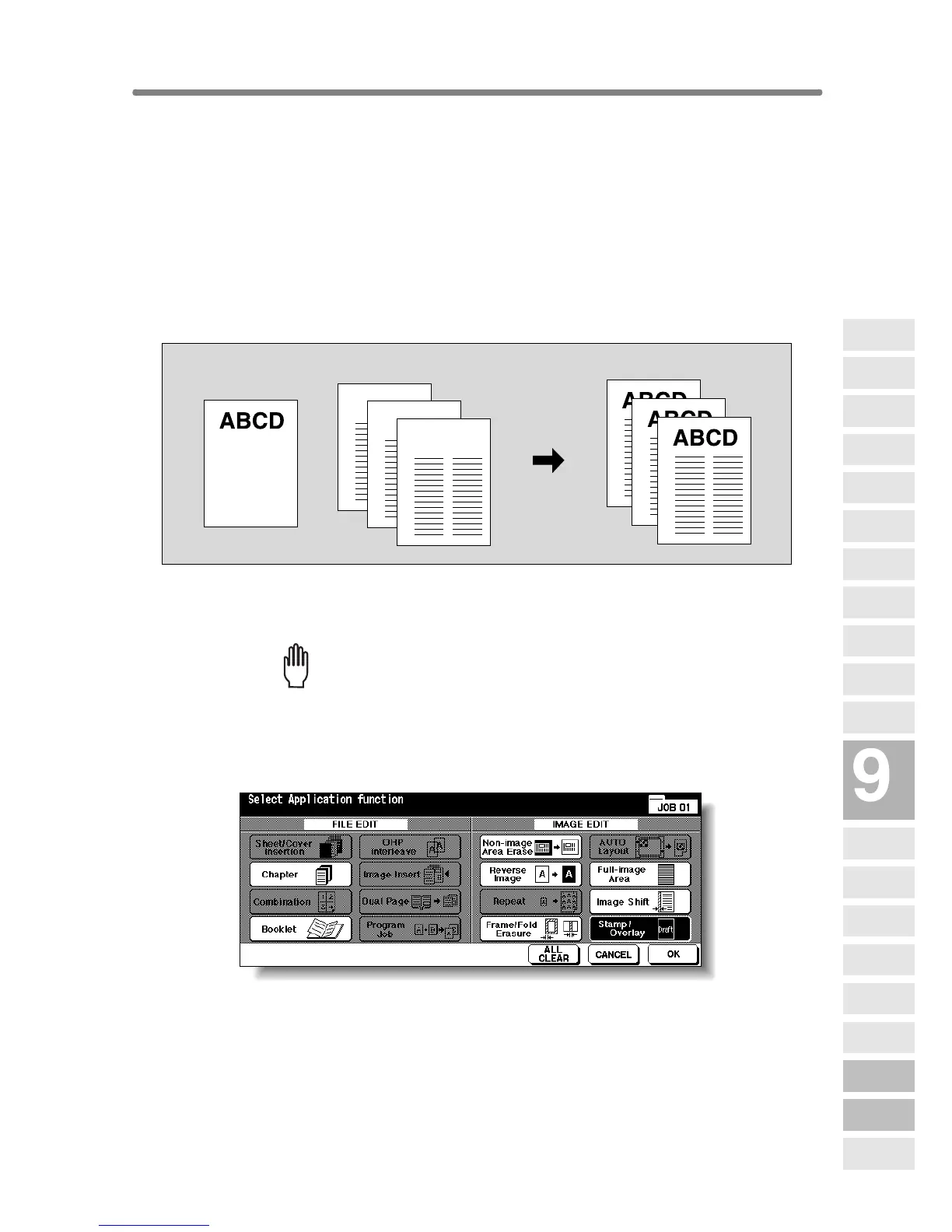
Use this function to scan an image, then overlay the image onto each page
copied in the job.
>>>Specification for Overlay<<<
❒ Store mode is automatically selected.
❒ Incompatible Conditions: Rotation, Rotation Sort, Rotation Group, Mixed
Original, Sheet/Cover Insertion, Combination, OHP Interleave, Image
Insert, Dual page, Program Job, Repeat, AUTO Layout, Reduce & Shift in
Image Shift, STAMP, SET NUMBERING, WATERMARK, WATERMARK
NUMBERING
1. Touch APPLICATION on the Basic Screen.
Please Be Reminded!
When starting a new copying job, be sure to close the RADF securely,
then press [AUTO RESET].
2. Touch Stamp/Overlay on the Application Selection Screen.
The Stamp/Overlay Selection Screen will be displayed.
1st scanned original
Originals scanned
2nd and later
Copies in Overlay mode
Applications
Reverse
Image
Non-Image
Area Erase
Program Job
Dual Page
Image Insert
OHP
Interleave
Booklet
Combination
Chapter
Sheet/Cover
Insertion
Application
Selection Screen
Repeat
Frame/Fold
Erasure
AUTO
Layout
Full-Image
Area
Image Shift
Reduce &
Shift
Stamp
Overlay
Overlay
Memory










 To Next Page