10-29
To Display Current Machine Status (Job Status)
Follow the procedure below to display the current job status, job list
including reserved jobs and job information, and information on up to 16
previous jobs.
1. Open the Web Utilities window.
HINT
See p. 10-26 for detailed procedure to access the Web Utilities.
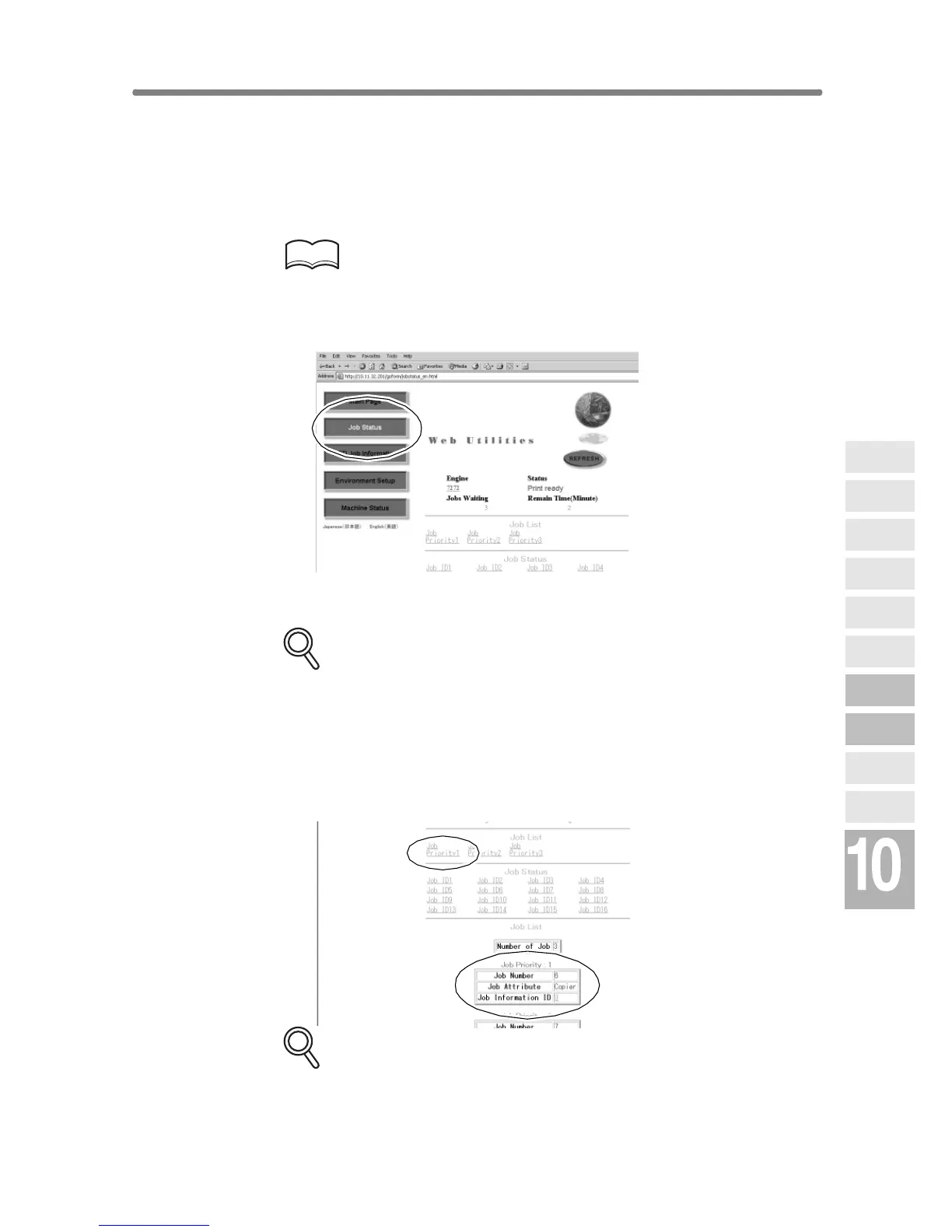
2. Click on [Job Status].
The current job status, number of jobs in waiting, and remaining time to
elapse before completing the print job.
DETAILS
• Clicking on [7272] will display the machine information. See p. 10-28.
• Click on [REFRESH] to update the information.
3. Display the current job or reserved job information.
Click on the desired [Job Priority No.] under the “Job List”.
The information on the specified job will appear in the second “Job List” area.
DETAILS
If no print job or reserved job exists, “Job Empty” will be displayed in the
first “Job List” area.
Network
Function
Job Status
Machine
Information
HDD Job
Information
Environment
Setup
To Use Web
Utilities
Image Edit
Image Recall
Image
Store&Output
Image
Store/Delete
Server
Functions










 To Next Page