To Display Current Machine Status (Job Status) (continued)
10-30
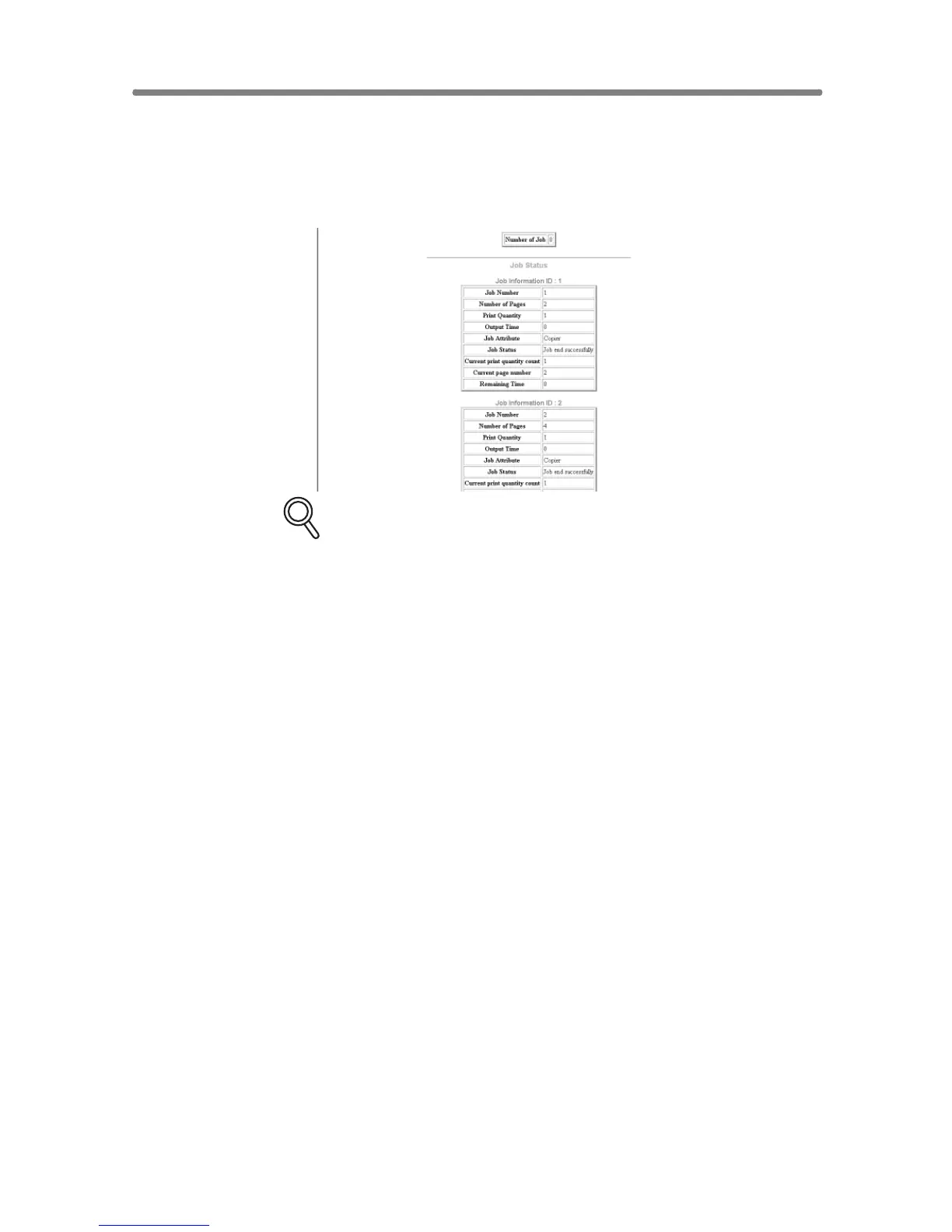
4. Display the previous job information.
Click on the desired [Job ID No.] under the “Job Status”.
The information on the specified previous job will appear in the second “Job
Status” area.
DETAILS
If no print job has been made after the machine powered on, no
indication will appear in the first “Job Status” area.










 To Next Page