9-10
Lay Out Several Pages onto One Sheet (Combination)
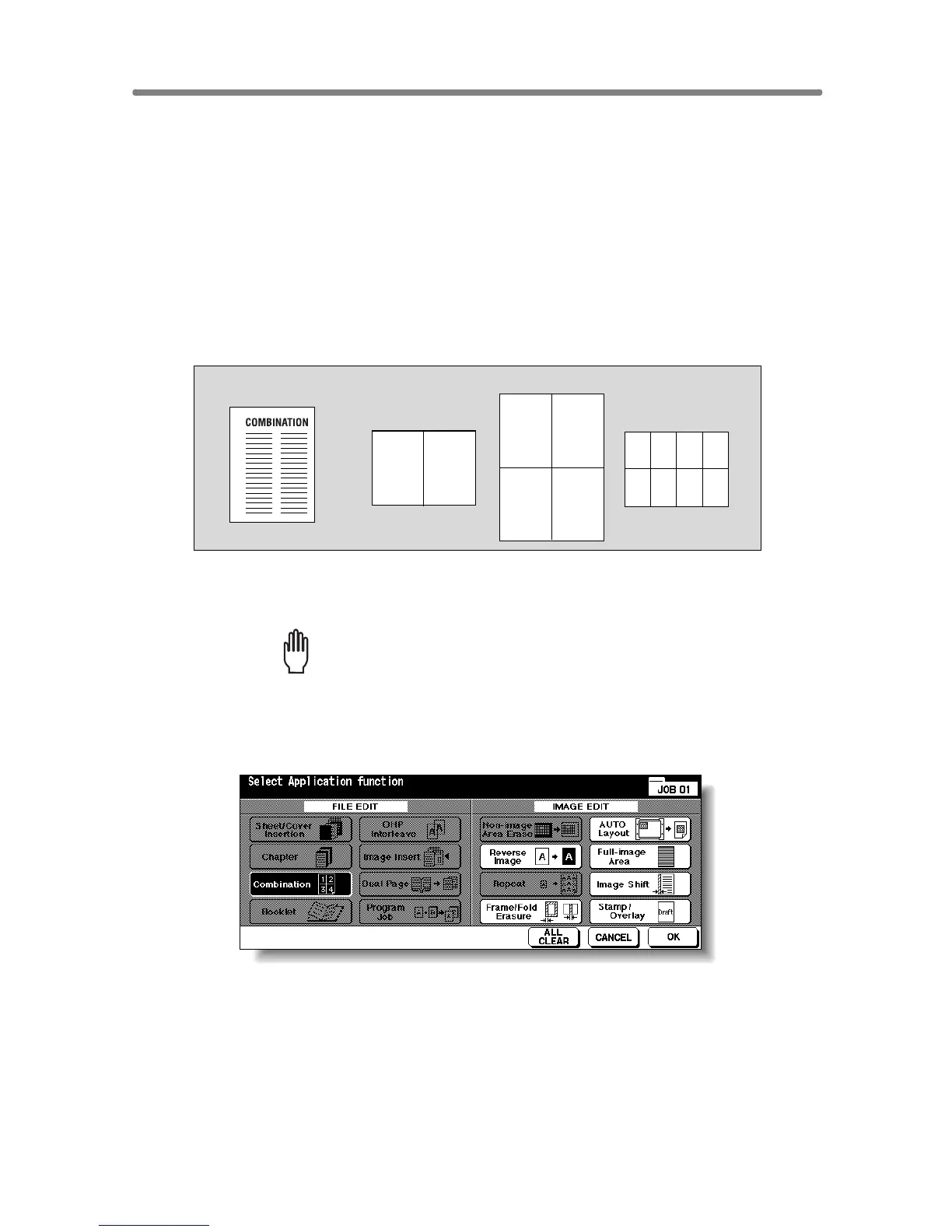
Use this function to lay out and copy a fixed number (2, 4, or 8) of pages
onto one sheet of copy paper (2 in 1, 4 in 1, or 8 in 1).
>>>Specifications for Combination<<<
❒ Use RADF.
❒ AMS is automatically selected. (Normally the fixed size of Tray 1 will be
selected.)
❒ Incompatible Conditions: APS, Group, Rotation Sort, Rotation Group, Mixed
Original, Sheet/Cover Insertion, Chapter, Booklet, OHP Interleave, Image
Insert, Dual page, Program Job, Non-Image Area Erase, Repeat, Storing
image in Overlay Memory
1. Touch APPLICATION on the Basic Screen.
Please Be Reminded!
When starting a new copying job, be sure to close the RADF securely,
then press [AUTO RESET].
2. Touch Combination on the Application Selection Screen.
The Combination Mode Selection Screen will be displayed.
12
12
34
1
5
2
6
3
7
4
8
Original
2 in 1 copying
4 in 1 copying
8 in 1 copying










 To Next Page