3-33
Copying Using Memory
This section describes various copying features available on this machine
using built-in memory.
To Scan Originals into Memory (Store Mode)
Store mode allows you to scan all the originals first, then to start continuous
printing job.
Use RADF store mode for scanning large amount of originals.
Use Platen store mode for originals that cannot be fed through the
document feeder due to thickness, size or condition.
FOR DETAILS
RADF tray capacity is 100; however, more than 100 originals can be
scanned into memory using RADF store mode.
>>>Specification for Store Mode<<<
❒ Incompatible with RADF store mode: Image Insert, Dual Page, Storing
image in Overlay Memory
❒ Incompatible with Platen store mode: Storing image in Overlay Memory
1. Make copying selections, as desired.
Please Be Reminded!
When starting a new copying job, be sure to close the RADF securely,
then press [AUTO RESET].
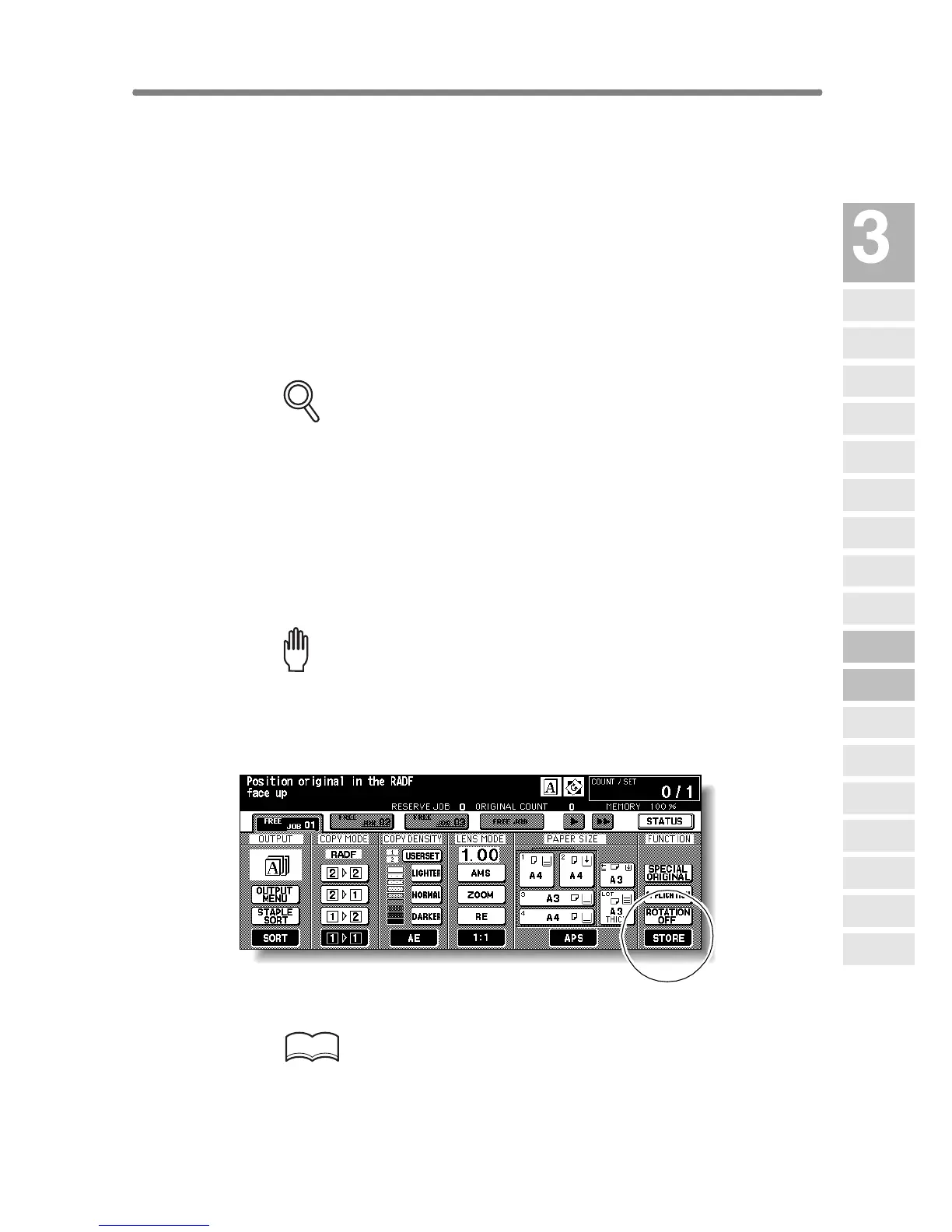
2. Touch STORE on the Basic Screen to highlight it.
3. Enter the desired print quantity from the control panel keypad.
HINT
See p. 3-6 for details on setting print quantity.
Copying
Operations
Positioning
Originals
Setting Print
Quantity
Set Job During
Warmup
Stop
Scan/Print
Paper Size
Lens Mode
Density
1-1, 2-2
2-1
Multi-Sheet
Bypass Tray
Using
Memory
Output without
Finisher
Finisher
Output Mode
Binding
Mode
Shift Tray
Output Mode
Recalling
Previous Job
Check Mode
& Proof Copy
Interrupt
Mode










 To Next Page