Loading Paper (continued)
2-29
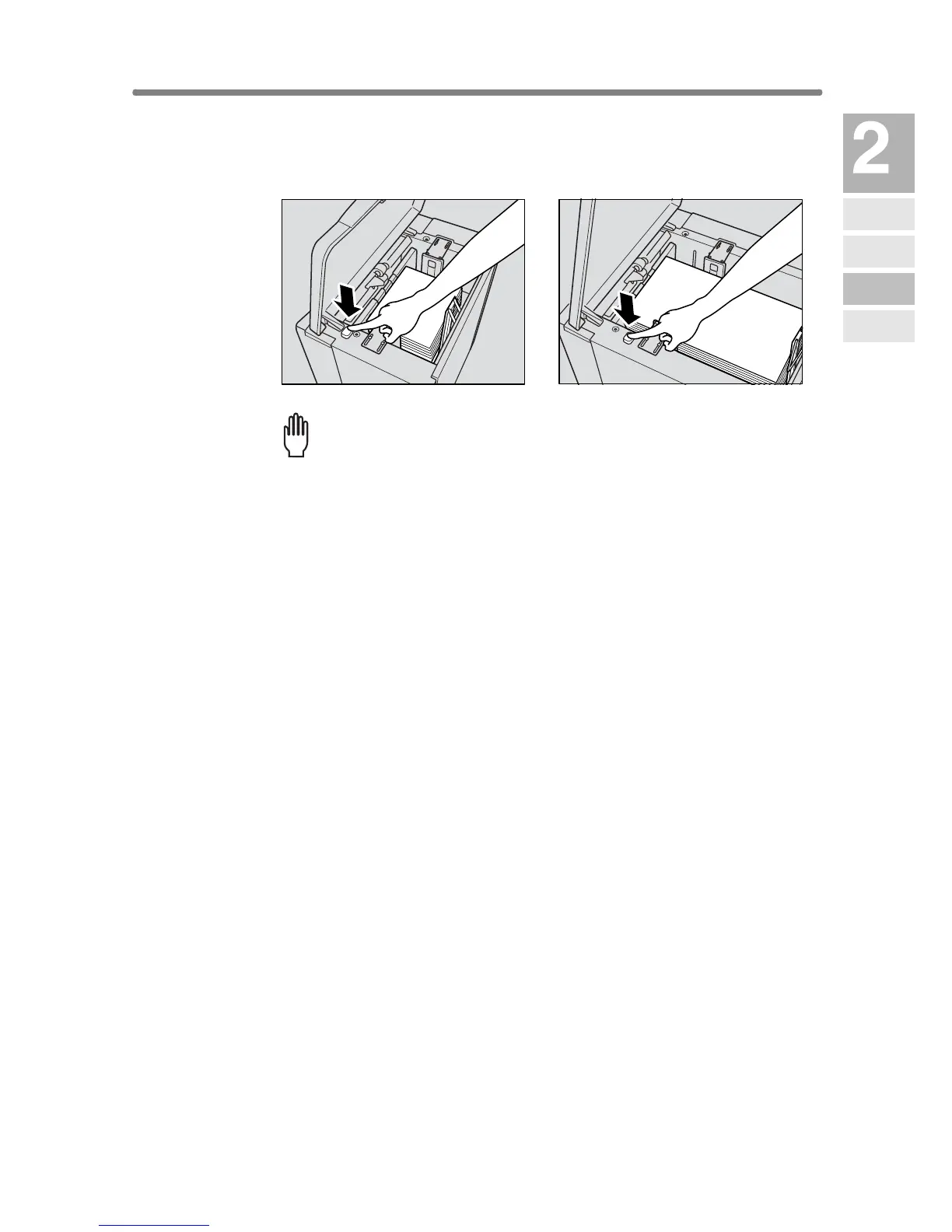
4. Repeat the steps 2 and 3 until the bottom plate will not go down
any more.
Please Be Reminded!
• Do not load above the red line on the side guide plates.
• Be sure that the rear stopper is correctly positioned according to the
paper size to be loaded; otherwise machine trouble may occur.
5. Close the LCT top door.
LT-402
LT-412
Machine
Information
Machine
Configuration
Turn On/Off
the Power
Loading
Paper
Changing
Paper Size










 To Next Page