Making Folded Booklet (Fold / Stitch&Fold) (continued)
7-10
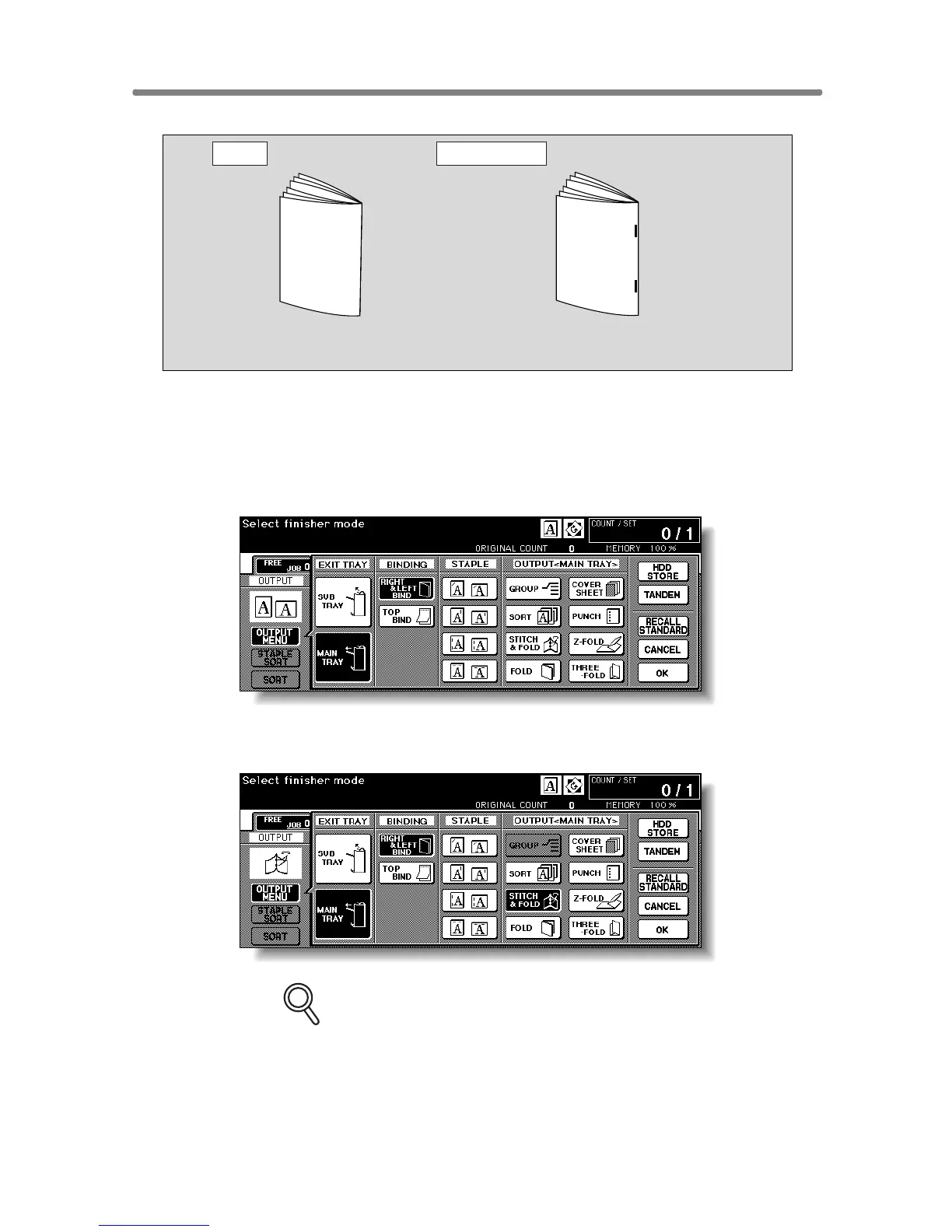
1. Touch OUTPUT MENU on the Basic Screen
The Output Mode popup menu will be displayed.
2. Touch MAIN TRAY, if not highlighted.
3. Touch STITCH & FOLD or FOLD, as desired.
FOR DETAILS
Selecting FOLD or STITCH & FOLD will automatically switch the output
tray to Booklet tray. Notice that the arrow pointing from the MAIN TRAY
shifts to the Booklet tray.
3 sheets max.
20 sheets max.
19 sheets max. when using thick cover paper
Fold
Stitch & Fold










 To Next Page