Making a Multiple Page Signature Booklet (Booklet) (continued)
9-16
FOR DETAILS: Selecting Fold / Stitch&Fold Mode
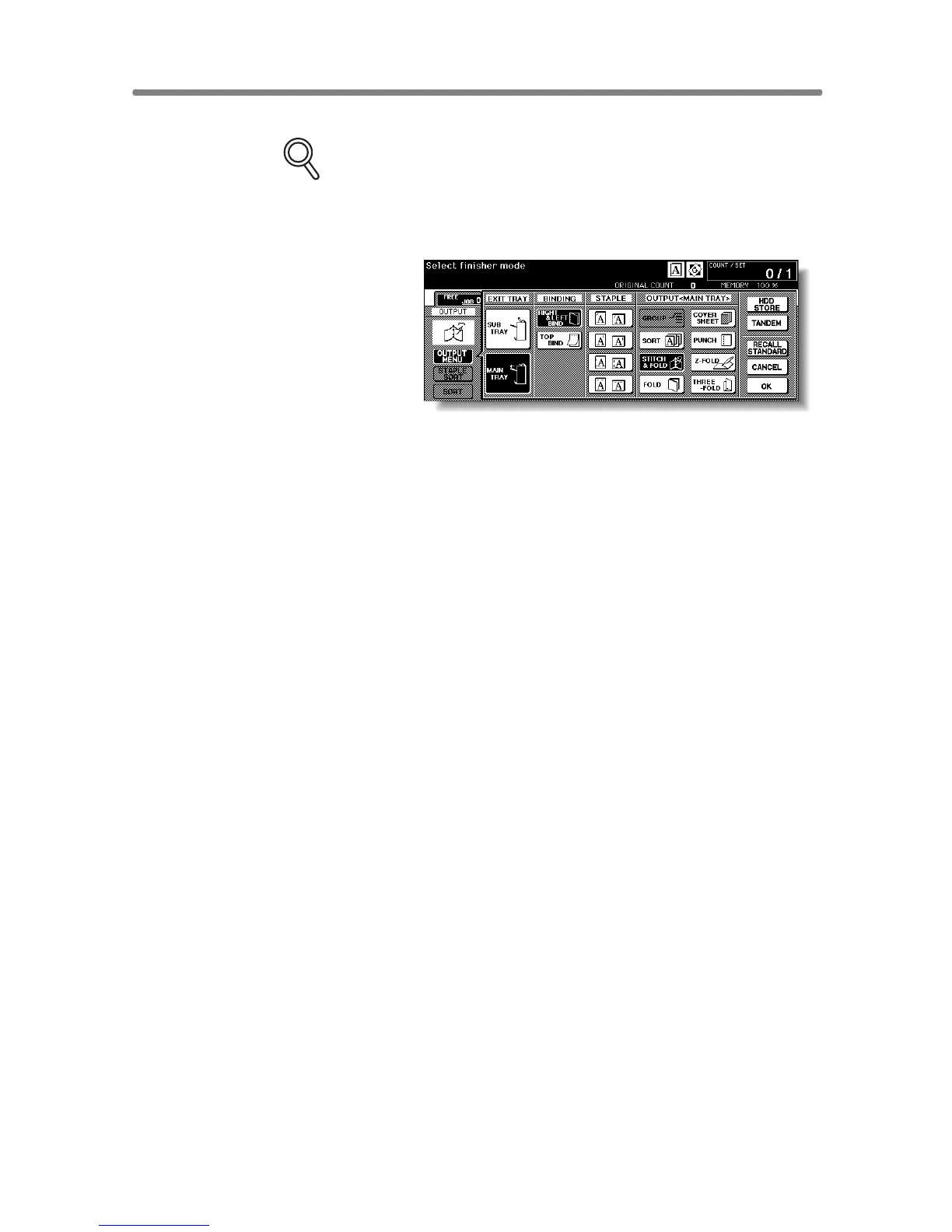
1 Touch OUTPUT MENU on the Basic Screen to display the Output
Mode popup menu, then touch MAIN TRAY to highlight it.
2 Touch Stitch&Fold or FOLD, as desired.
NOTE:
Selecting FOLD or Stitch&Fold will automatically switch the output
tray to Booklet tray. Notice that the arrow shown beside the Main tray
shifts to the Booklet tray.
3 Touch OK on the Output Mode popup menu. The Basic Screen will
be restored with the OUTPUT MENU highlighted.










 To Next Page